 John Jackson
You can personalize the page by adding the external/participant team's name, logo and color scheme.
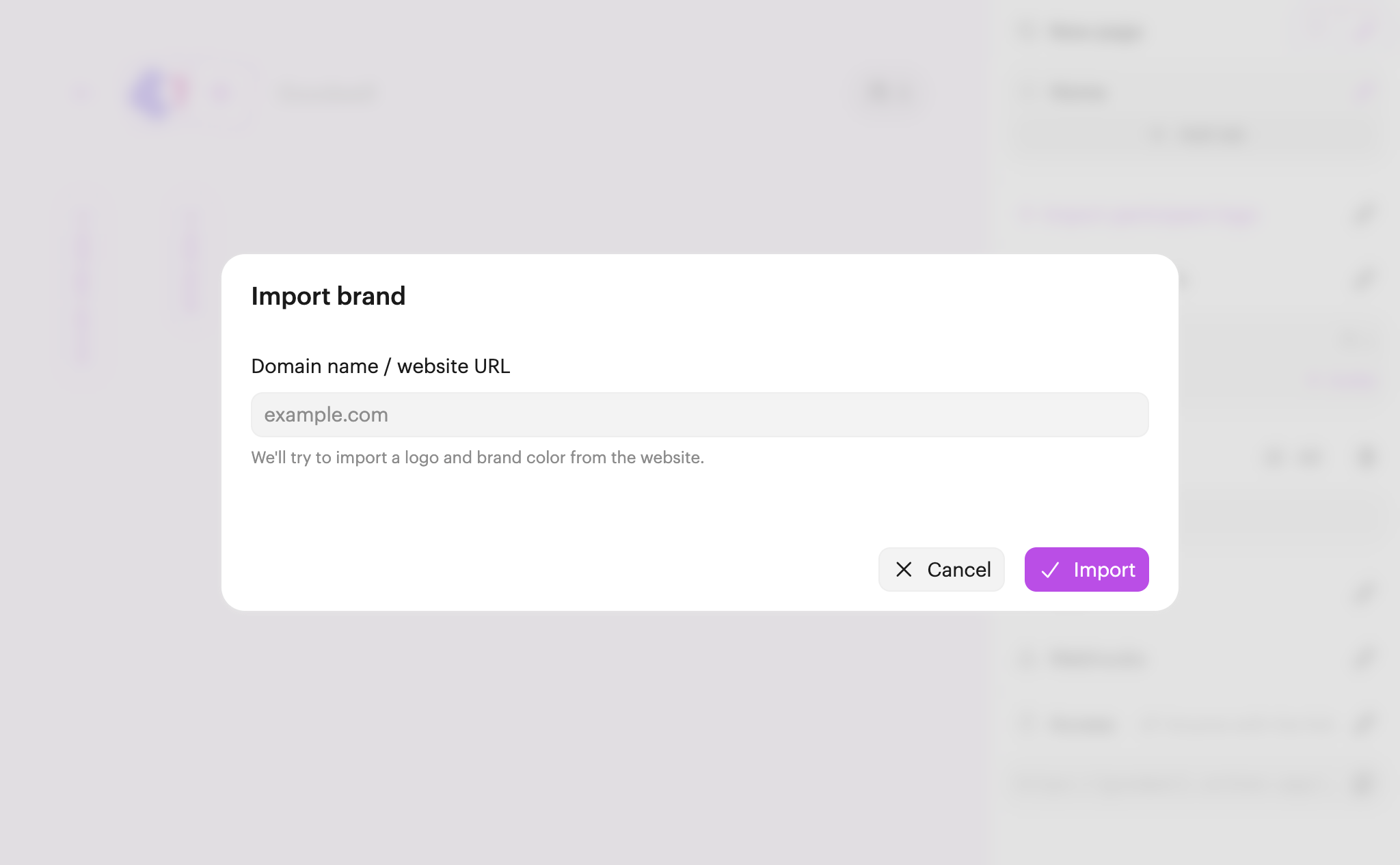
To import a brand, all you need is your participant's website domain. Click + Import participant logo on the editor menu, type the domain, and click Import.
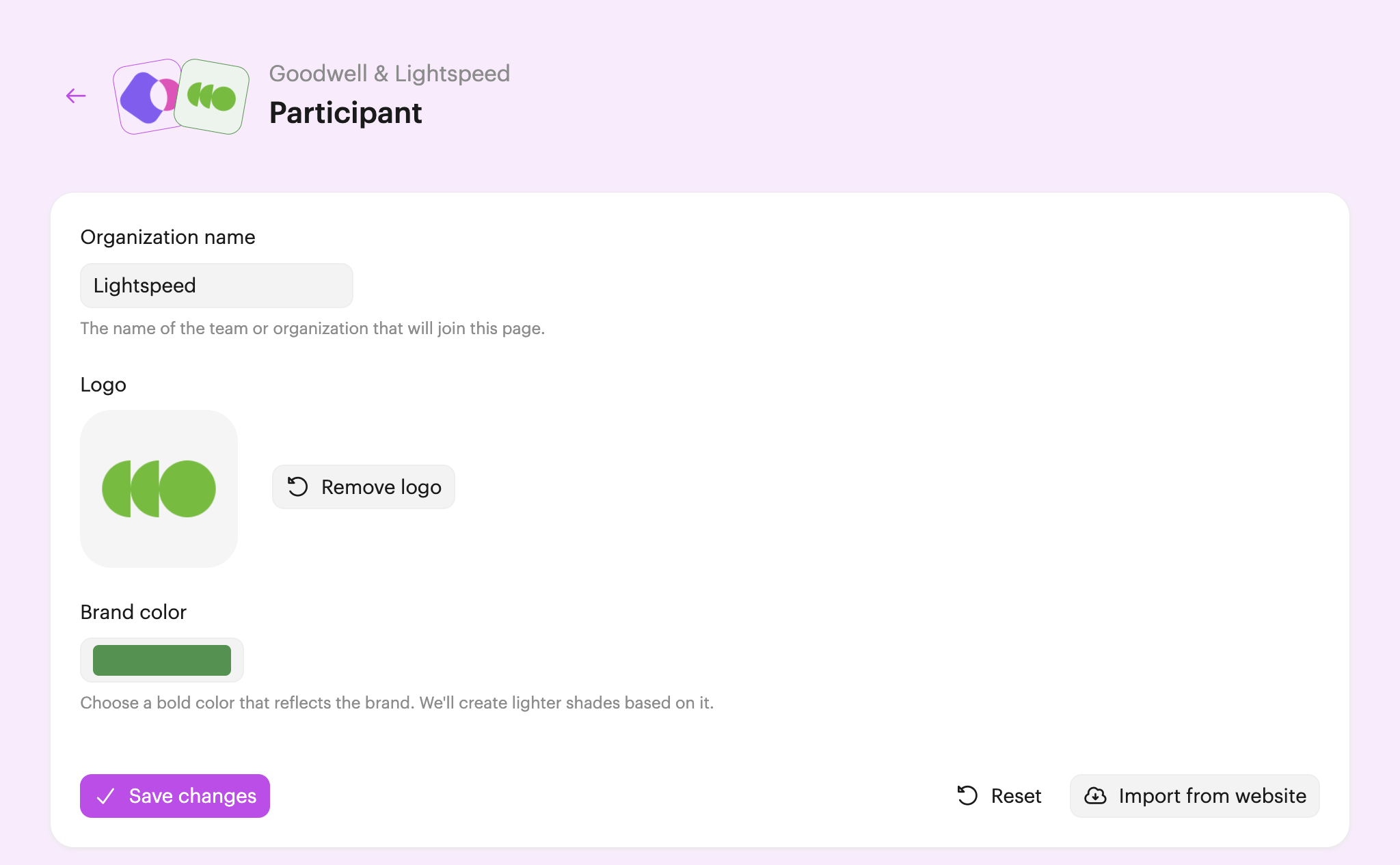
After a few moments, you'll see the name, logo, and brand color we've found. At this stage, you can make any manual changes you need. Otherwise, click Save changes to finish.
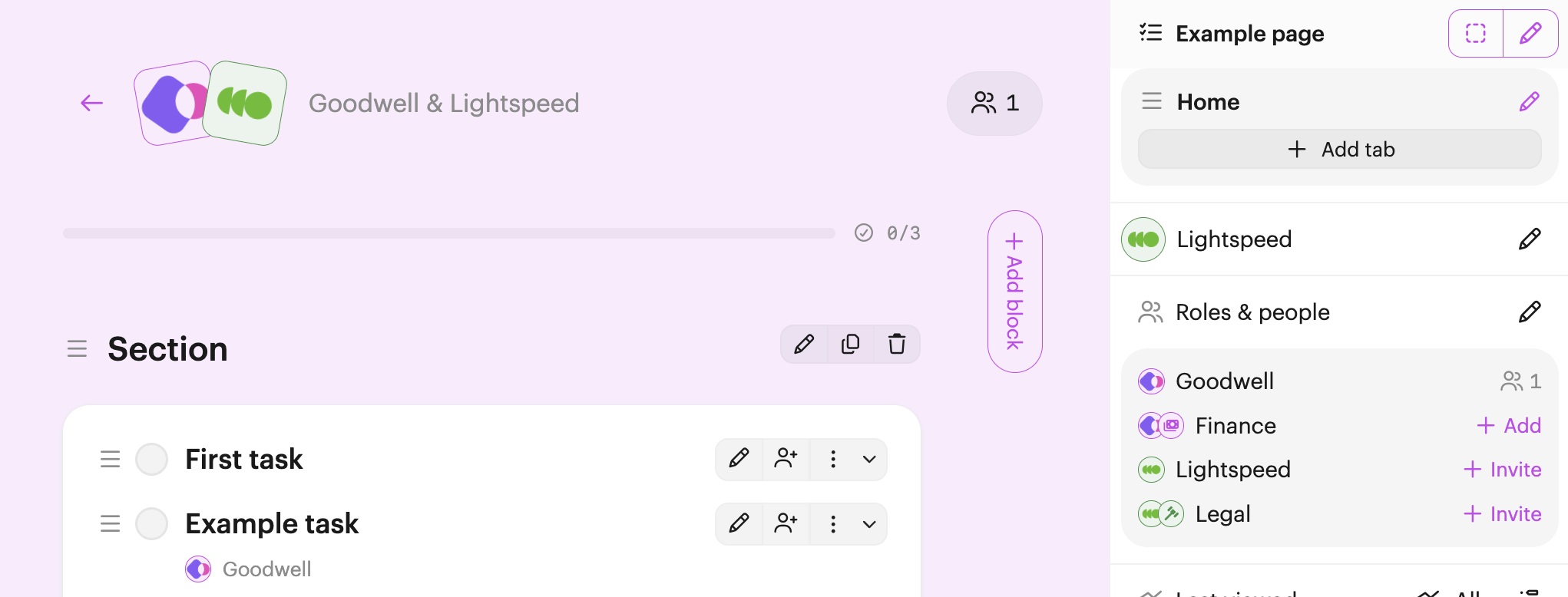
You'll now see the brand applied to the page:

 Your branding
 Syncs with HubSpot
 Chases up for you