 John Jackson
Analytics counts views of blocks by the number of times a block is expanded. But most block types can still be used without expanding.
For example, a YouTube block can be played within the page without expanding it.
If you prefer, you can force a block to be expanded when it's clicked on. In the YouTube example, this means the block would expand instead of playing the video. From the expanded block, the video can then be watched. One advantage is that the block view can then be tracked more reliably in analytics.
To enable this option, click Edit (pencil icon) on the right-hand side of the block to access the block's settings. Then switch on Expand on click. Finally, Save changes.
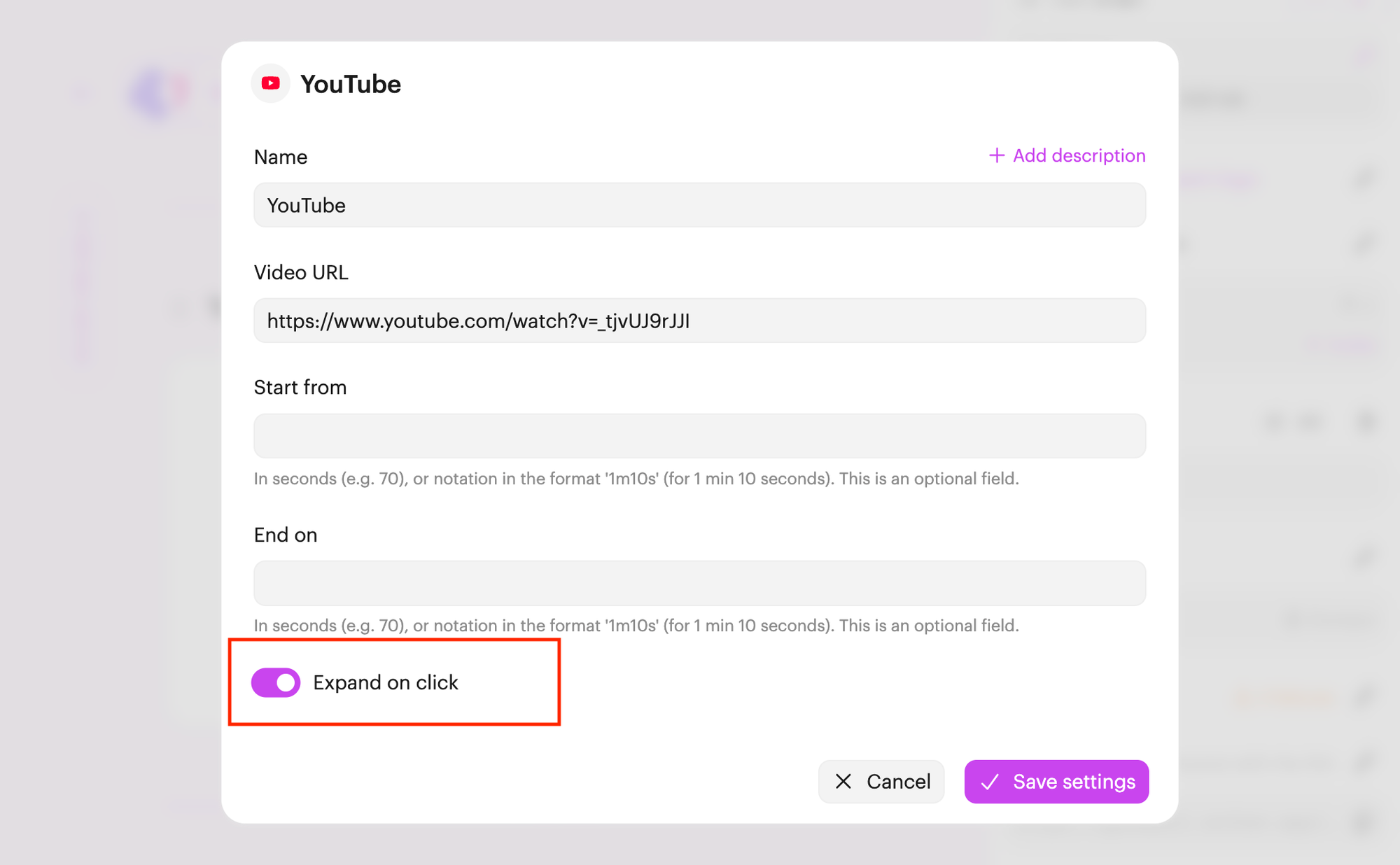
Note: This option is available on most (but not all) block types.

 Your branding
 Syncs with HubSpot
 Chases up for you