 John Jackson
When you create a new page, the default access setting is for it to be open (set to Anyone with the link). Anyone with the page's unique link can join it and contribute. This makes sense so that your participants can share the link and bring other relevant people into the page.
However, there are times when you may need to lock the page down more.
To make changes to how your page can be accessed, look for the Access section on the editor menu on the right-hand side of the page, and then click Edit (pencil icon).
Tip: Pages are most useful when they're left open, as the ability to freely share them allows you to uncover previously unknown stakeholders and collect useful analytics.
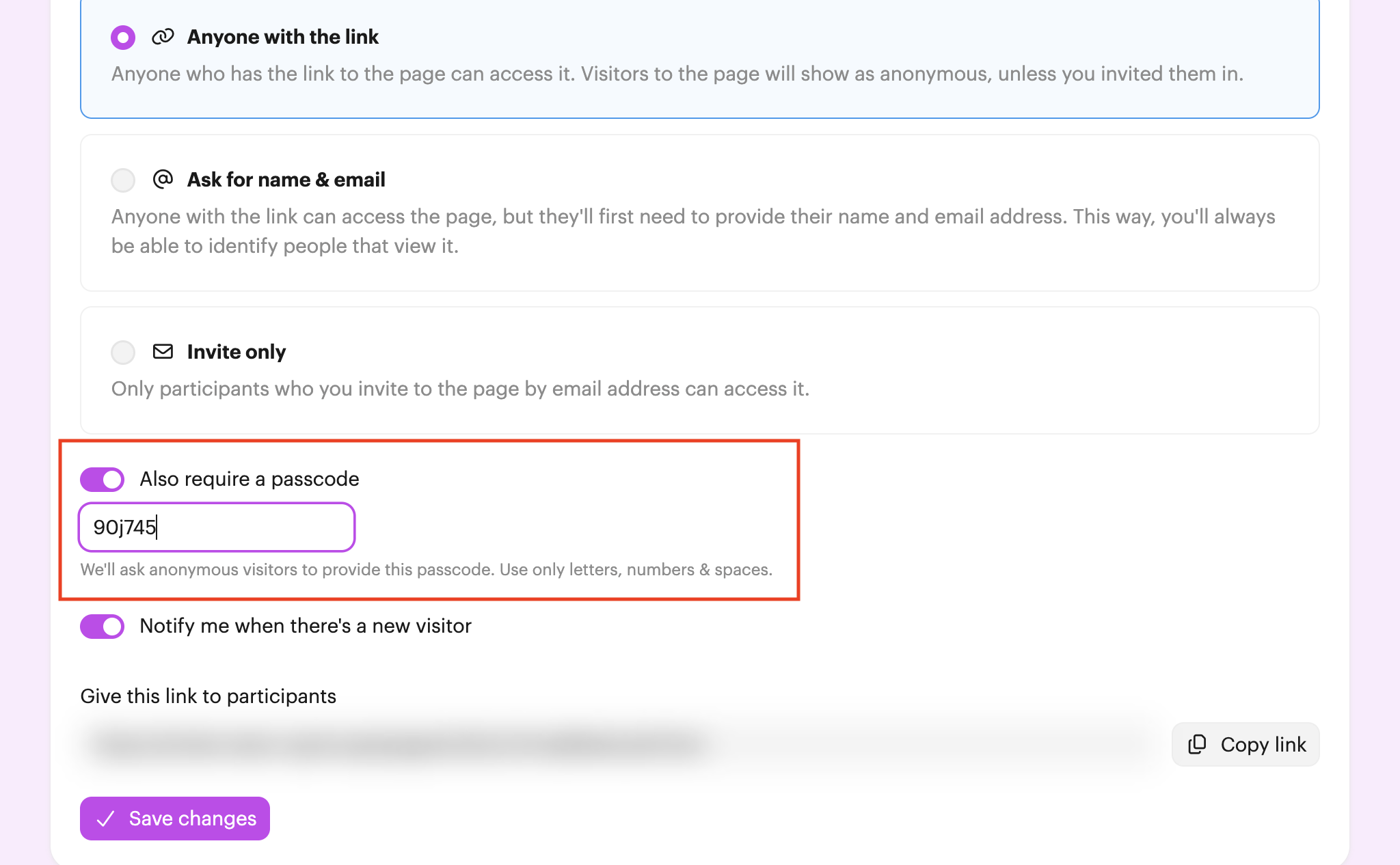
Require a passcode
You can add an extra layer of privacy by requiring a passcode. This means that even if someone comes across the page link, they can't access the page until they provide the passcode too.
Ask for name & email
If you'd still like to keep the page open but you want more visibility into who is joining, choose Ask for name & email.
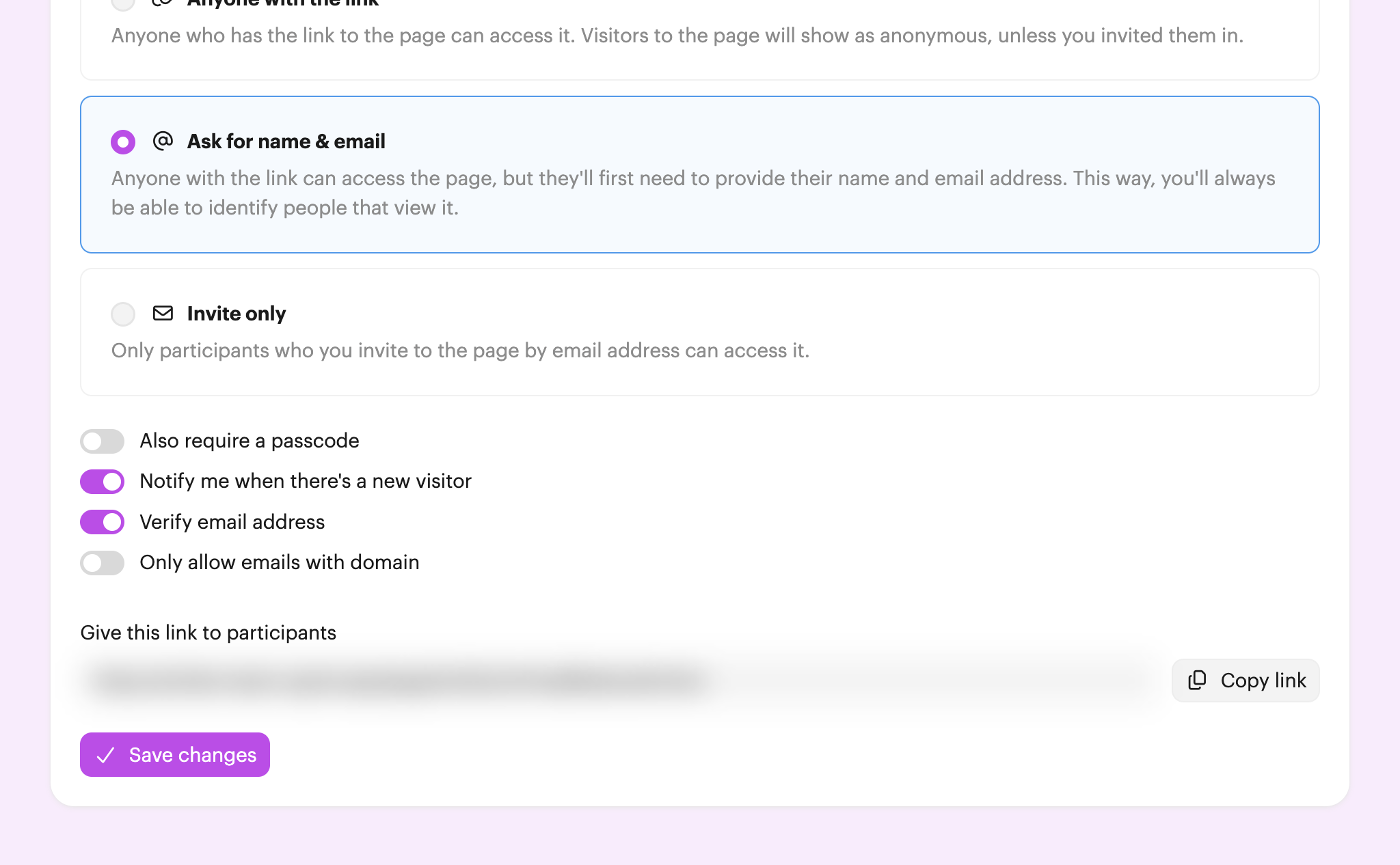
You can also control how we verify the email address given by a visitor. If Verify email address is off, we won't do any check (other than to make sure it looks like an email address). If it's on, we'll send a 6-digit code to the email address to verify it.
You can also restrict the email domain we'll accept, which is useful for checking that visitors are in your participant's team. Switch Only allow emails with domain on and provide the domain you want to allow.
Invite only
The strictest access setting is Invite only. You'll need to invite participants into the page and only invited participants will be able to access.

 Your branding
 Syncs with HubSpot
 Chases up for you