 John Jackson
Roles allow you to communicate responsibilities in yours and your participant's teams, and to assign tasks to the correct people.
To manage the roles on the page, click the People button at the top right corner of the page. Or find Roles & people in the editor menu and click Edit (pencil icon).
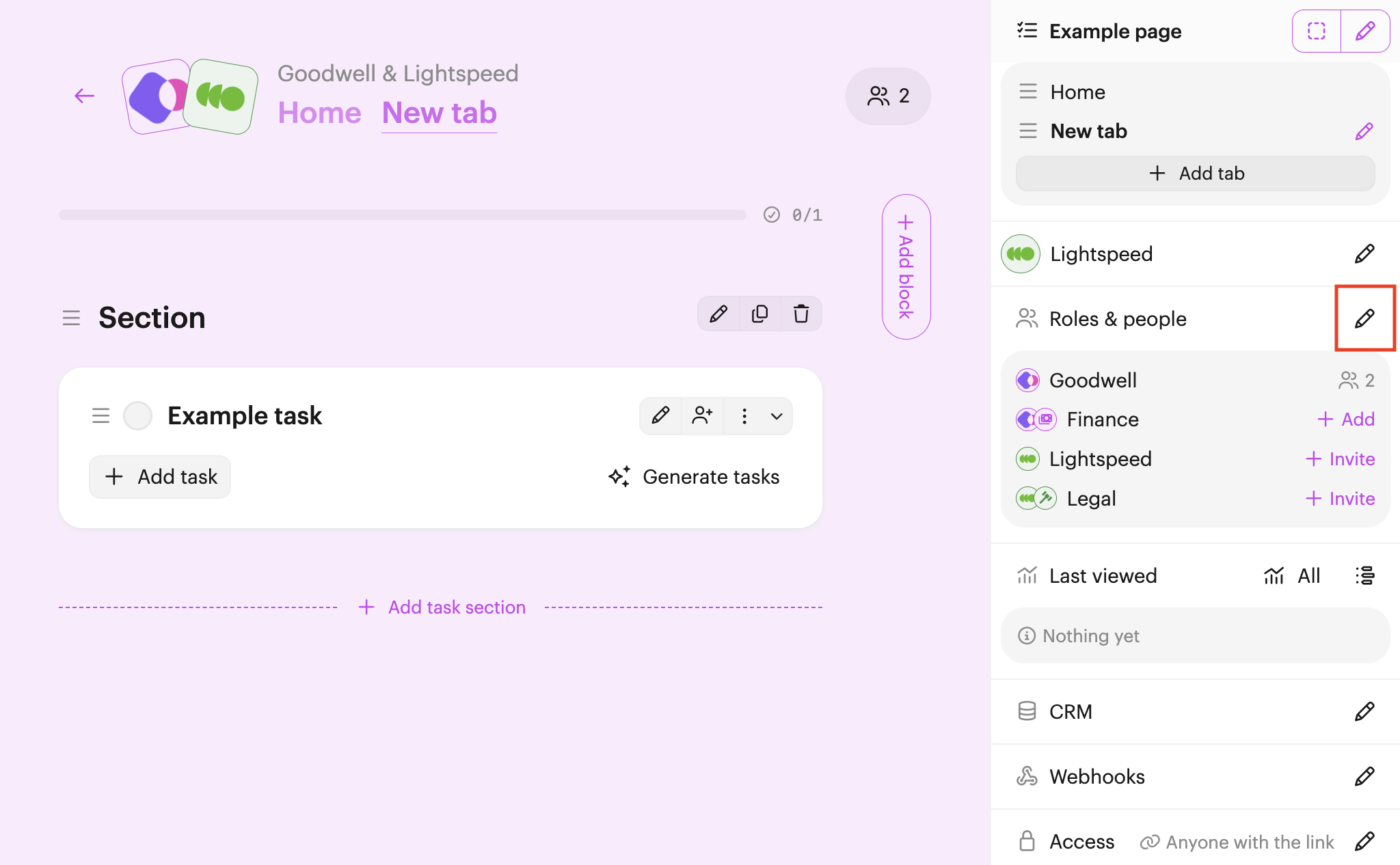
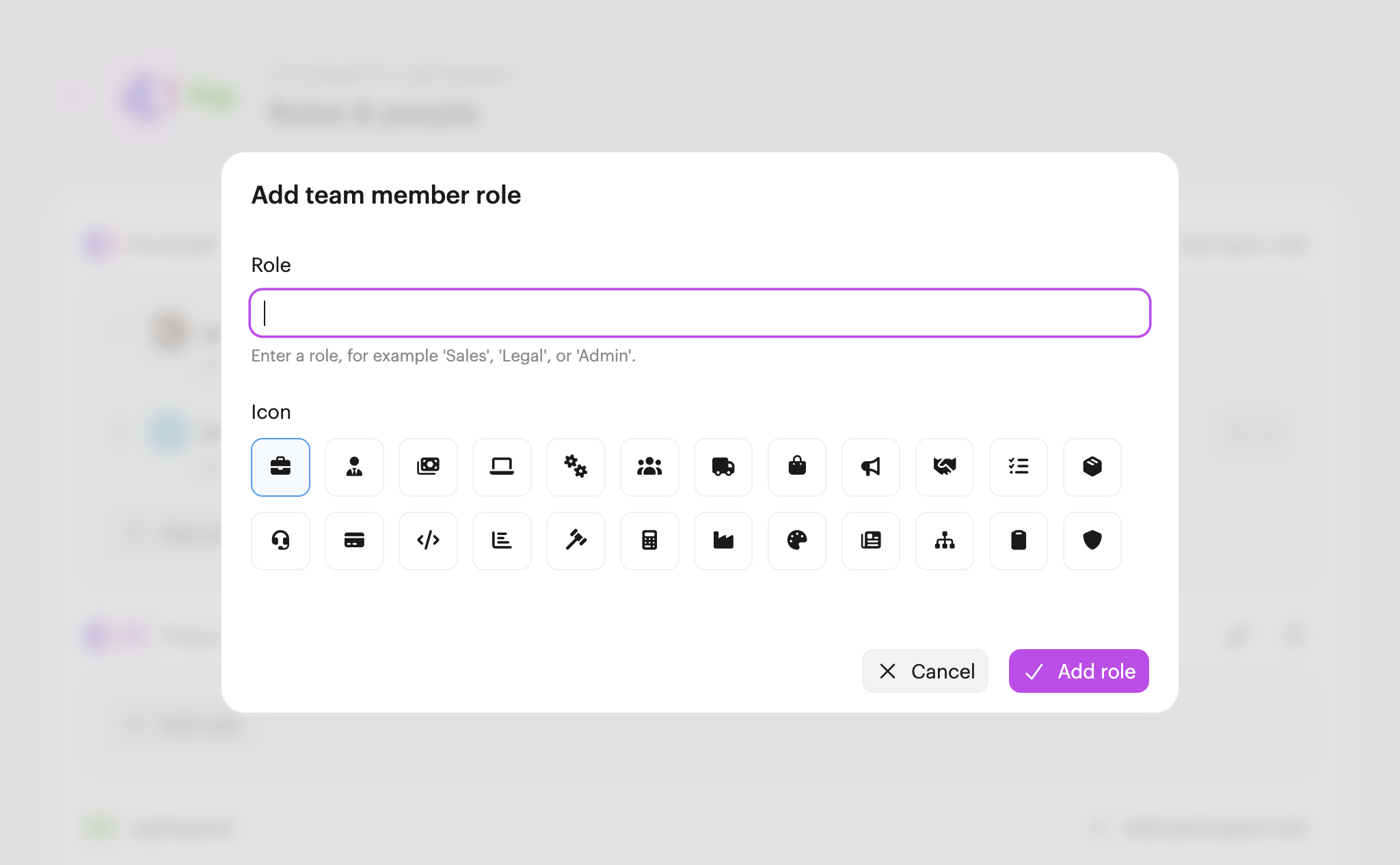
Click either + Add team role or + Add participant role on the right-hand side. Next, type the name for the role (for example, Sales, Finance, or Implementation Team) and choose an icon that fits the role best.
Now the role has been added, you can either drag & drop existing team members or participants into it, or add a new user or participant directly. You can also drag/drop users or participants between roles when needed.
Now that you've added a new role, learn how to assign a task to a role.

 Your branding
 Syncs with HubSpot
 Chases up for you