 John Jackson
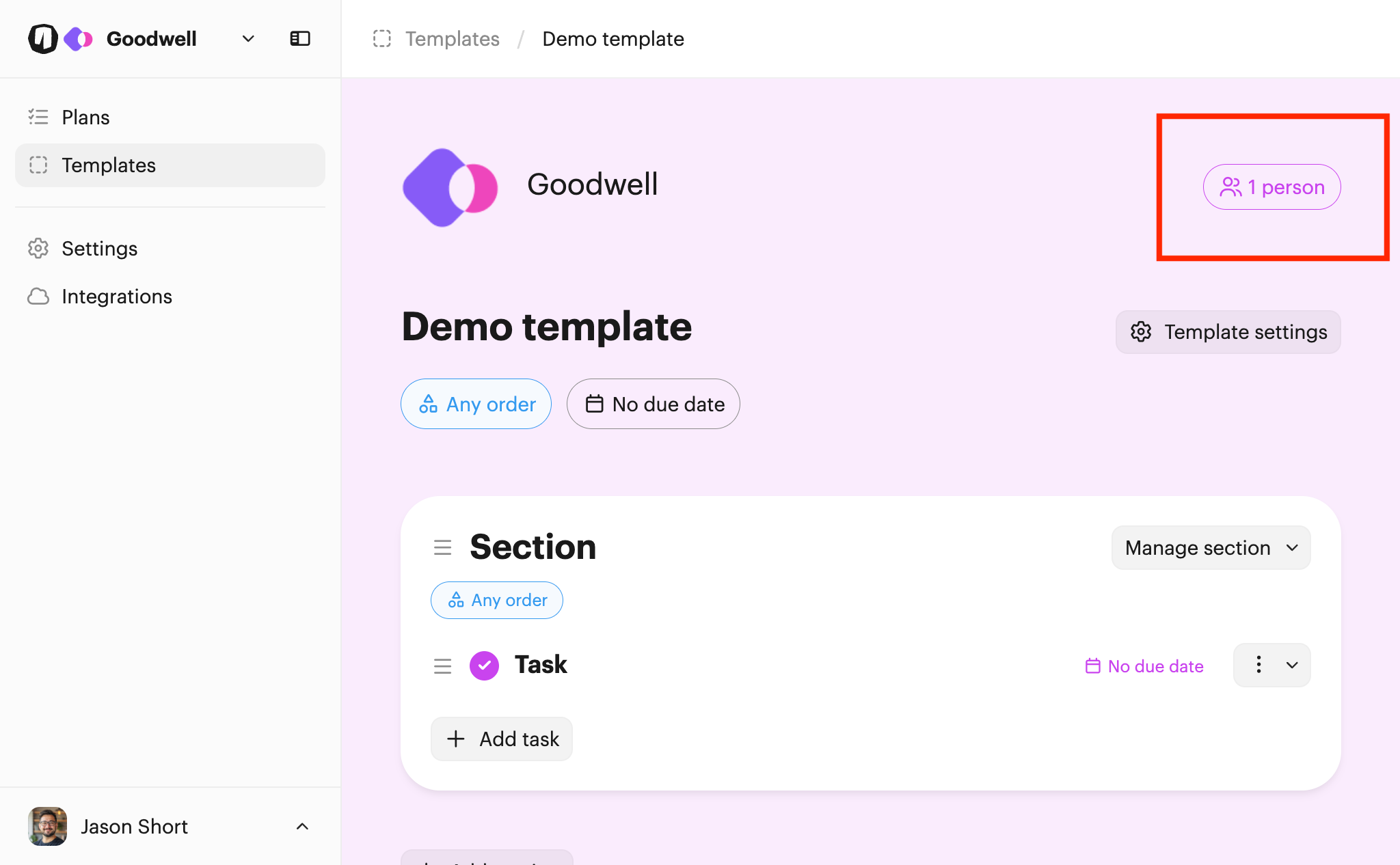
First open the template you want to add a user to. Then click the Person button at the top right of the page:
This opens up the page where you can manage the users assigned to the template:
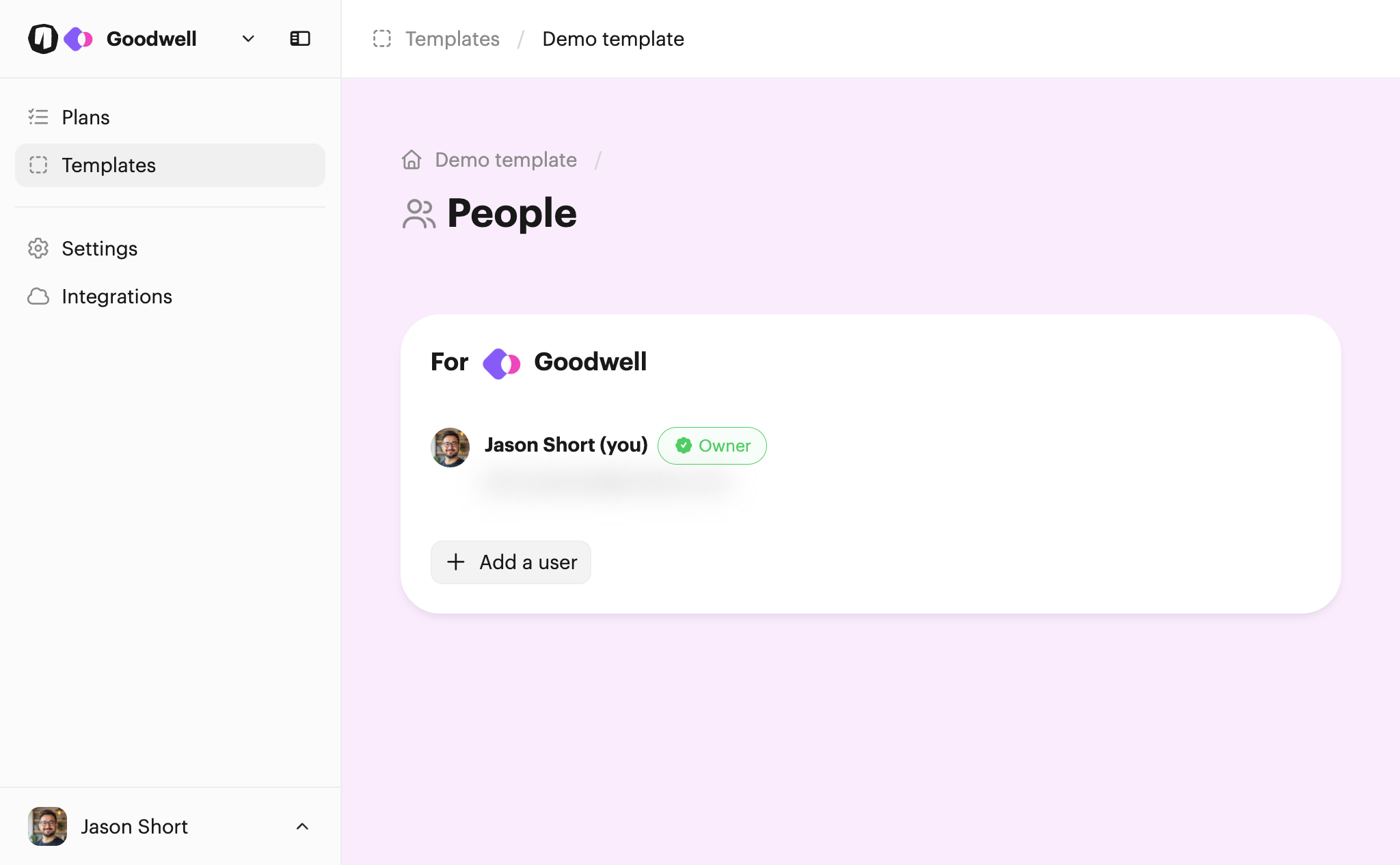
From there, click Add a user to choose another user to add to the template.
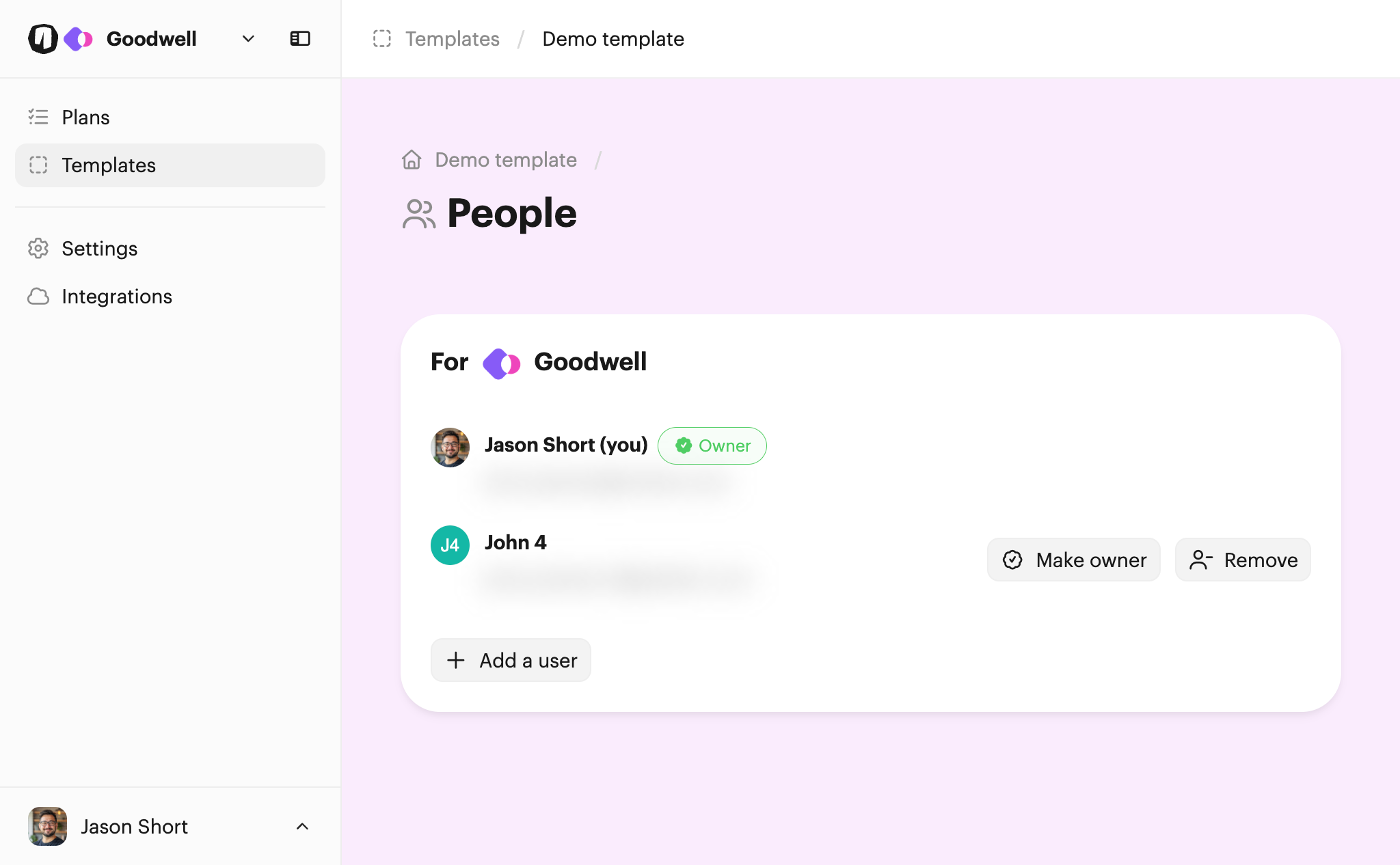
Once you've added a new user, you can make them the owner using the Make owner button. You can also remove them if needed by clicking Remove.
You can also learn about how users are assigned to plans.
Selecting a role for a user
If you've assigned tasks to team roles, you'll be able to select a role for a user when adding them.
Note: You may only add roles to template members, not the template owner.
This is useful if the same team members hold the same role on every plan. By adding users with roles on templates, your tasks will be assigned based on these roles as soon as a plan is sent.
If there are roles that are still unassigned after a plan is created, you can then add more users on the plan itself to fill these roles. If role assignment will be different each time, you may prefer not to add any users with roles on the template and do this manually for each plan instead.

 Your branding
 Syncs with HubSpot
 Chases up for you