 John Jackson
When you add a task section to a page, unless you change the default setting, only the page owner can add or manage tasks. But you can allow anyone to create/manage tasks within a section if you prefer.
Use this when you need a more collaborative task section.
On the section you want this to apply, click Edit (pencil icon). Then toggle Anyone can add and manage their own tasks. Click Save changes to apply the change.
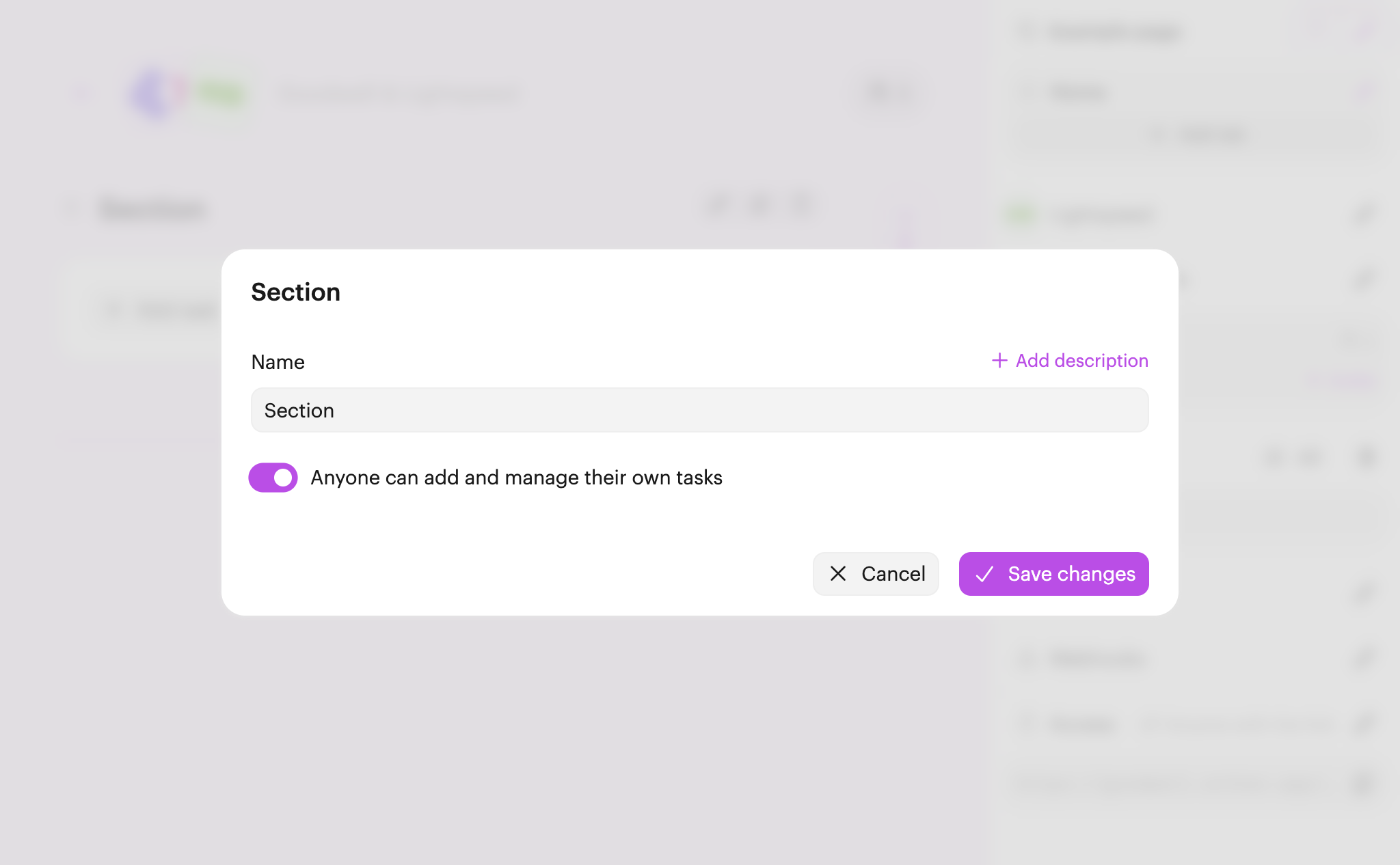
Once enabled:
- Any team user or participant added to the page can create new tasks.
- They can also freely reorder tasks within the section.
- Tasks can be edited or reassigned by their creator (as well as the page owner). This includes duplicating and deleting tasks.

 Your branding
 Syncs with HubSpot
 Chases up for you