Setting template or task due dates

by
John Jackson



You can set due dates at both the template level, and for individual tasks.
You can change the template-level due date by opening a template, and clicking Template settings on the main template page. Toggle Set a due date on, like this:

When you enable a template due date, plans will be created with a due date in the future calculated based on the setting here.
So for example, you can choose to have plans with a due date 2 weeks in the future, or 3 months, etc.
Remember to click Save changes when you're done.
To change the due date for individual tasks, find the task you want to set a due date for, click the menu button (three dots) to the right of it, and then click Task settings.
Toggle Set a due date on, like this:
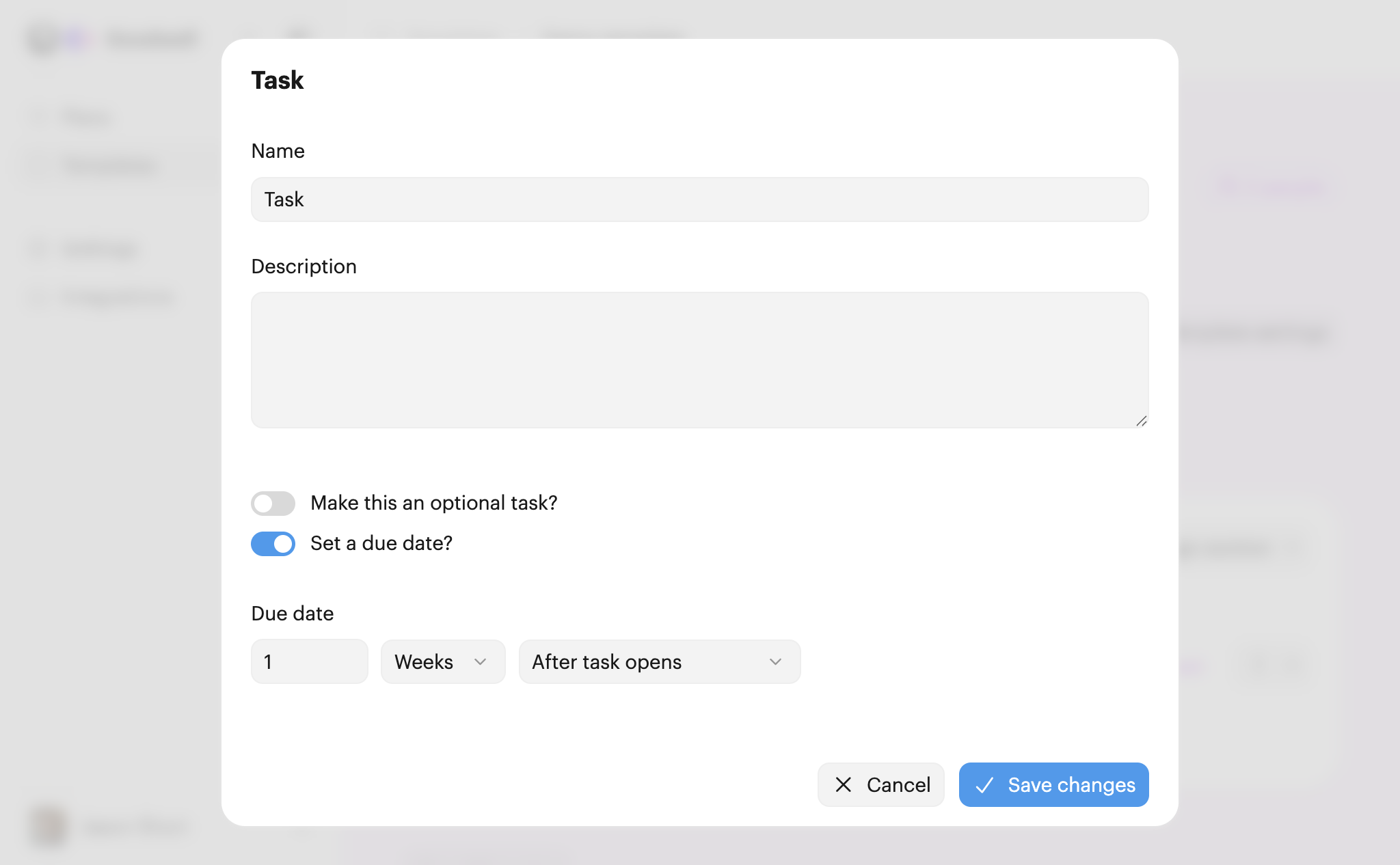
You'll choose a relative due date, but this time you can select which date to use as a starting point, i.e. how/when the due date should be calculated.
The choices are:
Note: To understand how tasks and sections become 'open', it's worth reading our guide to any vs. sequential order.
Click Save changes when you're done.
Some combinations of template and task due dates are incompatible. For example, a template set to be due 2 weeks in the future combined with a task set to be due 3 weeks before the template due date.
If we notice a problem with due dates, we'll show a warning on the due date that shows against the task (it shows up with a red error indicator).
Note: The template will still work and we'll try and create due dates as near as possible to those defined, but results will be unpredicatable until you fix the inconsistencies.