Making tasks optional

by
John Jackson



To make a task optional, find the task you want to make optional, click the manage button (three dots) to the right of it, and then click Task settings.
Toggle Make this an optional task, like this:
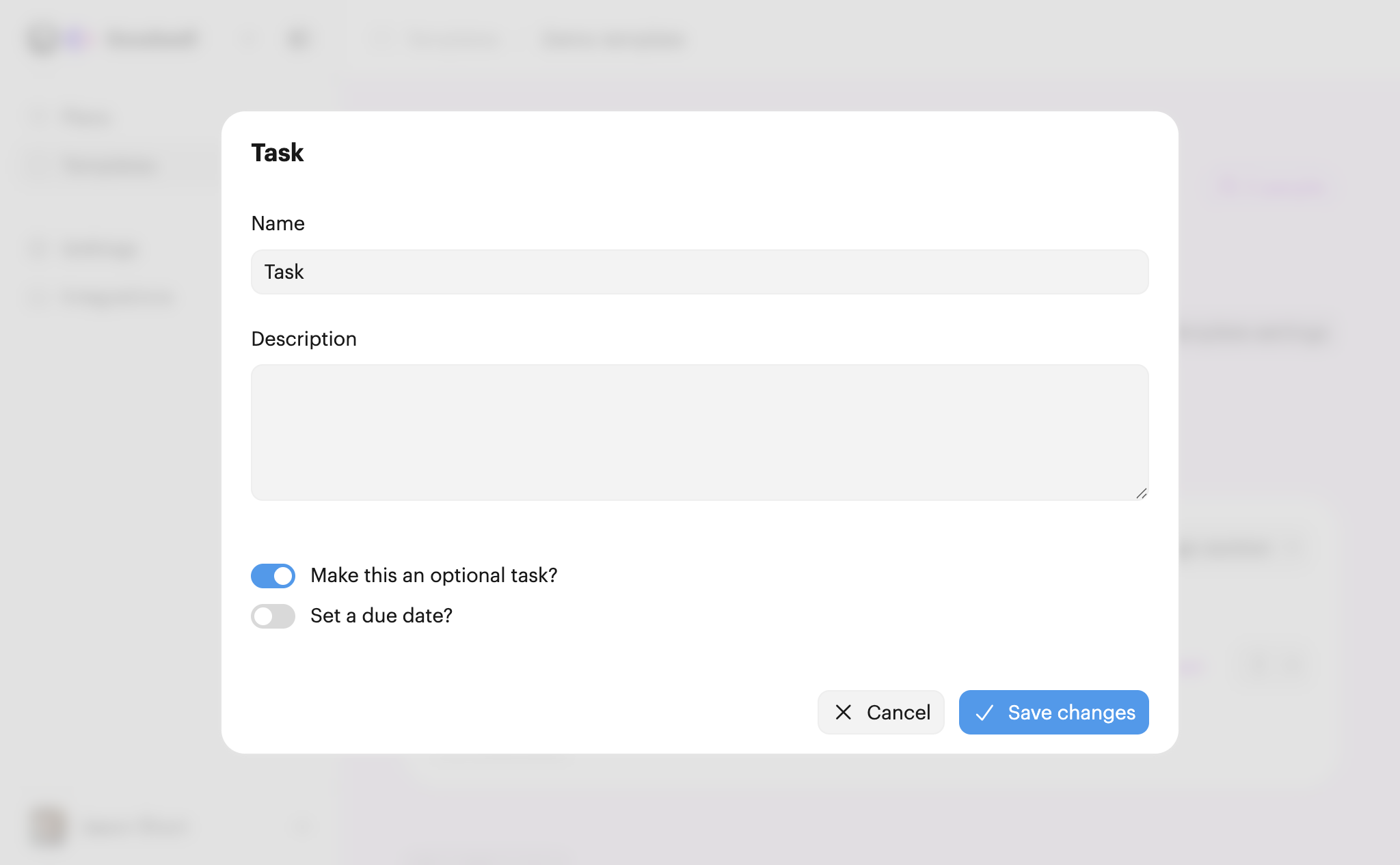
Click Save changes when you're done.
A task that's optional will have a Skip task button:
