Adding users to templates

by
John Jackson



First open the template you want to add a user to. Then click the Person button at the top right of the page:
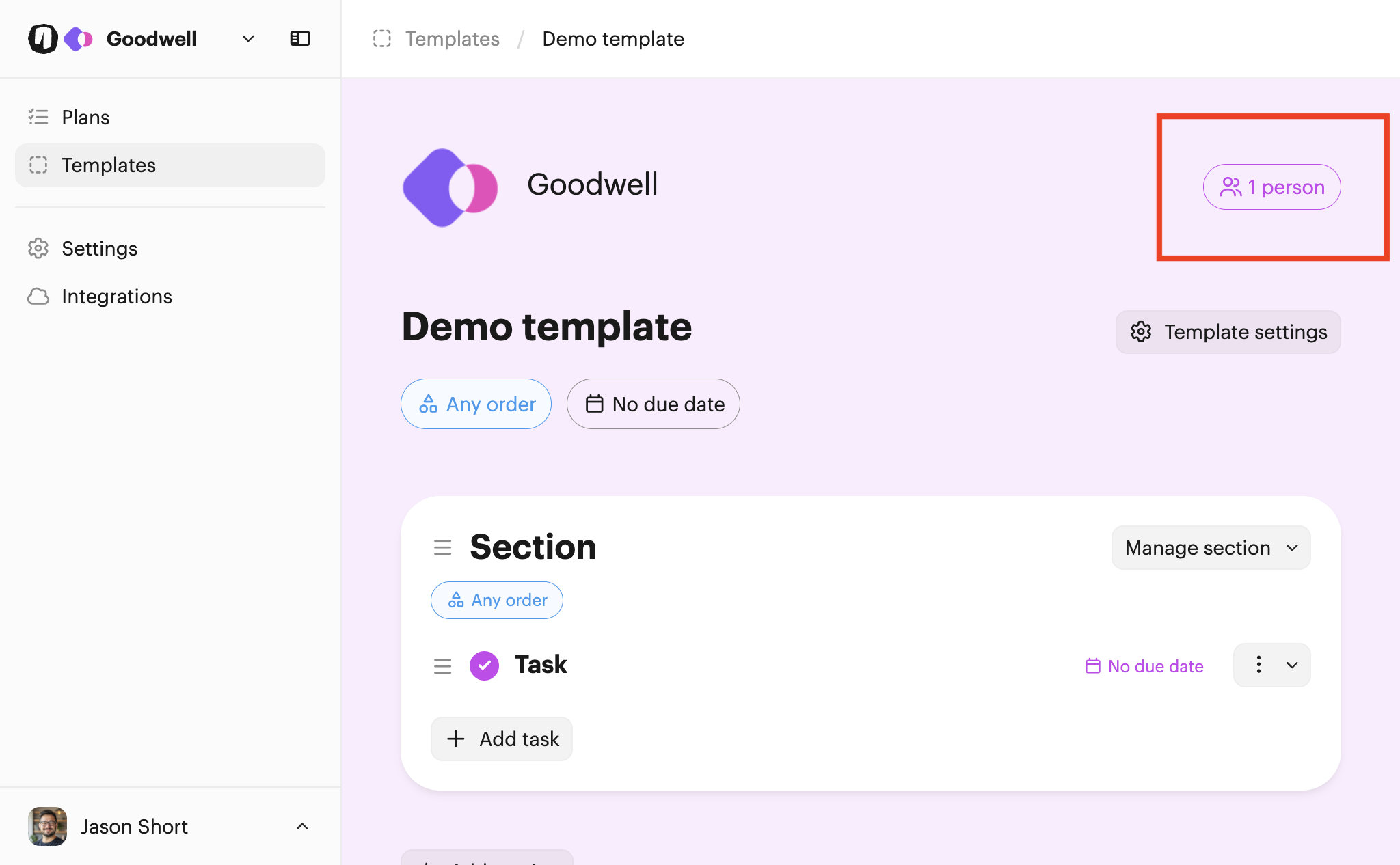
This opens up the page where you can manage the users assigned to the template:
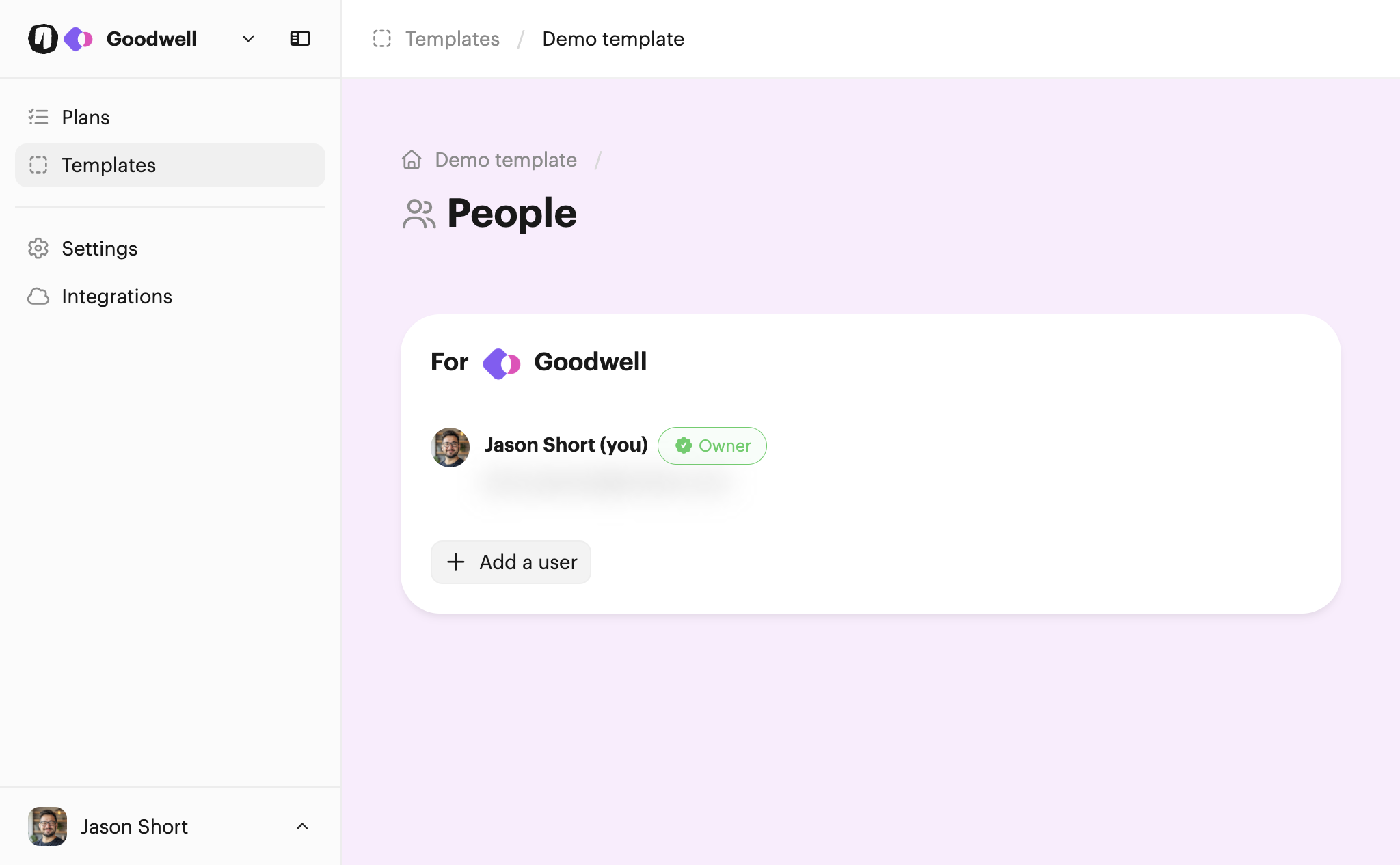
From there, click Add a user to choose another user to add to the template.
Once you've added a new user, you can make them the owner using the Make owner button. You can also remove them if needed by clicking Remove.

You can learn more about how users are assigned to plans.