
Simple task

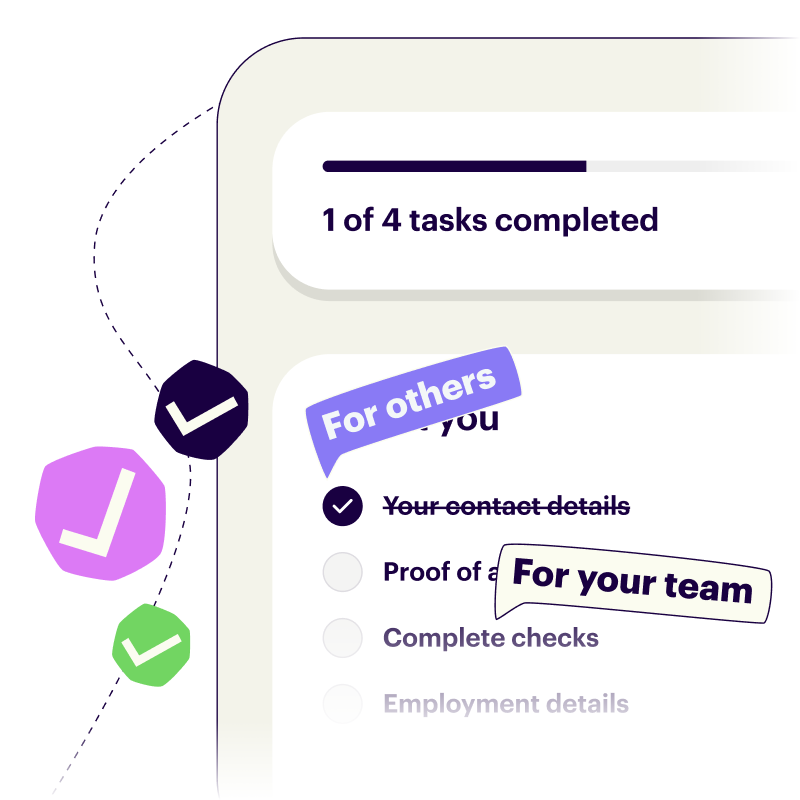
Onthen allows you to create onboarding 'plans' that you can send to customers, partners, prospects, or anyone else (we call them 'participants'). Each plan has a set of tasks that a participant...


Onthen allows you to create onboarding 'plans' that you can send to customers, partners, prospects, or anyone else (we call them 'participants'). Each plan has a set of tasks that a participant needs to complete.

The Simple task action is the simplest form of task that just requires the user to click a button to complete the task. Use it where you need to confirm that some action elsewhere has been taken, or to confirm that something is understood, etc.

Add the task action

In Onthen, open the template you want to add a simple task step into.

In the section you want to add the task, click Add task. Select Onthen / Simple task as the task type. Add a description, due date, etc. if you need. Click Add task to create the new task.

Tip: You'll need to add a good description to this task type as otherwise the participant won't know what they are expected to do.

That's it. There's nothing to configure for this task type so your plan is ready to test.

Using the task action

You can test the action by creating a new plan.

The quickest way to test this task action is to go to the list of plans after you've created the new plan, and click its name to open it as the user.

Once you're in the plan and click into the new task you'll see a page where you can read the description and complete the task:
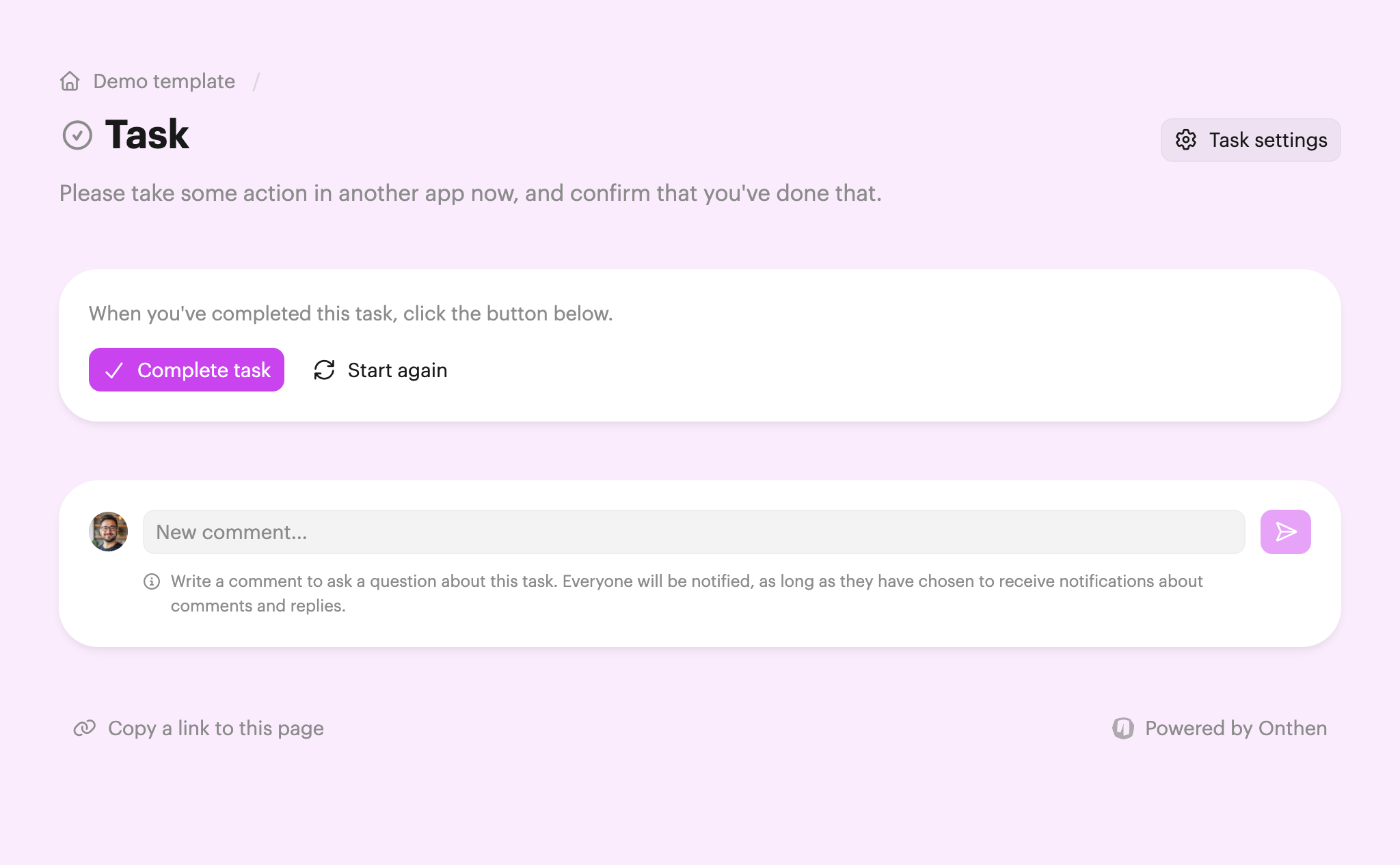
To complete the task, the participant just needs to click Complete task.

Both users and participants can click back into the task page after this to see the date/time that the task was complete (and by whom). Users can also see this information on the task summary page.


Checklists featuring Simple task

Our top onboarding templates that feature the simple task task.

Vendors and Suppliers

Manufacturing supplier onboarding

This checklist guides your manufacturing suppliers through your onboarding process, ensuring all technical quality, safety certifications, and supply chain standards are met.

Vendors and Suppliers

Operational integration & procurement

This checklist guides vendors through the process of integrating with your procurement systems and setting up operational workflows. Officially launch your supplier partnership.

Upload documents Complete form Calendly Calendly / Book meeting
Vendors and Suppliers

Supplier risk assessment

This checklist ensures that new vendors meet all of your legal, ethical, and regulatory standards. Suppliers will be able to upload all the requested docs.

Docusign Docusign / Sign template Upload documents Complete form
Human Resources

30-60-90 performance roadmap

A long-term blueprint designed to guide a new hire from a supervised trainee to an autonomous contributor over their first quarter. This milestone-driven checklist balances technical, role-specific training with formal performance evaluations.

HubSpot HubSpot / Schedule meeting Calendly Calendly / Book meeting
Human Resources

First day employee onboarding

This checklist guides employees through initial setup, ensuring all administrative tasks are sorted and they are connected to the core systems needed to get to work.

Docusign Docusign / Sign template Upload documents Calendly Calendly / Book meeting
Human Resources

Pre-boarding and compliance

This checklist covers the essential operational steps required between contract execution and an employee's start date. It ensures all tax, identity, hardware, and legal requirements are fulfilled so they're fully prepared for day 1.

Docusign Docusign / Sign template Sumsub Sumsub / Verify ID Complete form
Customer Success

Post-sale hand-off

This checklist outlines the essential steps to smoothly transition new customers from the sales process to customer success. It covers internal team preparation, account creation, and the initial kickoff meeting.

Complete form Calendly Calendly / Book meeting
Customer Success

Technical integration & config

This checklist guides customers through the technical setup, data migration, and system configuration required to successfully launch their new workspace.

Docusign Docusign / Sign template Upload documents
Customer Success

User adoption & churn mitigation

A milestone-driven onboarding plan to transition a customer's team from technical setup to active product usage. This checklist ensures end-users are fully trained, monitors early account health, and verifies that key business objectives are being met.

Docusign Docusign / Sign template Complete form Calendly Calendly / Book meeting
or
Create your own checklist

We'll do the hard work for you Takes less than a minute


How to use simple task in onboarding

Create an onboarding checklist

Onthen lets any team create clear and simple onboarding to-do lists. It's the single source of truth for every kickoff.

Either let us generate a checklist or browse our templates.

Add a simple task task

When you have a checklist template, click Add task, choose the Simple task task action, and you're done.

Runs your onboarding for you

Invite people to your template and we'll guide them through the simple task task and all other tasks until their onboarding is complete.

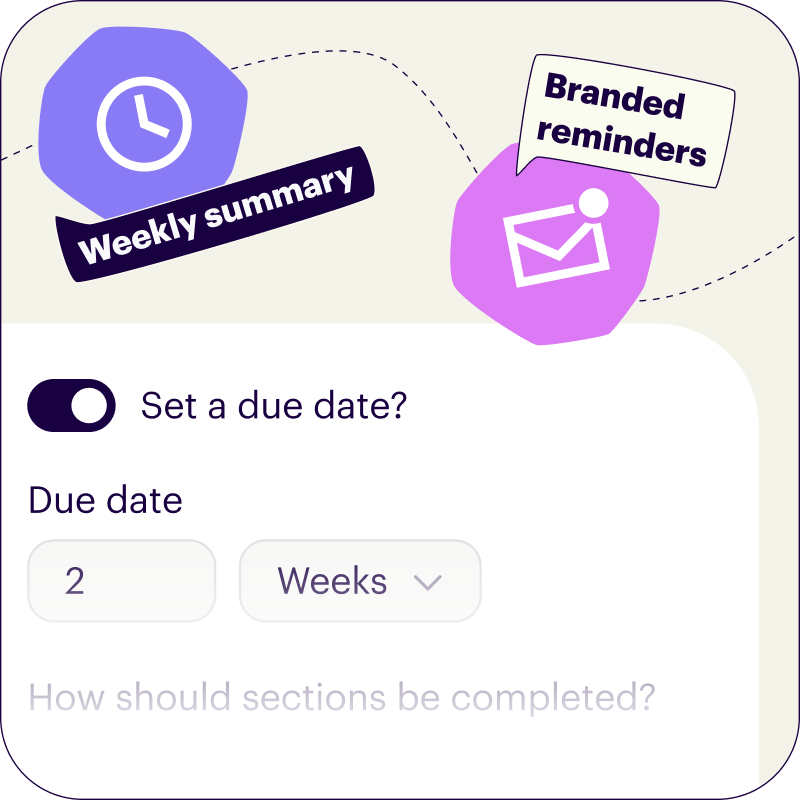
We'll handle all the chasing up for you too, sending branded email reminders when tasks become overdue.

Which types of onboarding is simple task used in?

Onthen is flexible enough to handle any onboarding process, especially where it involves a simple task action. Use it to onboard employees, sign up new customers, or even to onboard existing customers or employees into new products or teams.

There are a few use cases where the simple task action might be used:

Packed with useful features

Powerful, modern dashboard

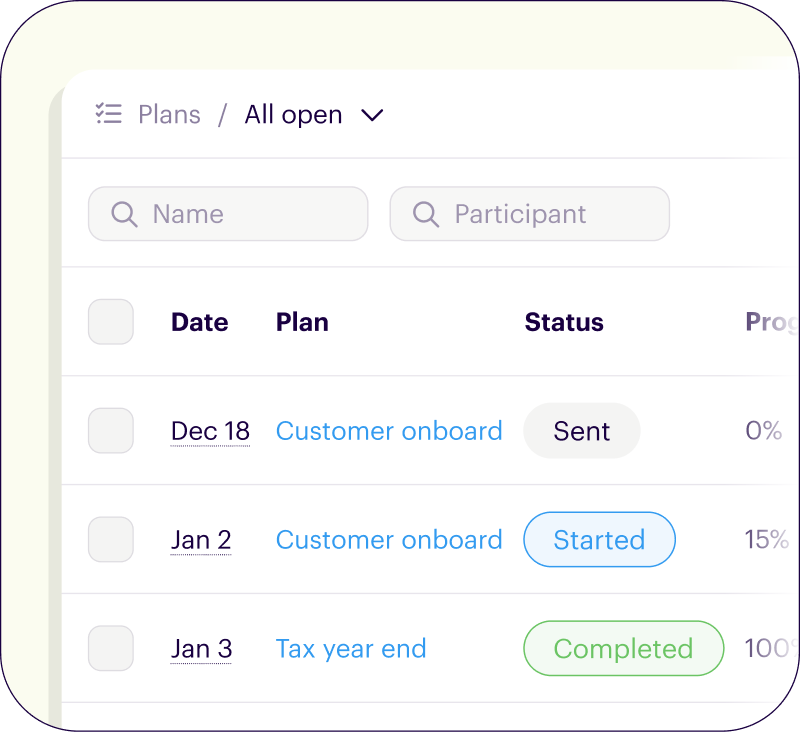
There's flexible tools to manage your checklists. Save views for frequent access. Customize columns, sort order, and filtering. Use bulk actions to update many rows at once.


Syncs with HubSpot

We bridge the gap by syncing every onboarding action back to your CRM timeline and custom fields. Works with contacts, deals, and tickets.

  • Manage checklists with the App Card
  • Adds events to your timeline
  • Syncs uploaded files and photos

Your brand, everywhere

Every Onthen task page is fully branded so that it becomes a part of your business.

But we also brand the emails we send too, so every interaction with your task page makes the right first impression.

Create an onboarding with simple task

We'll do the hard work for you Takes less than a minute