Onboarding for human resources

Pre-boarding and compliance checklist

This checklist covers the essential operational steps required between contract execution and an employee's start date. It ensures all tax, identity, hardware, and legal requirements are fulfilled so they're fully prepared for day 1.

Use this template to onboard your employees

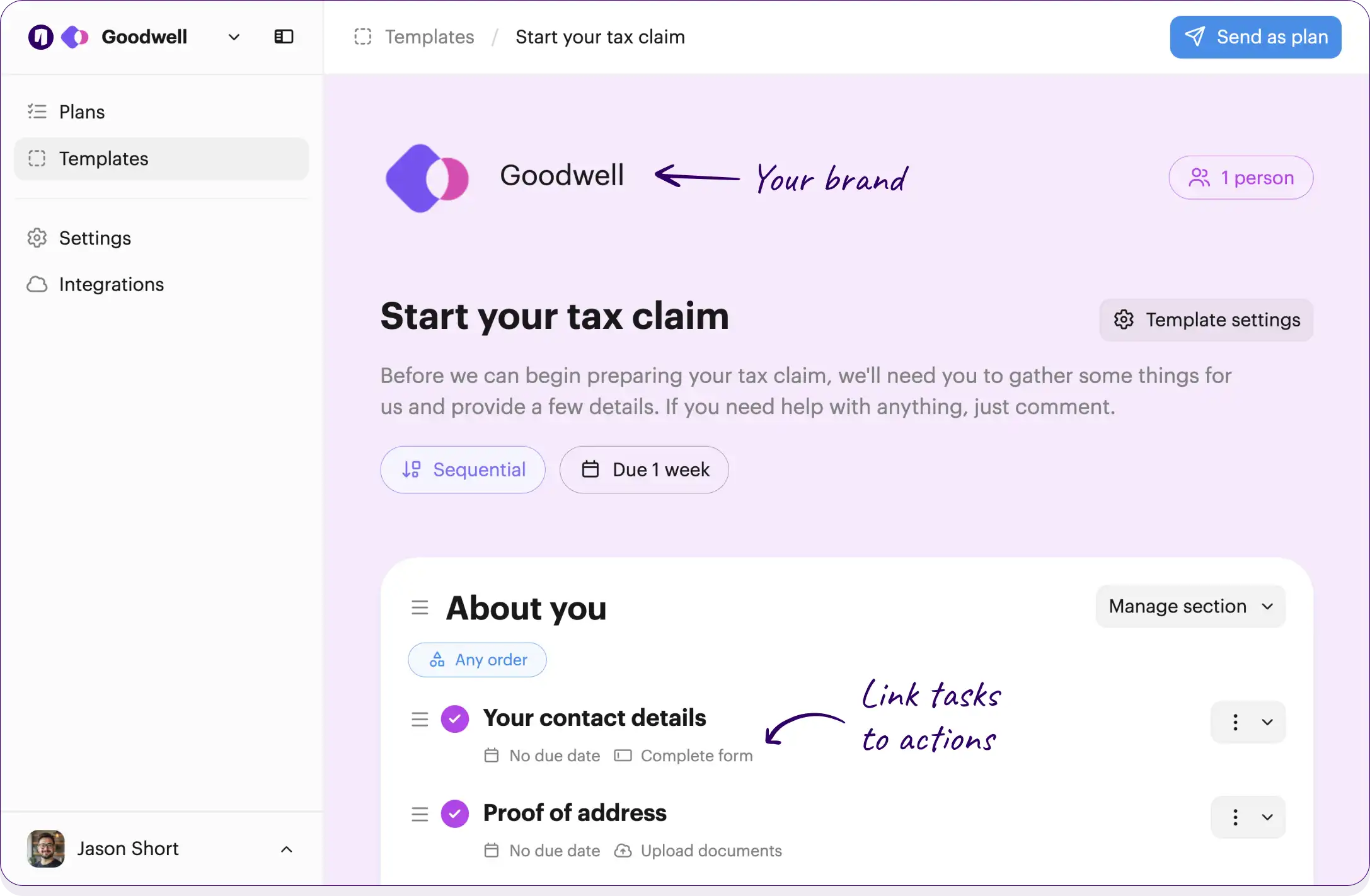
Your branding
Syncs with HubSpot
Chases up for you
Template preview

Your own logo and brand color

Checklists work across your team and employees

Onthen Onthen
2 people

Pre-boarding and compliance

This checklist covers the essential operational steps required between contract execution and your official start date. It ensures all tax, identity, hardware, and legal requirements are fulfilled so you are fully prepared for day 1.

No due date

Link tasks to actions, such as completing forms or booking meetings

Documentation and identity verification

Critical tasks to satisfy local labor laws, verify employment eligibility, and set up your payroll profiles.

Complete tax verification forms

Please complete your W-4, I-9, or regional equivalent forms so we can legally process your payroll.

No due date

Provide banking details

Let us know your banking details.

No due date Complete form

Verify your identity

Provide a scan of your passport, driver's license, or national ID as required by our compliance team.

Initiate background check

Start the standard background check processing utilizing the information provided by the new hire.

No due date Team member

Tasks can be for the employees being onboarded, or for the team

Legal agreements and policy acknowledgments

Review and sign the required legal and HR documents to secure company information and align with our policies.

Sign the Non-Disclosure Agreement (NDA)

Carefully read and electronically sign our standard Non-Disclosure Agreement.

Acknowledge the employee handbook

Review the company employee handbook and sign the acknowledgment form to confirm you understand our core policies.

No due date

Equipment and software provisioning

Getting your workstation and digital environment set up and ready to go before your start date.

Select hardware preferences

Choose your preferred laptop, monitor, and peripherals from the provided equipment catalog.

No due date

Order and ship hardware

Approve the hardware request and ensure the laptop and monitor are shipped to the employee's provided address.

No due date Team member

Provision core software credentials

Create automated accounts for Slack, company email, and the HRIS platform.

No due date Team member

Send Day 1 login instructions

Send external login instructions and temporary passwords to the employee's personal email address.

No due date Team member

Click the button below to edit or add tasks, add due dates, and much more...

Free plan No credit card needed

Customize this template

Or build your own

How it works

Add employees to your checklist

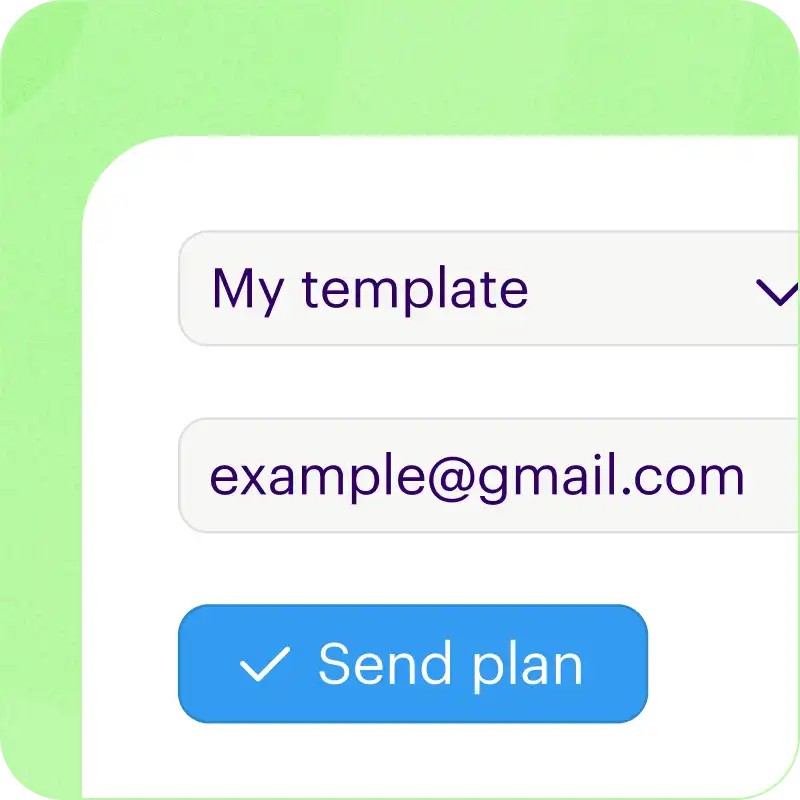
Just type an email address and we'll do the rest.

We'll create a checklist, invite them in by email, and even sync progress up with your CRM.

Guides employees to take action

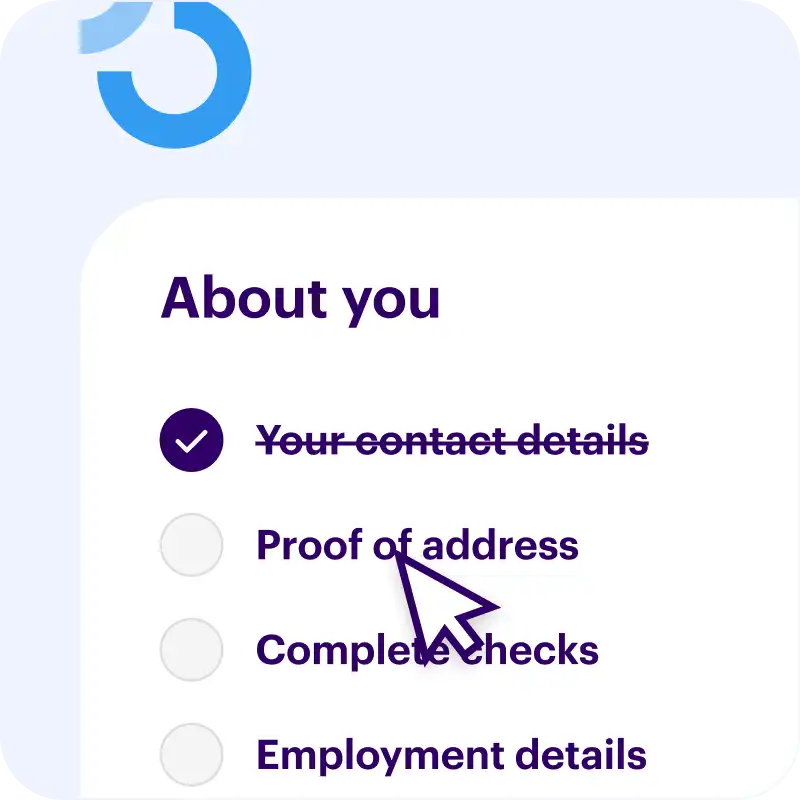
Move from to-do to done with task actions.

You can collect data with forms, verify identity, ask for secure uploads, book meetings, and more.

We do the chasing up for you

We'll send friendly nudges and a helpful weekly summary to make sure your tasks get done.

The emails we send have your brand logo and colors.

Free plan No credit card needed

Customize this template

Or build your own


Packed with useful features

Syncs with HubSpot

We bridge the gap by syncing every onboarding action back to your CRM timeline and custom fields. Works with contacts, deals, and tickets.

  • Manage checklists with the App Card
  • Adds events to your timeline
  • Syncs uploaded files and photos

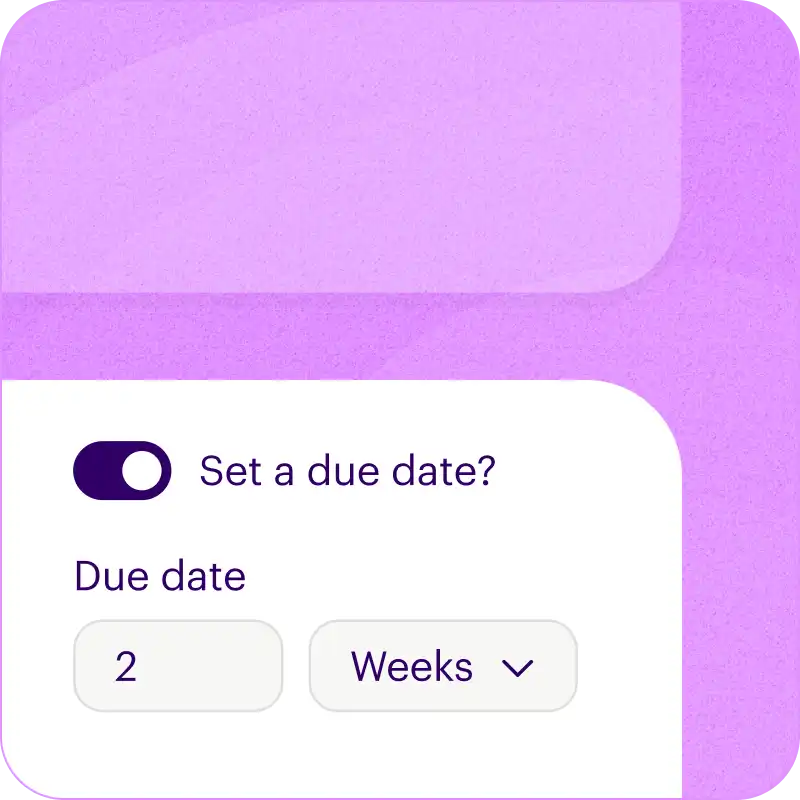
Add due dates

Set relative due dates for each task, and we'll calculate the actual dates when you start a new checklist.

  • For example, due "2 weeks after the checklist is created".
  • Or, "1 week before a target completion date".

Sequential tasks

Choose how you want each section (or the whole checklist) to be completed.

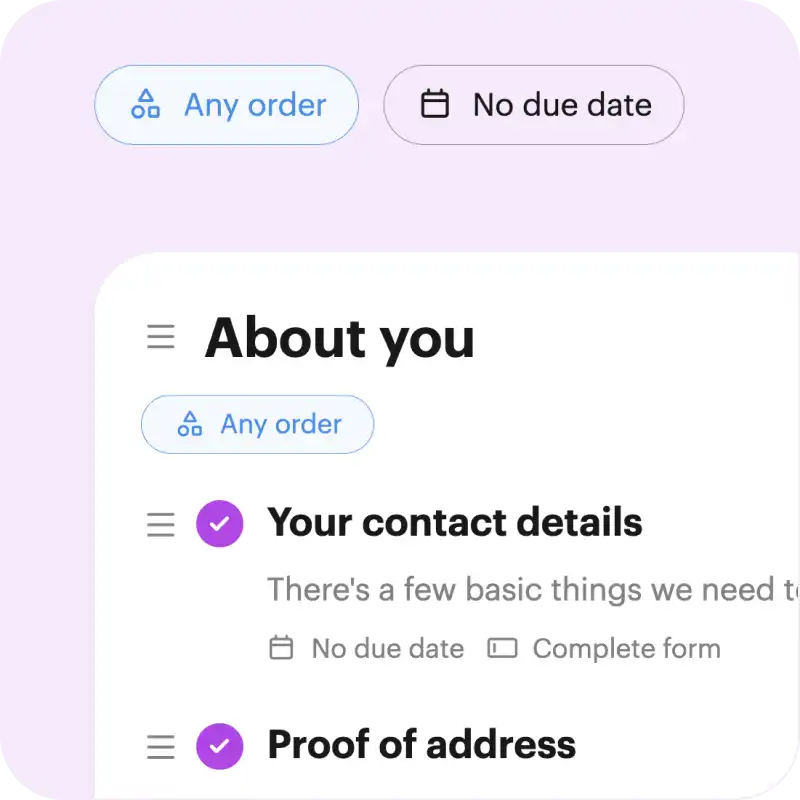
Either tasks can be tackled in any order (random), or you can make sure tasks are done one after another (sequential).

Branded pages and emails

Every Onthen task page is fully branded so that it becomes a part of your business.

But we also brand the emails we send too, so every interaction with your task page makes the right first impression.

Feature packed dashboard

Not only is it easy for employees to work with your checklists, we give you flexible tools to manage them too.

  • Saved views for frequently accessed lists.
  • Change default columns, sort order, and filtering.
  • Use bulk actions to update many rows at once.

Free plan No credit card needed

Customize this template

Or build your own


Frequently asked questions

How can I use this template?

Just click Customize this template above and we'll take you through a couple of simple steps to create an Onthen account and copy the pre-boarding and compliance template into it.

Once that's done we'll take you straight into the template editor where you can customize it to your exact needs (there's bound to be a few things you'll do differently).

Finally, once it's ready you can use it to create individual checklists (we call them 'plans') for each of your employees. Just type their email address and we'll do the rest. As they move through the tasks, you'll see their progress in the dashboard.


Who is this pre-boarding and compliance checklist for?

If you run a team that needs to onboard employees then the pre-boarding and compliance template is a perfect starting point.

You'll first be able to tailor the template to your team's needs, by editing, removing or adding tasks to suit your onboarding process. When it's perfect, onthen has all the tools you need to easily invite employees to it and make sure all the tasks get done, on time.


How do employees use it?

First you'll invite employees to the checklist. You can either send an invite manually, through our HubSpot integration, or by using an invite link that lets anyone with the link create a new checklist.

Your employees won't need to create an account or a password, they'll simply access it with a 6-digit code we'll send to their email.

It's really easy to use and there's nothing to navigate, it's a simple single page checklist that looks pretty much like you see above.

If any task gets forgotten about, we'll send email reminders to nudge your employees to complete everything.

Free plan No credit card needed

Customize this template

Or build your own