Onboarding for vendors and suppliers

Supplier risk assessment checklist

This checklist ensures that new vendors meet all of your legal, ethical, and regulatory standards. Suppliers will be able to upload all the requested docs.

Use this template to onboard your suppliers

Your branding
Syncs with HubSpot
Chases up for you
Template preview

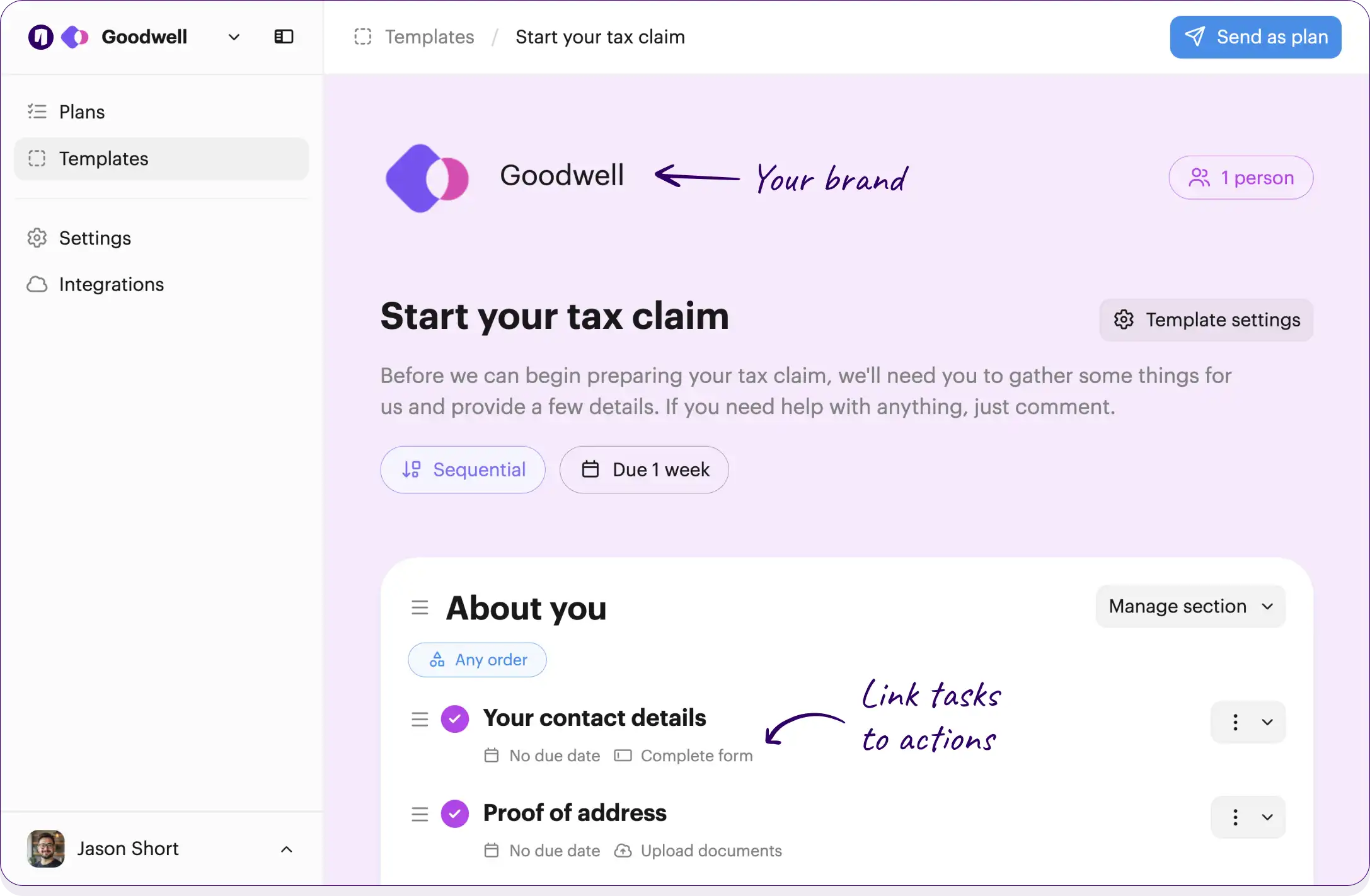
Your own logo and brand color

Checklists work across your team and suppliers

Onthen Onthen
2 people

Supplier risk assessment

This checklist ensures that new vendors meet all of our legal, ethical, and regulatory standards. Please complete the following steps and document uploads so we can finalize your risk assessment before any commercial agreements or payments are processed.

No due date

Link tasks to actions, such as completing forms or booking meetings

Initial vendor information

Gathering fundamental details about your business to set up your supplier profile.

Submit company registration details

Please provide your official company name, tax identification number, and registered business address.

No due date Complete form

Provide primary contact information

Share the names, emails, and phone numbers of your primary account manager and legal representative.

No due date Complete form

Review and sign the vendor code of conduct

Read through our standard vendor code of conduct and sign the acknowledgment form to confirm your compliance with our baseline expectations.

Tasks can be for the suppliers being onboarded, or for the team

Legal and regulatory compliance

Evaluating the supplier against strict legal standards to prevent fraud, corruption, and regulatory breaches.

Upload business licenses and certifications

Upload any industry-specific operating licenses, permits, or regulatory certifications required for your business operations.

No due date Upload documents

Submit anti-bribery and corruption (ABC) policy

Upload a copy of your internal anti-bribery and corruption policy for our compliance team to review.

No due date Complete form

Run global sanctions and PEP screening

Run the supplier's details through our compliance software to check against global watchlists, sanctions, and politically exposed persons (PEP) registries.

No due date Team member

Security and data privacy

Ensuring the vendor's IT and data infrastructure adequately protects sensitive company and customer information.

Complete the InfoSec questionnaire

Fill out our standard Information Security questionnaire detailing how your company handles data, access control, and incident response.

No due date Complete form

Upload security compliance certificates

Provide a copy of your latest SOC 2 Type II report, ISO 27001 certificate, or equivalent security documentation.

No due date Upload documents

Evaluate data privacy agreements (DPA)

Review the vendor's data handling locations and practices to ensure adherence to GDPR, CCPA, and our internal data privacy policies.

No due date Team member

Financial and ethical assessment

Verifying the fiscal stability and ethical standing of the supplier to ensure a sustainable long-term partnership.

Provide recent financial statements

Submit your most recent audited financial statements or a bank reference letter to verify financial stability.

No due date Upload documents

Complete ESG compliance declaration

Sign our Environmental, Social, and Governance (ESG) declaration to confirm your commitment to sustainable and ethical business practices.

Conduct financial health check

Run a credit and financial health assessment on the supplier to confirm fiscal responsibility and mitigate supply chain risk.

No due date Team member

Final review and sign-off

Internal steps to validate the collected data and officially approve the vendor for future business.

Review all submitted documentation

A compliance officer must cross-check all uploaded policies, certificates, and forms for accuracy and completeness.

No due date Team member

Log risk assessment outcome

Document the final risk score and any required remediation steps in the form.

No due date Complete form Team member

Approve vendor for commercial engagement

Give final internal sign-off, moving the vendor out of quarantine so procurement can begin contract signing and payment setup.

No due date Team member

Click the button below to edit or add tasks, add due dates, and much more...

Free plan No credit card needed

Customize this template

Or build your own

How it works

Add suppliers to your checklist

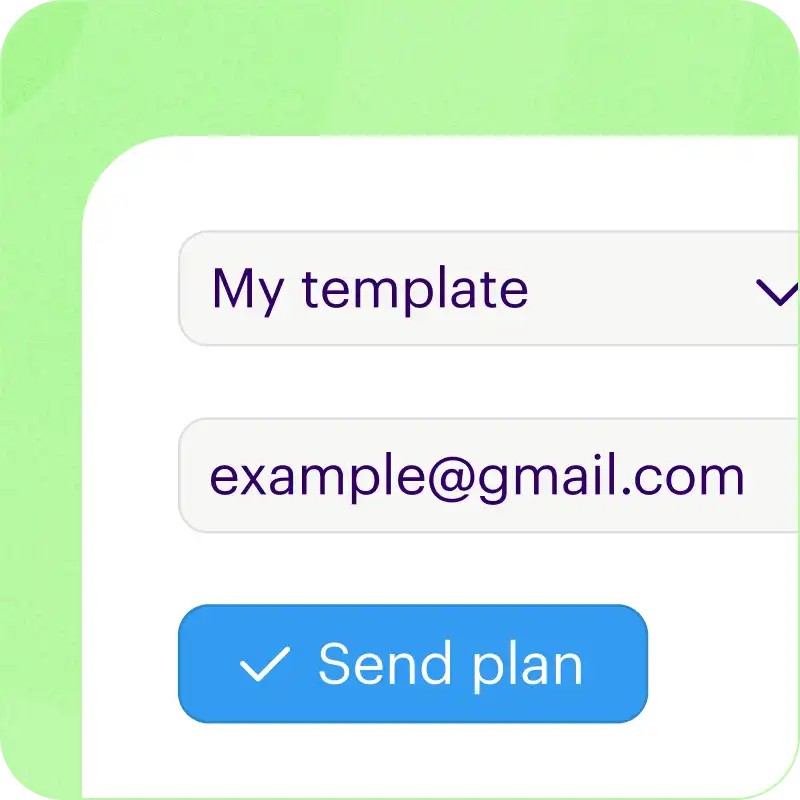
Just type an email address and we'll do the rest.

We'll create a checklist, invite them in by email, and even sync progress up with your CRM.

Guides suppliers to take action

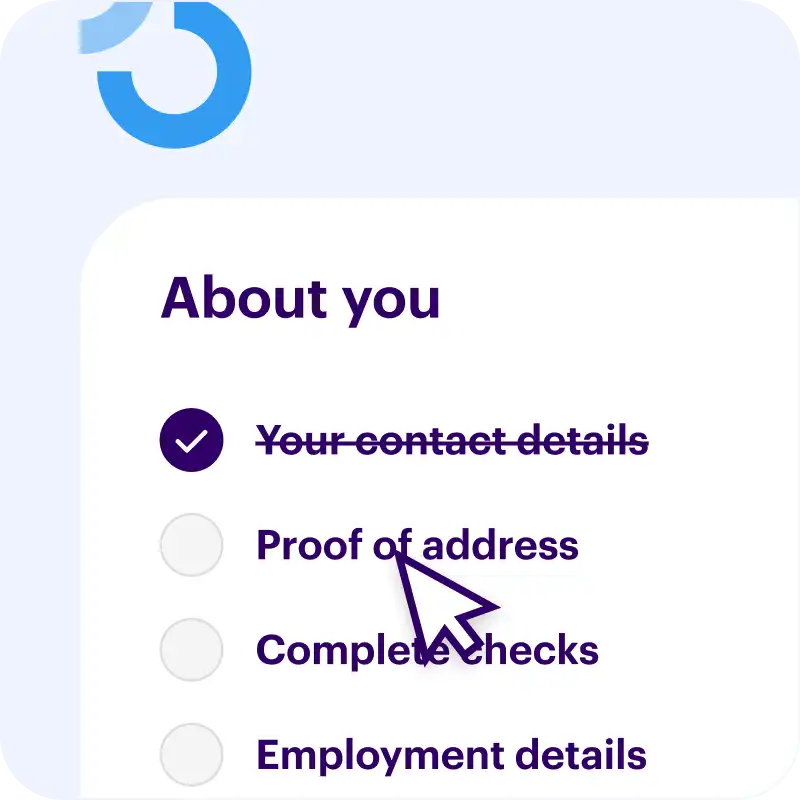
Move from to-do to done with task actions.

You can collect data with forms, verify identity, ask for secure uploads, book meetings, and more.

We do the chasing up for you

We'll send friendly nudges and a helpful weekly summary to make sure your tasks get done.

The emails we send have your brand logo and colors.

Free plan No credit card needed

Customize this template

Or build your own


Packed with useful features

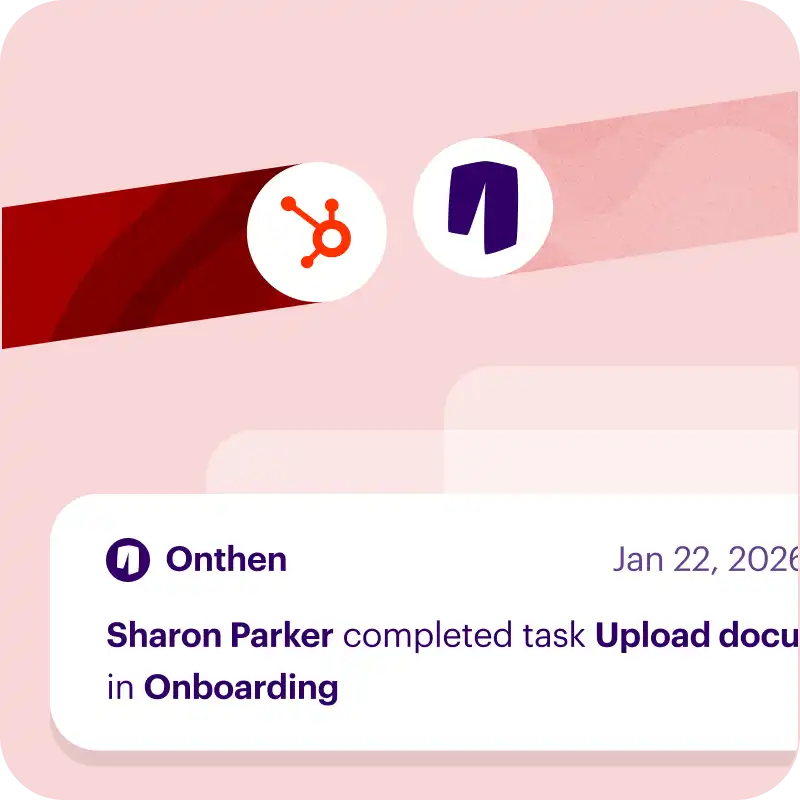
Syncs with HubSpot

We bridge the gap by syncing every onboarding action back to your CRM timeline and custom fields. Works with contacts, deals, and tickets.

  • Manage checklists with the App Card
  • Adds events to your timeline
  • Syncs uploaded files and photos

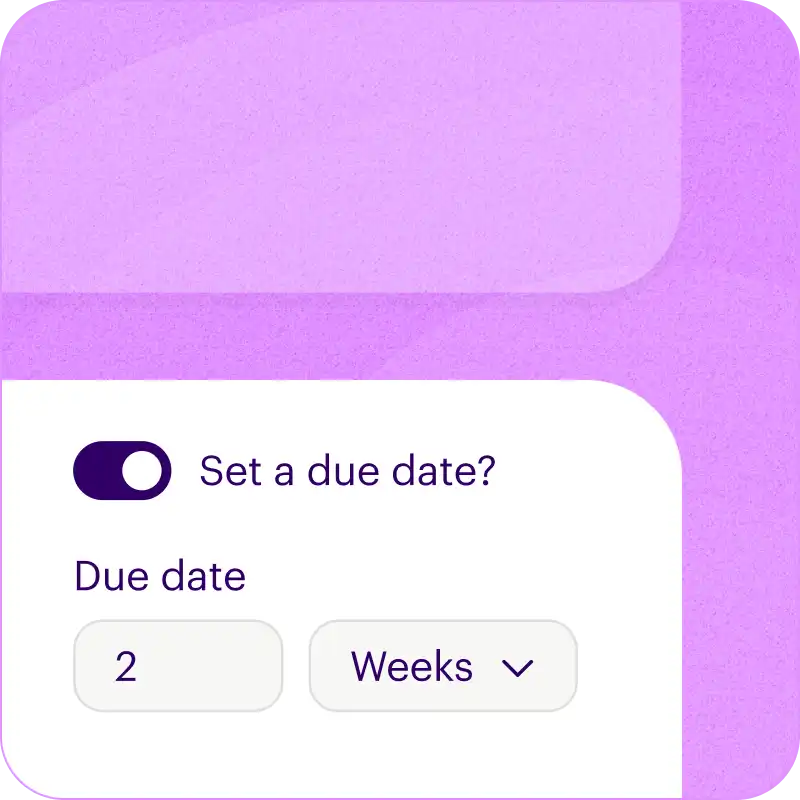
Add due dates

Set relative due dates for each task, and we'll calculate the actual dates when you start a new checklist.

  • For example, due "2 weeks after the checklist is created".
  • Or, "1 week before a target completion date".

Sequential tasks

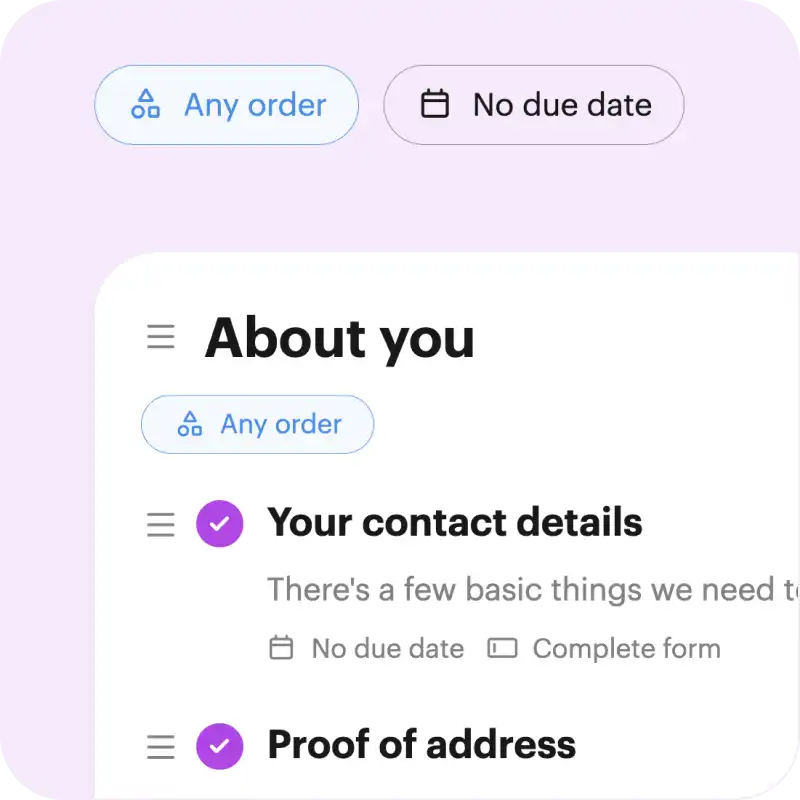
Choose how you want each section (or the whole checklist) to be completed.

Either tasks can be tackled in any order (random), or you can make sure tasks are done one after another (sequential).

Branded pages and emails

Every Onthen task page is fully branded so that it becomes a part of your business.

But we also brand the emails we send too, so every interaction with your task page makes the right first impression.

Feature packed dashboard

Not only is it easy for suppliers to work with your checklists, we give you flexible tools to manage them too.

  • Saved views for frequently accessed lists.
  • Change default columns, sort order, and filtering.
  • Use bulk actions to update many rows at once.

Free plan No credit card needed

Customize this template

Or build your own


Frequently asked questions

How can I use this template?

Just click Customize this template above and we'll take you through a couple of simple steps to create an Onthen account and copy the supplier risk assessment template into it.

Once that's done we'll take you straight into the template editor where you can customize it to your exact needs (there's bound to be a few things you'll do differently).

Finally, once it's ready you can use it to create individual checklists (we call them 'plans') for each of your suppliers. Just type their email address and we'll do the rest. As they move through the tasks, you'll see their progress in the dashboard.


Who is this supplier risk assessment checklist for?

If you run a team that needs to onboard suppliers then the supplier risk assessment template is a perfect starting point.

You'll first be able to tailor the template to your team's needs, by editing, removing or adding tasks to suit your onboarding process. When it's perfect, onthen has all the tools you need to easily invite suppliers to it and make sure all the tasks get done, on time.


How do suppliers use it?

First you'll invite suppliers to the checklist. You can either send an invite manually, through our HubSpot integration, or by using an invite link that lets anyone with the link create a new checklist.

Your suppliers won't need to create an account or a password, they'll simply access it with a 6-digit code we'll send to their email.

It's really easy to use and there's nothing to navigate, it's a simple single page checklist that looks pretty much like you see above.

If any task gets forgotten about, we'll send email reminders to nudge your suppliers to complete everything.

Free plan No credit card needed

Customize this template

Or build your own