Onboarding for customer success

Technical integration & config checklist

This checklist guides customers through the technical setup, data migration, and system configuration required to successfully launch their new workspace.

Use this template to onboard your customers

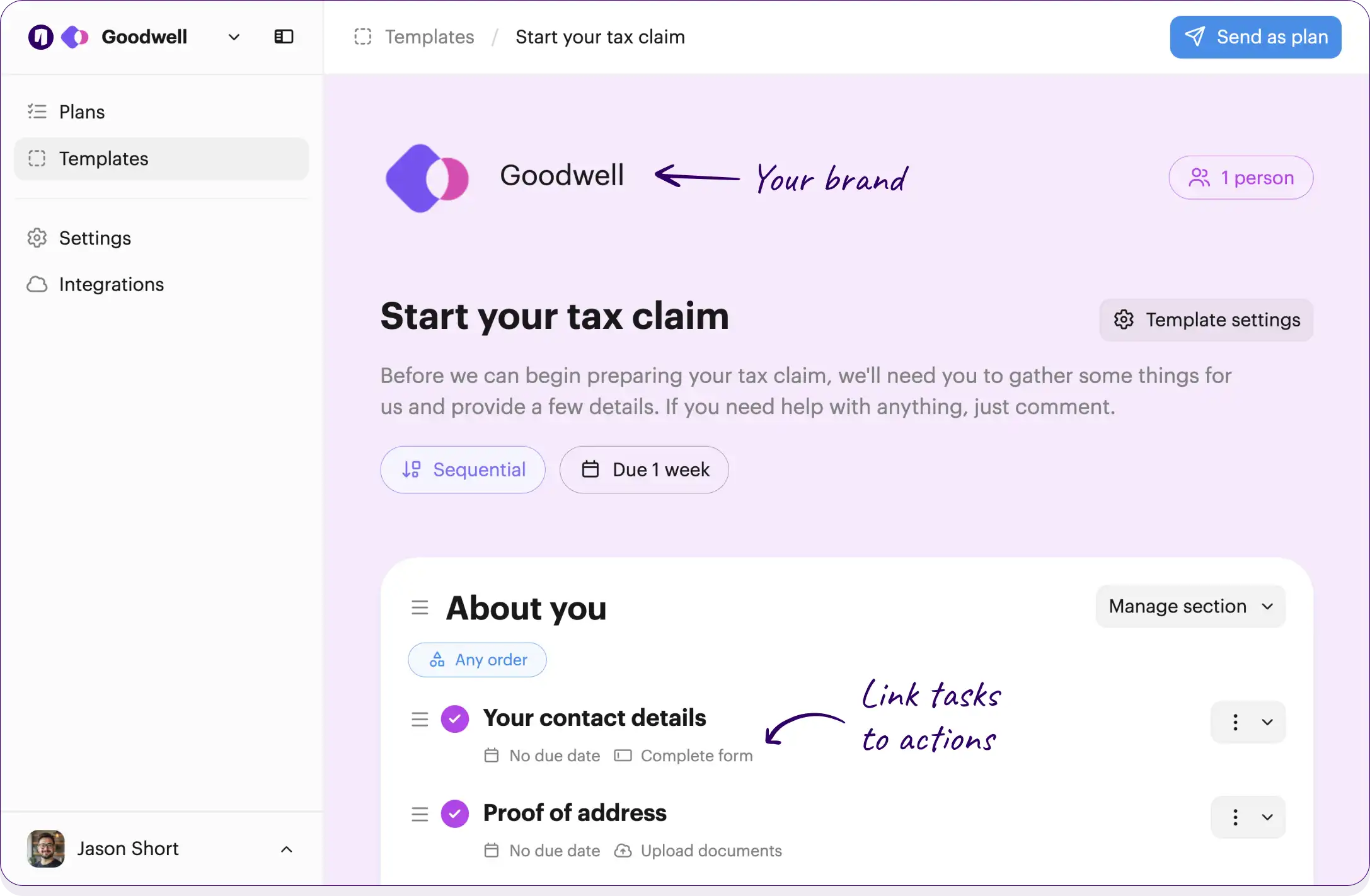
Your branding
Syncs with HubSpot
Chases up for you
Template preview

Your own logo and brand color

Checklists work across your team and customers

Onthen Onthen
2 people

Technical integration & config

This checklist guides you through the technical setup, data migration, and system configuration required to successfully launch your new workspace.

No due date

Link tasks to actions, such as completing forms or booking meetings

Workspace provisioning

Initial setup of the customer instance and granting primary administrator access.

Provision the customer workspace

Create the dedicated instance or workspace for the new customer in the production environment.

No due date Team member

Provide administrator details

Share the names and email addresses of the users who will need system administrator privileges.

No due date

Assign administrator access privileges

Set up the admin accounts and send out the initial welcome access emails.

No due date Team member

Tasks can be for the customers being onboarded, or for the team

Security and IT coordination

Setting up Single Sign-On and ensuring all necessary security white-listing is completed by the IT team.

Whitelist IP addresses and domains

Work with your IT team to whitelist our applications IP addresses and domains to ensure seamless access.

No due date

Provide SSO configuration details

Supply your Identity Provider metadata and SAML configuration details.

No due date

Configure Single Sign-On

Set up SSO according to the provided identity provider details and test the connection.

No due date Team member

Data migration and integration

Handling data imports from legacy systems and connecting external APIs.

Export and upload legacy data

Extract your data from legacy systems into the provided templates and upload them to the secure portal.

No due date Upload documents

Execute data imports

Import the provided legacy data files into the new system and resolve any formatting errors.

No due date Team member

Configure API integrations

Set up and authorize the required third-party API hooks as discussed during technical discovery.

No due date Team member

System validation and testing

Final checks to ensure the system is accurately configured and functioning as expected.

Run end-to-end system validation tests

Conduct internal QA and end-to-end testing to verify data integrity, SSO, and API configurations.

No due date Team member

Perform user acceptance testing

Log into the new workspace, review the migrated data, and test the core workflows.

No due date

Confirm configuration accuracy

Provide formal sign-off that the technical integration meets your requirements and the system is ready.

Click the button below to edit or add tasks, add due dates, and much more...

Free plan No credit card needed

Customize this template

Or build your own

How it works

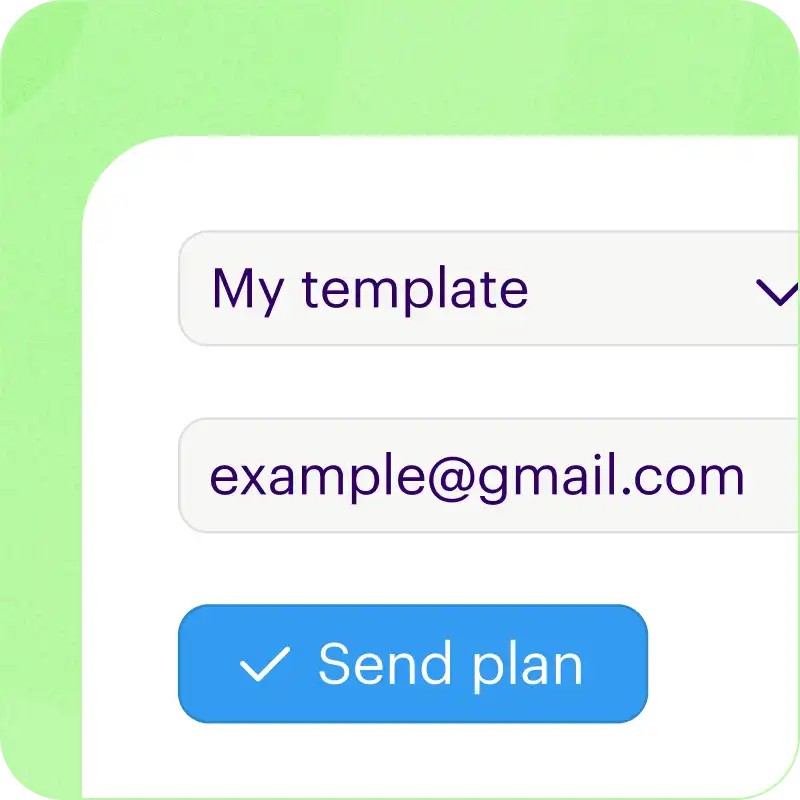
Add customers to your checklist

Just type an email address and we'll do the rest.

We'll create a checklist, invite them in by email, and even sync progress up with your CRM.

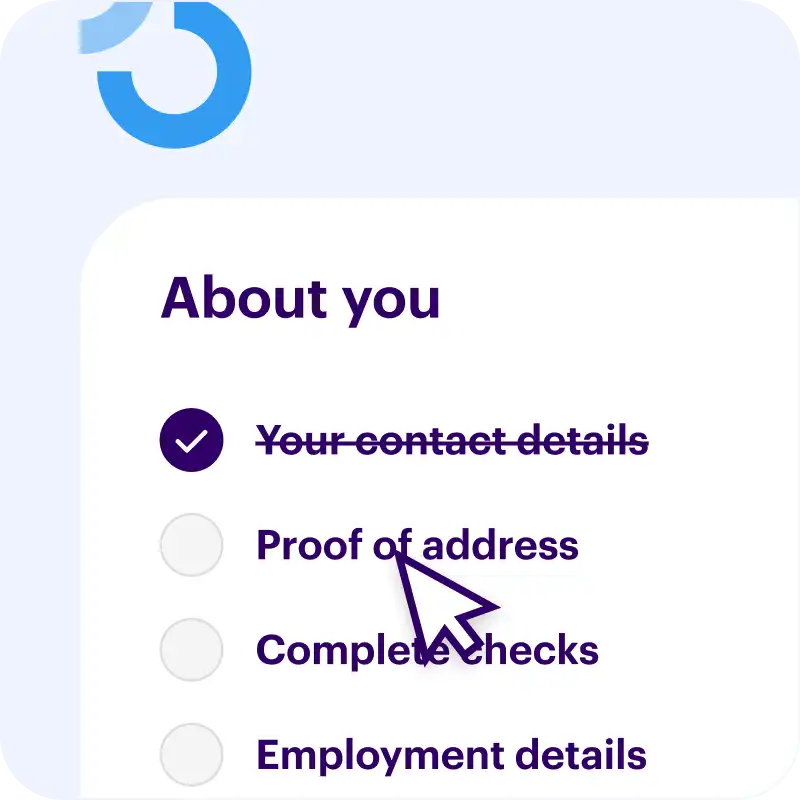
Guides customers to take action

Move from to-do to done with task actions.

You can collect data with forms, verify identity, ask for secure uploads, book meetings, and more.

We do the chasing up for you

We'll send friendly nudges and a helpful weekly summary to make sure your tasks get done.

The emails we send have your brand logo and colors.

Free plan No credit card needed

Customize this template

Or build your own


Packed with useful features

Syncs with HubSpot

We bridge the gap by syncing every onboarding action back to your CRM timeline and custom fields. Works with contacts, deals, and tickets.

  • Manage checklists with the App Card
  • Adds events to your timeline
  • Syncs uploaded files and photos

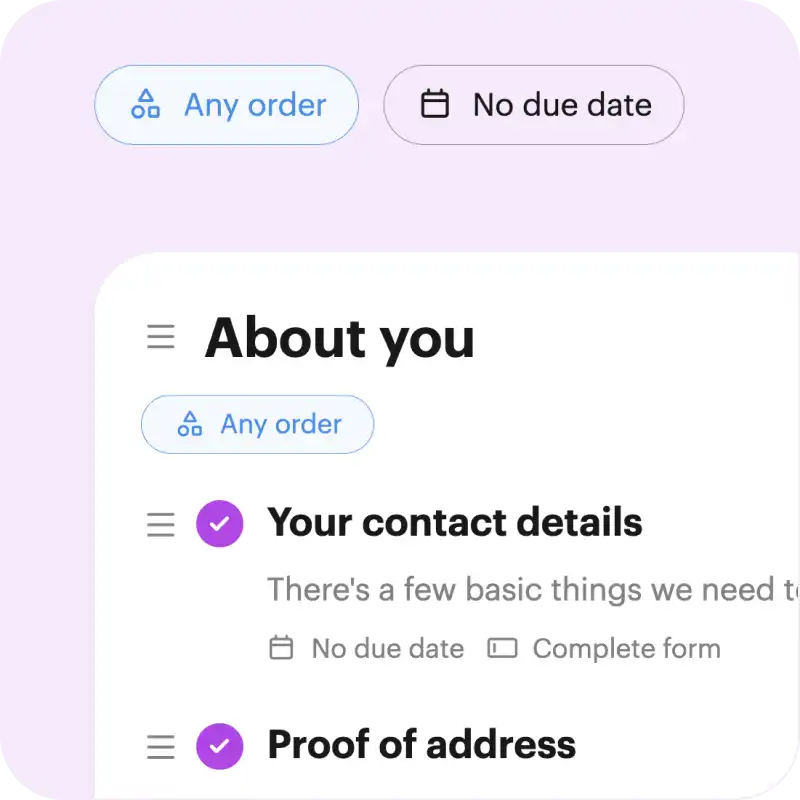
Add due dates

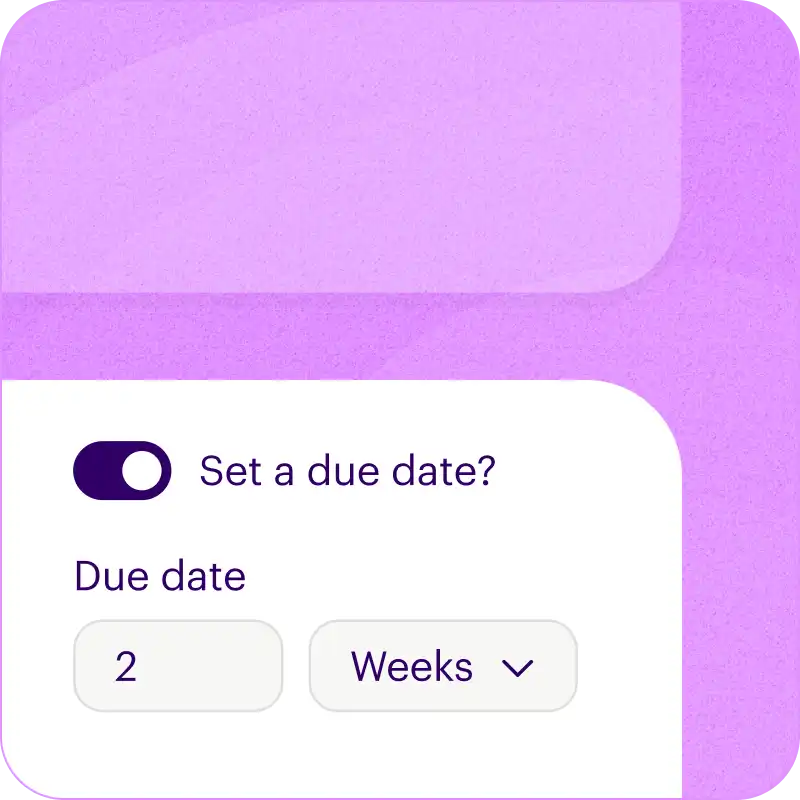
Set relative due dates for each task, and we'll calculate the actual dates when you start a new checklist.

  • For example, due "2 weeks after the checklist is created".
  • Or, "1 week before a target completion date".

Sequential tasks

Choose how you want each section (or the whole checklist) to be completed.

Either tasks can be tackled in any order (random), or you can make sure tasks are done one after another (sequential).

Branded pages and emails

Every Onthen task page is fully branded so that it becomes a part of your business.

But we also brand the emails we send too, so every interaction with your task page makes the right first impression.

Feature packed dashboard

Not only is it easy for customers to work with your checklists, we give you flexible tools to manage them too.

  • Saved views for frequently accessed lists.
  • Change default columns, sort order, and filtering.
  • Use bulk actions to update many rows at once.

Free plan No credit card needed

Customize this template

Or build your own


Frequently asked questions

How can I use this template?

Just click Customize this template above and we'll take you through a couple of simple steps to create an Onthen account and copy the technical integration & config template into it.

Once that's done we'll take you straight into the template editor where you can customize it to your exact needs (there's bound to be a few things you'll do differently).

Finally, once it's ready you can use it to create individual checklists (we call them 'plans') for each of your customers. Just type their email address and we'll do the rest. As they move through the tasks, you'll see their progress in the dashboard.


Who is this technical integration & config checklist for?

If you run a team that needs to onboard customers then the technical integration & config template is a perfect starting point.

You'll first be able to tailor the template to your team's needs, by editing, removing or adding tasks to suit your onboarding process. When it's perfect, onthen has all the tools you need to easily invite customers to it and make sure all the tasks get done, on time.


How do customers use it?

First you'll invite customers to the checklist. You can either send an invite manually, through our HubSpot integration, or by using an invite link that lets anyone with the link create a new checklist.

Your customers won't need to create an account or a password, they'll simply access it with a 6-digit code we'll send to their email.

It's really easy to use and there's nothing to navigate, it's a simple single page checklist that looks pretty much like you see above.

If any task gets forgotten about, we'll send email reminders to nudge your customers to complete everything.

Free plan No credit card needed

Customize this template

Or build your own