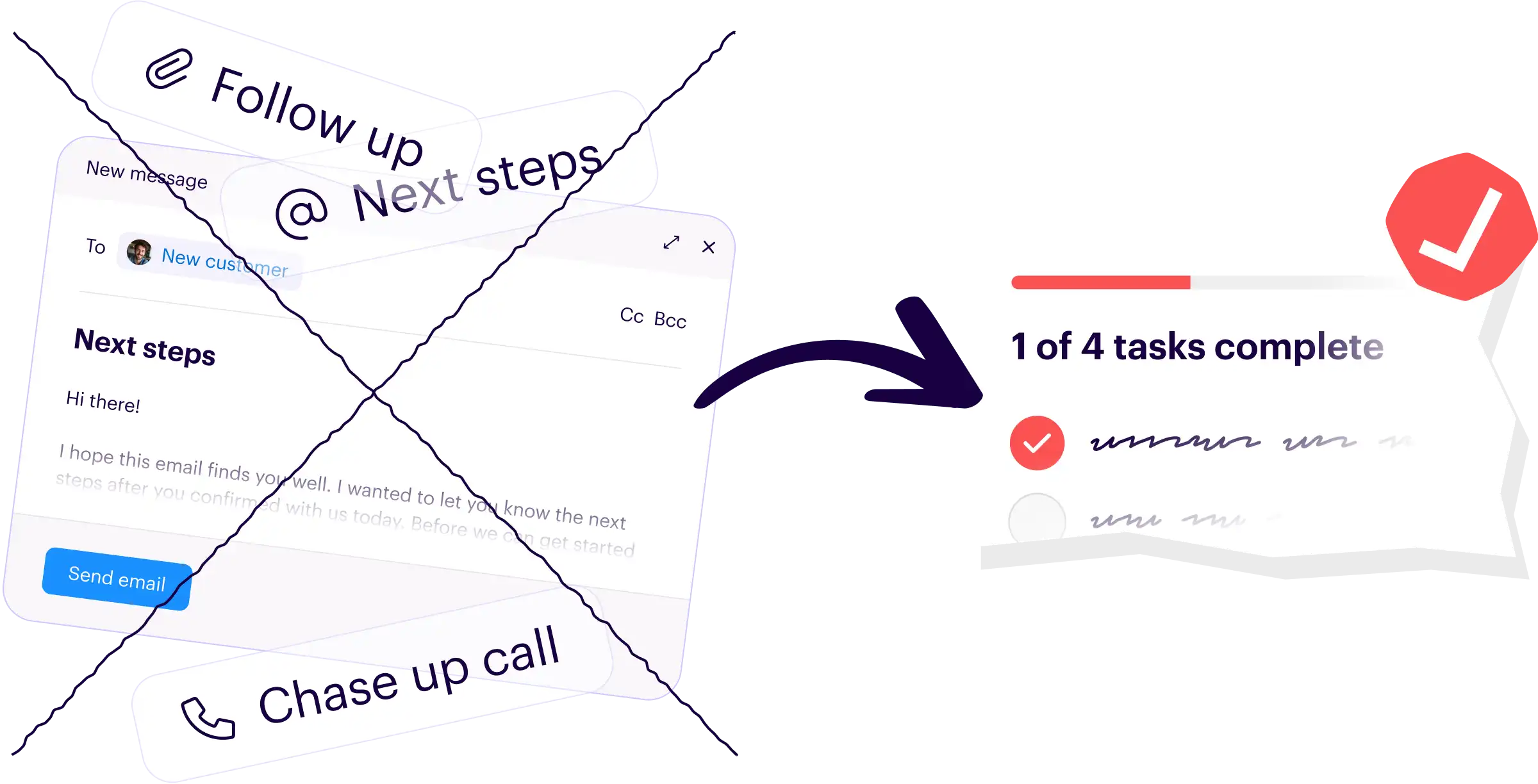
End the next steps email
Stop writing long emails that get ignored. Send a simple onboarding checklist to get everything you need, in half the time.
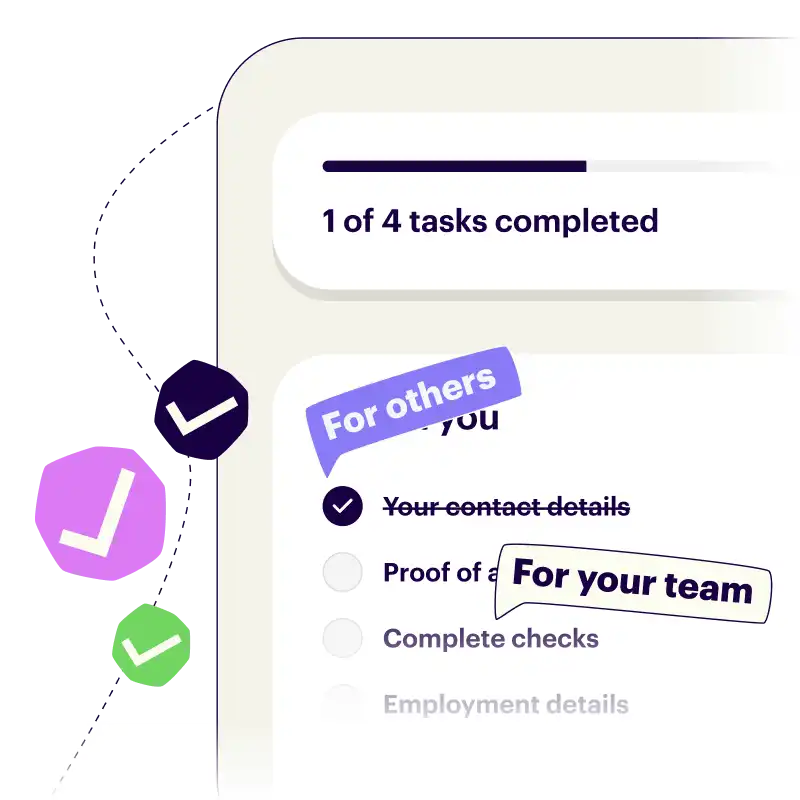

No calls, no chasing, and no more confusion
Onboard customers with a unique link to a branded task page. They complete their tasks, you get everything you need. No passwords, no friction, just results.
- Clear and simple to-do lists that show who needs to do what, and when.
- One single page for you and your customers to collaborate on.
- Keeps everything in sync with HubSpot.
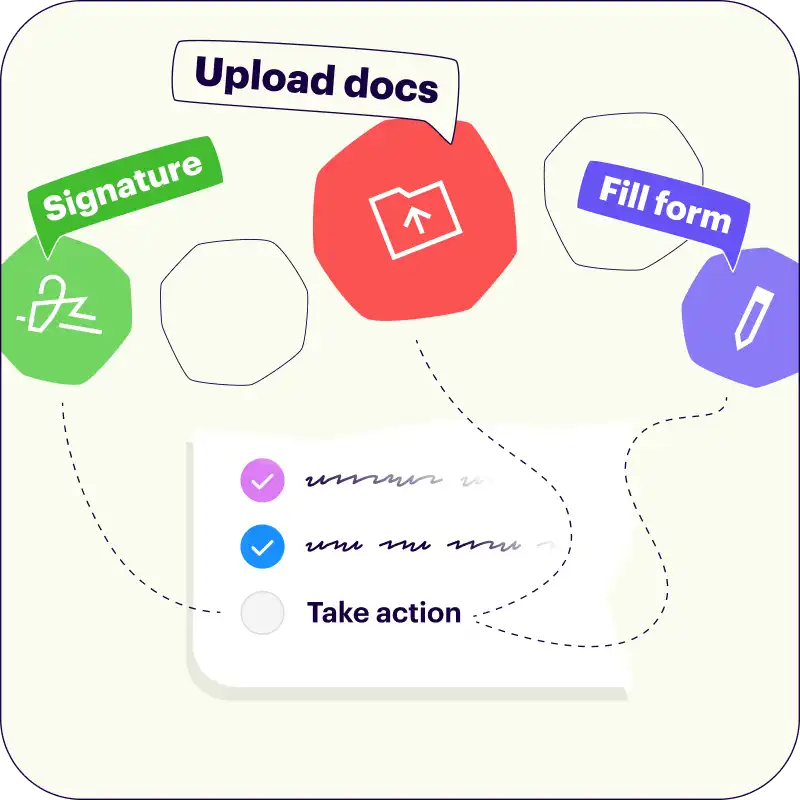
Free up your team, let customers take the wheel
Onthen is more than just a checklist. Ask customers to take actions such as signing docs, filling forms, booking meetings, and more...
 Docusign / Sign template
 Calendly / Book meeting
Easy for you. Even easier for your customers
We've made it simple, even for less tech-friendly customers.
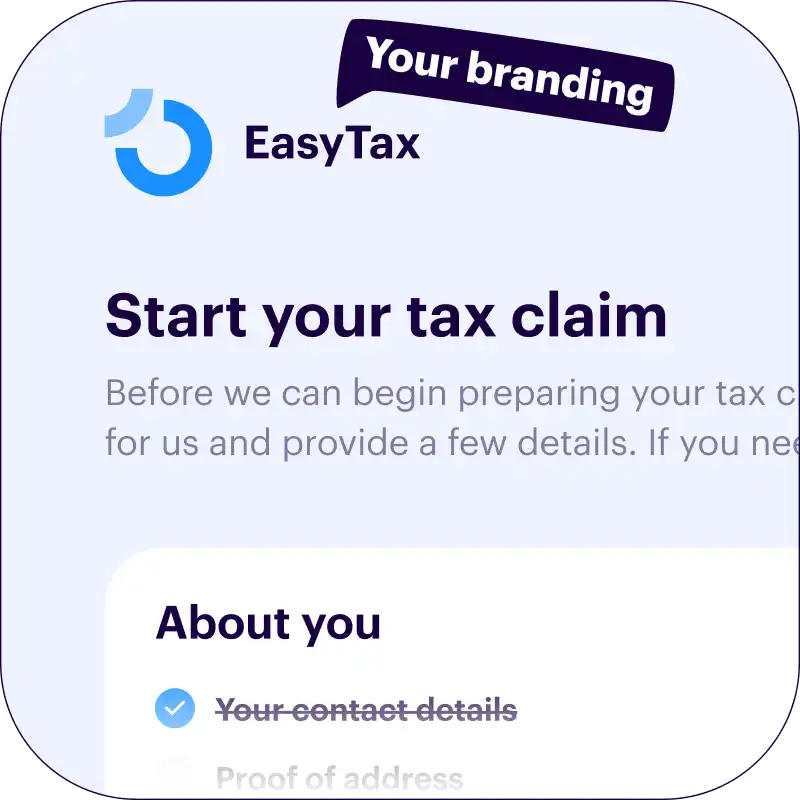
Easy-to-use, branded onboarding page for each new customer.
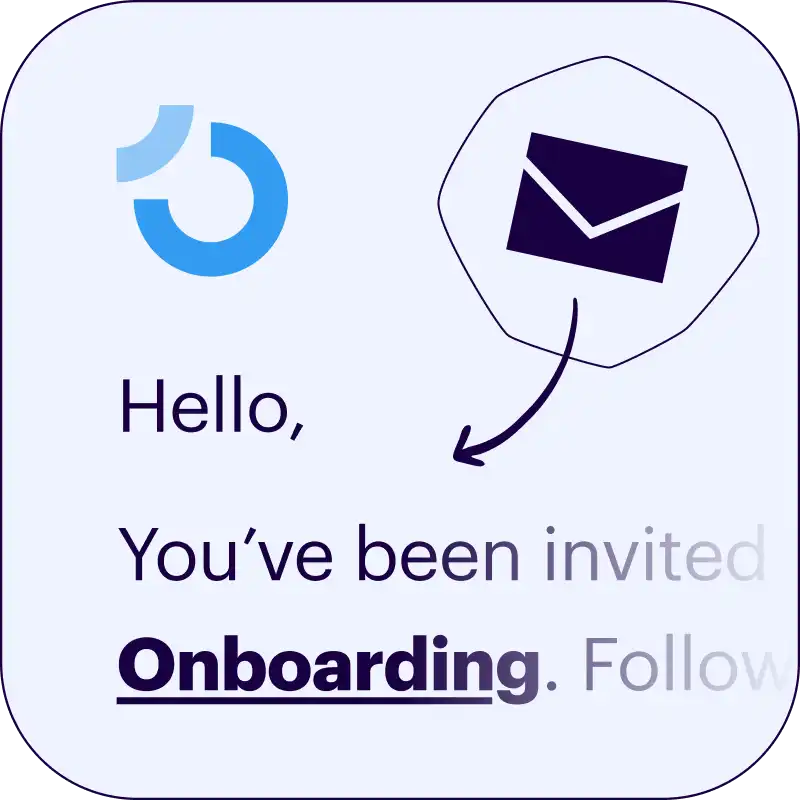
No passwords or app needed — totally frictionless.
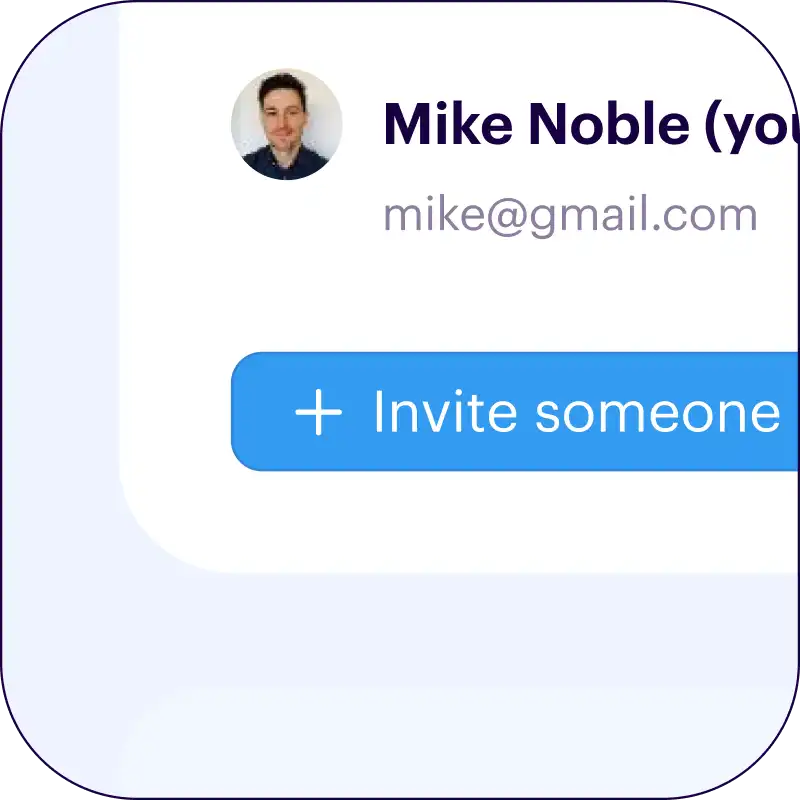
Customers can invite others to help them complete tasks.
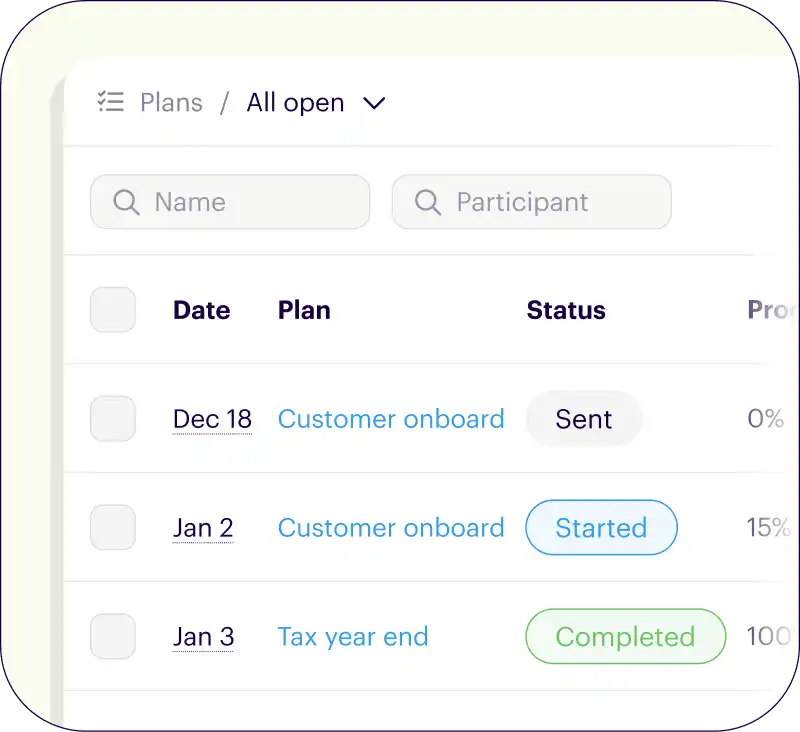
Put onboarding on autopilot to focus on the next deal
Build once and automate the busywork. Monitor everything in one powerful and flexible dashboard.
- Create onboarding templates once, use again and again.
- Nudges your customers (gently) to complete their tasks.
- A customizable dashboard where you can monitor every onboarding.
Onthen is packed with powerful features
No bloat, no complexity, just the tools you need for effortless onboarding.
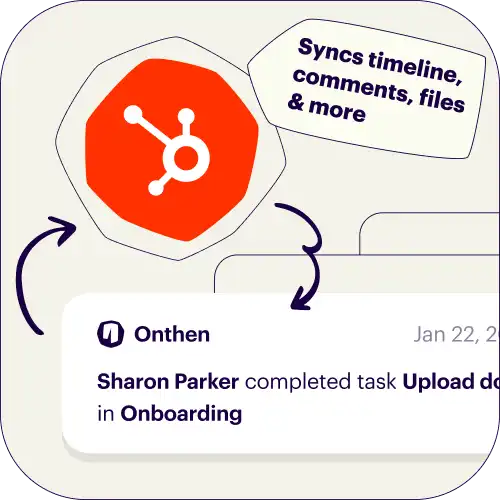
Syncs everything with HubSpot
We bridge the gap by syncing every onboarding action back to your HubSpot timeline and custom fields.
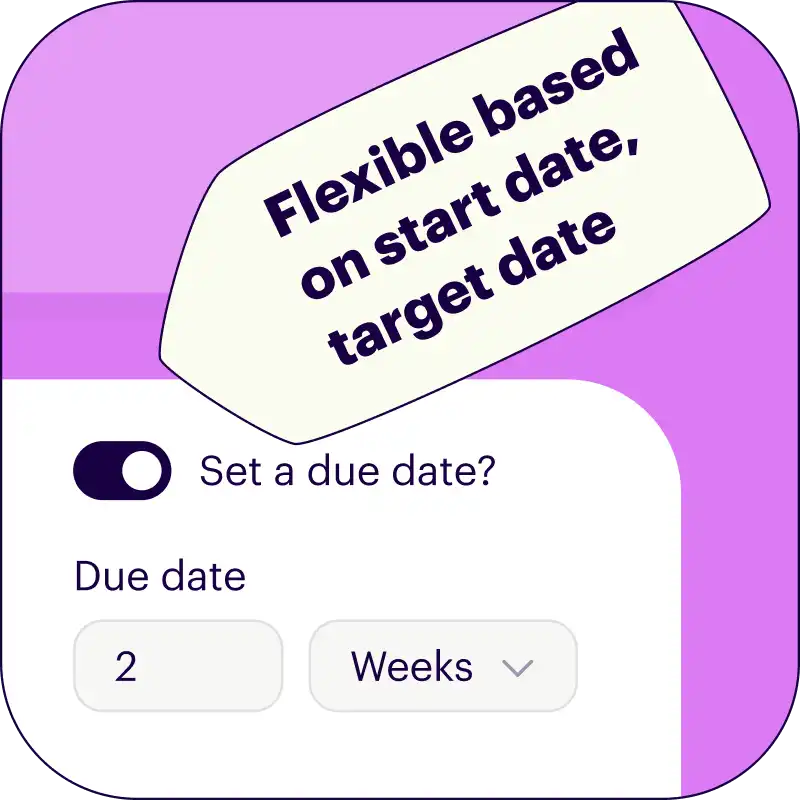
Adapts to any onboarding flow
Create tasks in a sequence, or allow them to be completed in any order. Dynamically set due dates.
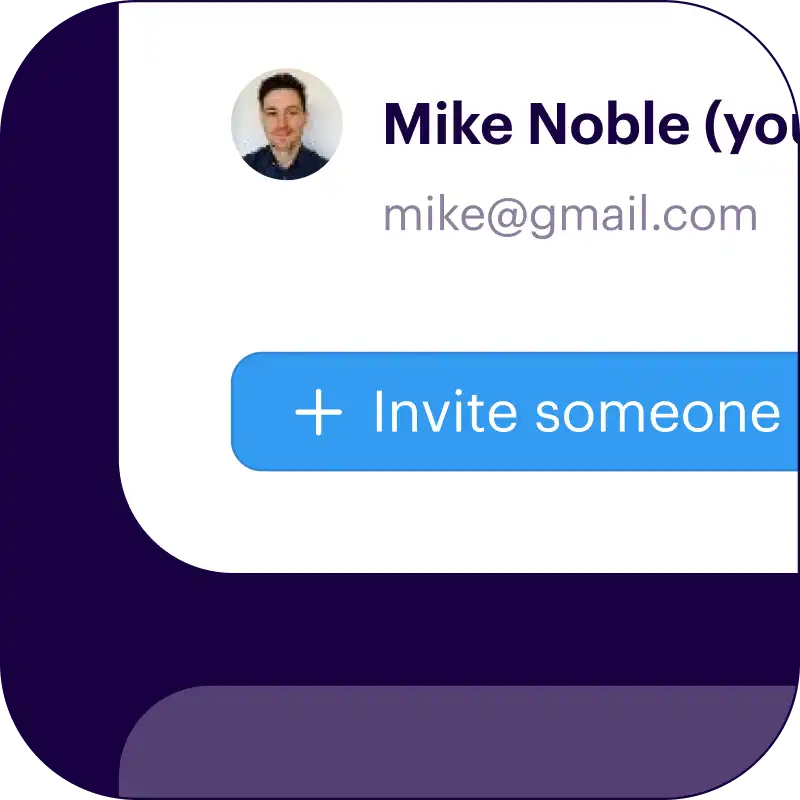
Customers can invite others
For advice or to do tasks. Saves you time having to introduce yourself and coordinate multiple people.
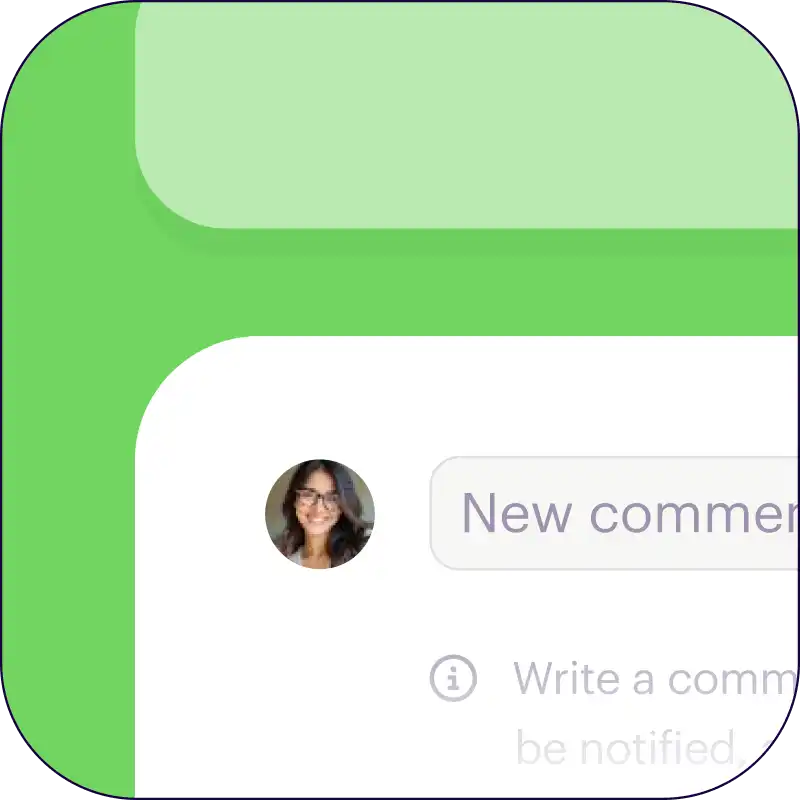
Help things along with comments
Comment on a task to clarify what needs to be done. Keep all your communication in one place.
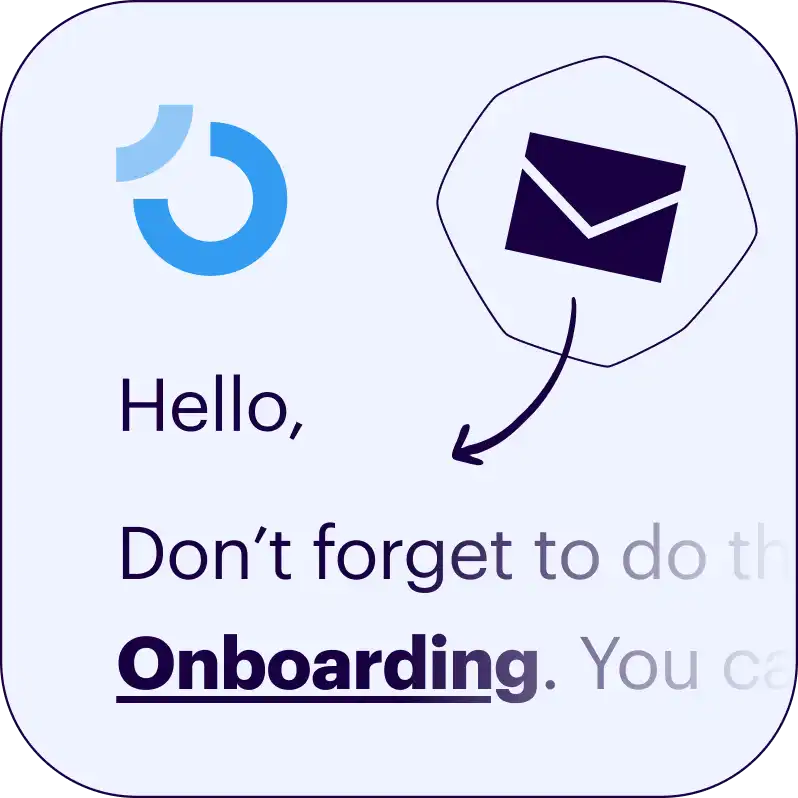
We'll do all the chasing for you
We'll email customers if tasks get behind to give them a gentle nudge. The emails have your logo & brand too.
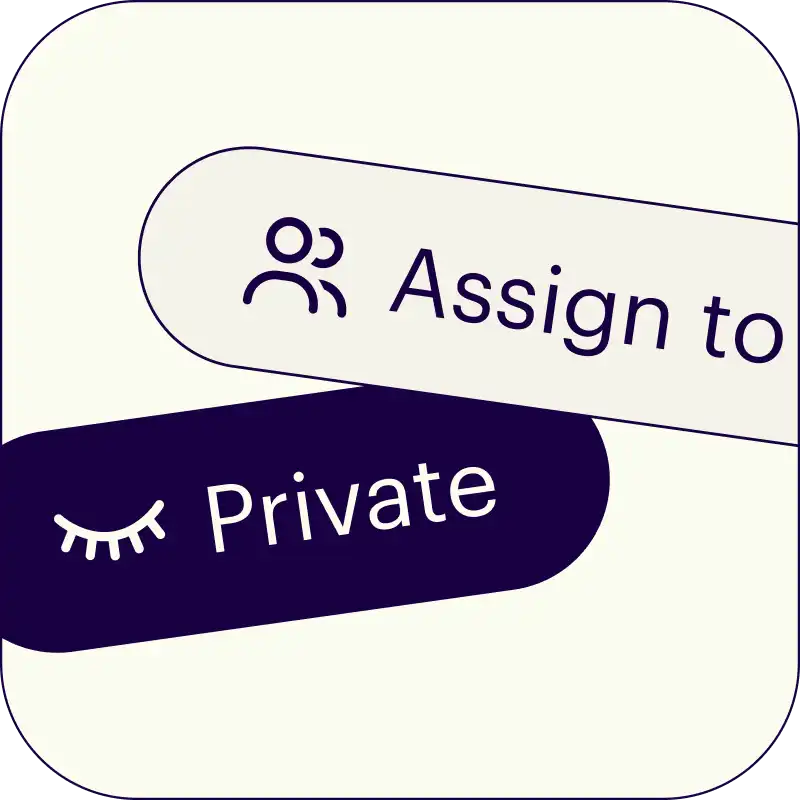
Assign tasks for the team too
Great for approval checks, internal admin, or anything else your team needs to do.
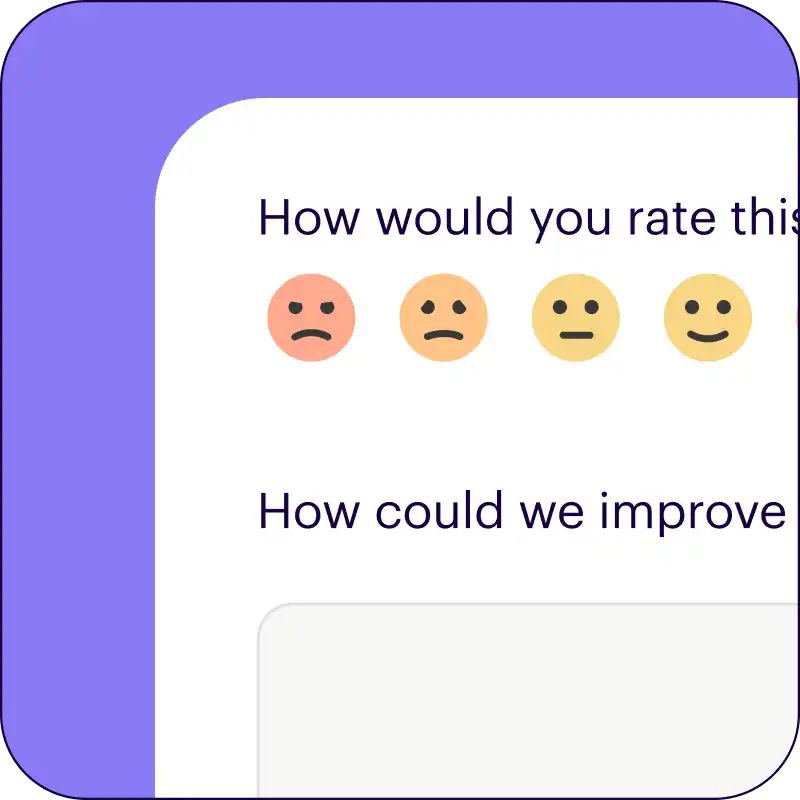
Turn customer feedback into better onboarding
Happy customers are good for business. We'll ask each customer to rate their onboarding experience, and give feedback too.
- Helps you to constantly improve your processes.
- Check that your team are delivering exceptional service when it matters most.
Start by generating a template
Just describe your onboarding process, enter your domain (for the branding), and we'll create a preview checklist for you. Takes about 1 minute.
 Your branding
 Syncs with HubSpot
 Chases up for you


Loved by 4,500+ happy users
We're ready to help you
Got a question? Real people are ready and waiting to answer it. No bots, no ticket queues, just genuine help and advice from the team behind Onthen.
Frequently asked questions
What's different from a regular todo-list app?
A traditional todo-list is built for one person or a team of people within an organization to work on together.
Onthen checklists are built specifically to be sent to outside people. With every Onthen checklist, there are team/internal users, and the customer that the checklist has been sent to.
Our checklists are meant to be driven by the customer directly, with the team overseeing them. We provide all the tools to make this as smooth as possible.
How much does it cost?
It's free to try Onthen, and free to use with all features available. There are usage limits on our free plan though.
When you're ready to send more checklists than the free plan allows, our paid plan is $19 per user, per month.
A user is a team member who will send and directly manage checklists. There is no charge for sending plans to each customer, and 'viewer' users (team members who can only view checklists) are free too.
How does the HubSpot integration work?
Our HubSpot integration allows you to create new checklists from HubSpot, and syncs details of checklists with objects in the CRM:
- Adds an App Card to records to allow users to create a new checklist or view all checklists for a contact directly from HubSpot.
- Events are added to the timeline when the checklist starts, when tasks are completed, and when the status of the checklist changes.
- Copies comments made against tasks over to the HubSpot record.
- Syncs form task fields to properties in the HubSpot record.
- Uploads photos or documents to the HubSpot record.
What support will I get?
We don't believe in using automated bots or ticket queues, we provide fast, human, and friendly support by email.
Try us now, let us know how we can help you.
Is this easy for our customers to use?
We spend a lot of time testing and refining our UX to make sure that anyone can use your checklists.
Because if customers find them hard to use, they'll just not use them!
We do this by making checklists super easy to access, making checklists as simple and user-friendly as possible, and always making it clear what the next action should be.