Onboarding for partner relationships

Channel partner onboarding template

This checklist can easily by copied into your Onthen team and edited to suit your needs. Use it for onboarding any type of channel partner into your business, such as VARs, distributors, systems integrators, etc.

Use this template to onboard your partners.

Your branding
Syncs with HubSpot
Chases up for you
Template preview

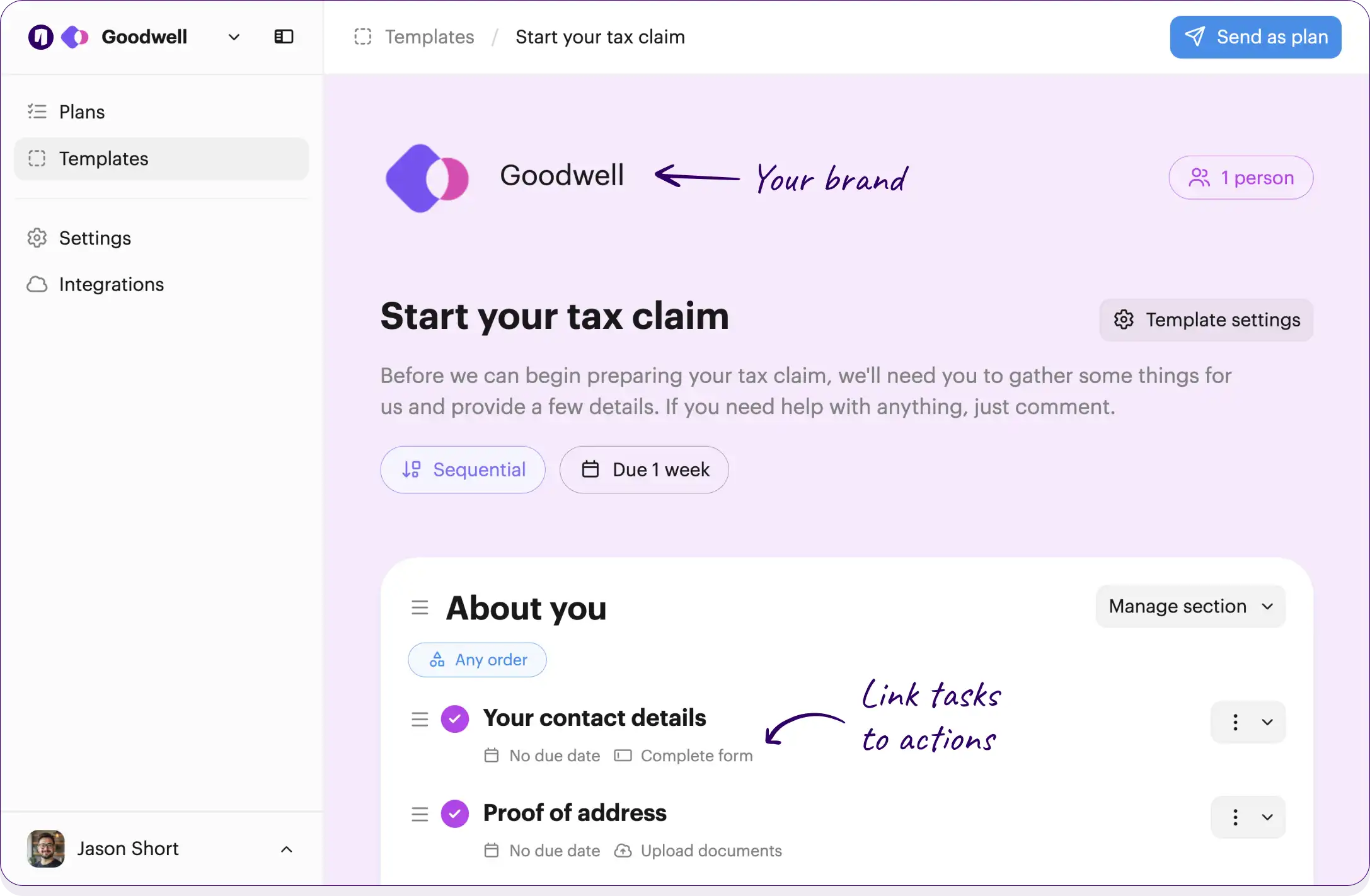
Your own logo and brand color

Checklists work across your team and partners

Onthen Onthen
2 people

Channel partner onboarding

Welcome to our partner program! This checklist will guide you through the process of getting set up, learning about our products, and launching our partnership successfully.

No due date

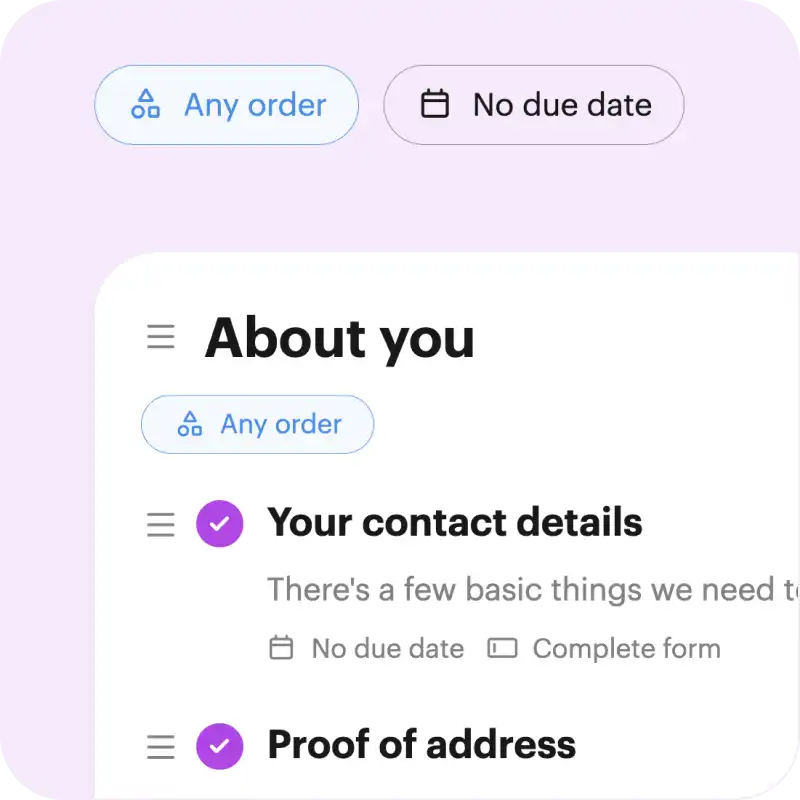
Link tasks to actions, such as completing forms or booking meetings

Initial setup and agreements

Let's get the paperwork out of the way and make sure your team has access to our systems.

Sign the channel partner agreement

Review and sign the partnership agreement outlining our mutual commitments and commission structures.

Countersign the agreement

Review the signed agreement from the partner and countersign it for our records.

No due date Team member

Complete your company profile

Fill out your organization's details, including primary contacts, billing information, and required tax forms.

No due date Complete form

Set up partner portal access

Create accounts in the partner portal for the provided primary contacts and send welcome emails.

No due date Team member

Tasks can be for the partners being onboarded, or for the team

Product and sales training

Get to know our solutions so you can confidently position them to your prospective clients.

Complete the product overview module

Watch the introductory video series covering our core products, features, and value propositions.

No due date Open URL

Attend live sales enablement session

Join our partner success team for a deep dive into objection handling, competitor analysis, and target buyer personas.

Review pricing and discount structures

Familiarize yourself with the partner tier discounts, deal sizing, and standard MSRP guidelines.

No due date Open URL

Grant access to demo environments

Provision sandbox accounts so the partner sales team can practice pitches and technical demos.

No due date Team member

Marketing and go-to-market

Collaborate on joint marketing initiatives to announce our partnership to the market and generate initial leads.

Download co-branded marketing assets

Access the partner portal resource center to download logos, email templates, social assets, and one-pagers.

No due date Open URL

Submit joint press release draft

Draft a short announcement about our new partnership and submit it for our marketing team to review.

No due date Upload documents

Approve joint press release

Review the partner's press release draft, check for brand compliance, and provide final approval.

No due date Team member

Schedule joint webinar dates

Coordinate with the partner marketing team to select dates and speakers for an introductory joint webinar.

No due date Team member

Deal registration and operations

Learn how to register opportunities, protect your active deals, and collaborate on active sales cycles.

Review the deal registration process

Read the guidelines on how to log new leads to ensure your pipeline is protected and commissions are tracked.

No due date Open URL

Submit a test deal registration

Log into the partner portal and submit a dummy opportunity to familiarize yourself with the CRM system.

No due date Open URL

Approve test deal registration

Process the test deal to show the partner what the approval workflow looks like on our end.

No due date Team member

Assign a dedicated partner success manager

Officially assign and introduce the partner's day-to-day internal point of contact for ongoing support.

No due date Team member

Click the button below to edit or add tasks, add due dates, and much more...

Free plan No credit card needed

Customize this template

Or build your own

How to use this template

Bring channel partners into your business smoothly

Step 1

Grab this template


Step 2

Send to partners

Only needs an email address. Or add an open invite link to your existing welcome emails.


Step 3

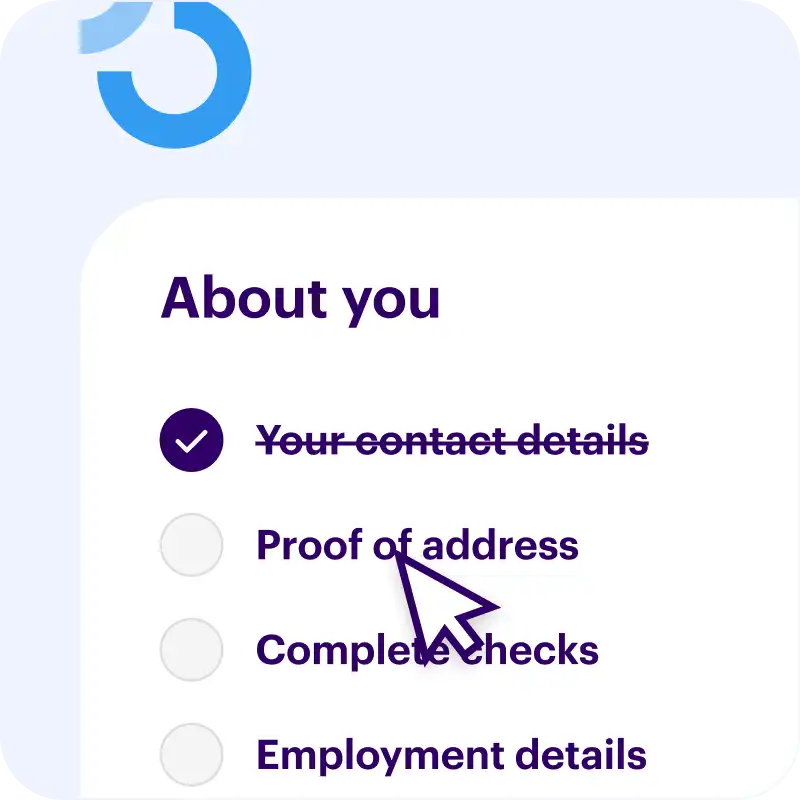
Partners complete tasks

  • Email reminders keep things moving
  • Ask questions or clarify with comments
  • Summary page shows everything you need to know

Free plan No credit card needed

Customize this template

Or build your own

Loved by 4,500+ happy users


The perfect way to onboard partners

Bring new B2B channel partners up to speed, quickly

Your brand (even the emails)
Instantly know what's been done
Shows partners what to do
Chases up while you sleep
Everything lives in one place

Free plan No credit card needed

Customize this template

Or build your own

Sick of the onboarding admin?

Switch to friction-free customer onboarding software

Secure link, no passwords

Accessing a plan (or getting back into it) is as simple as following a link. We're obsessed with useability.

Comment & collaborate

Customers can ask questions right from within a task. They can also invite others in to help them, without bothering you.

HubSpot ready

  • Start new onboarding plans inside HubSpot
  • Adds events to the timeline
  • Updates custom fields
  • Attaches photos and documents

If you don't use HubSpot, no problem. It works great without it too.

White label (including emails)

Every interaction, from invite through to the task page, showcases your brand.

Does the chasing up

Never send a "checking in" email again.
We'll make sure tasks always get done, on time.

Helps you improve

We'll ask partners to rate their onboarding experience.

  • Helps you to constantly improve your processes
  • Make sure your team are delivering exceptional service

Onthen supports all types of channel partners, including distributors, vendors, retailers, consultants, systems integrators, and value-added resellers (VARs).

Free plan No credit card needed

Customize this template

Or build your own

Handles complex onboarding too

Calculated due dates

Set due dates calculated on the fly from the start date, a target date, or based off when other tasks are completed.

Sequential tasks

Choose to make tasks sequential, so that tasks need to be completed in order.

Frequently asked questions

How can I use this template?

Just click Customize this template above and we'll take you through a couple of simple steps to create an Onthen account and copy the channel partner onboarding template into it.

Once that's done we'll take you straight into the template editor where you can customize it to your exact needs (there's bound to be a few things you'll do differently).

Finally, once it's ready you can use it to create individual checklists (we call them 'plans') for each of your partners. Just type their email address and we'll do the rest. As they move through the tasks, you'll see their progress in the dashboard.


Who is this channel partner onboarding onboarding template for?

If you run a team that needs to onboard partners then the channel partner onboarding template is a perfect starting point.

You'll first be able to tailor the template to your team's needs, by editing, removing or adding tasks to suit your onboarding process. When it's perfect, onthen has all the tools you need to easily invite partners to it and make sure all the tasks get done, on time.


How do partners use it?

First you'll invite partners to the checklist. You can either send an invite manually, through our HubSpot integration, or by using an invite link that lets anyone with the link create a new checklist.

Your partners won't need to create an account or a password, they'll simply access it with a 6-digit code we'll send to their email.

It's really easy to use and there's nothing to navigate, it's a simple single page onboarding plan that looks pretty much like you see above.

If any task gets forgotten about, we'll send email reminders to nudge your partners to complete everything.

Free plan No credit card needed

Customize this template

Or build your own