Spreadsheets
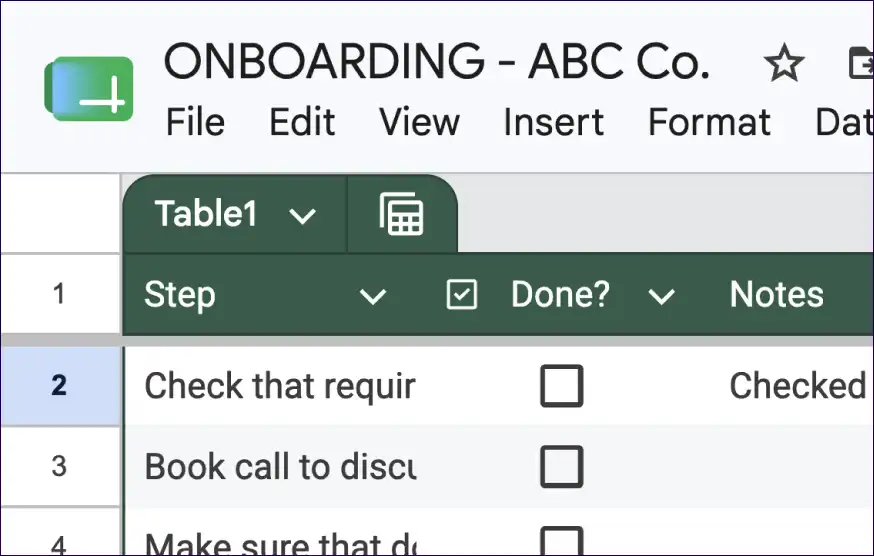
- You have to update them
- Only useful for tracking
- A lot of manual work
Create and send one-page onboarding plans driven by customers, so you can leave onboarding to run itself.
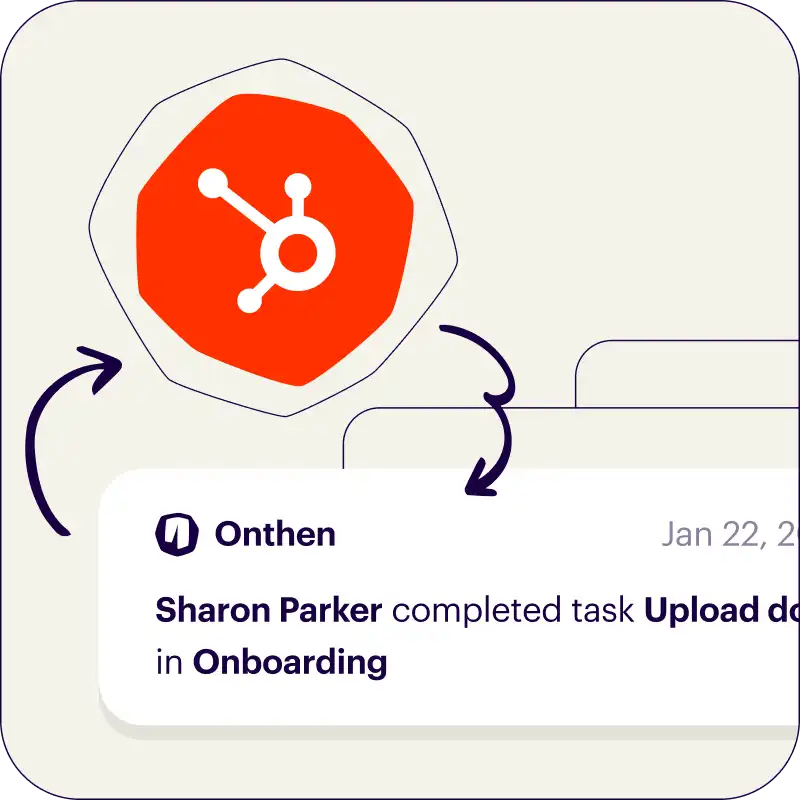
 Syncs with HubSpot
 Your brand
 Chases up for you
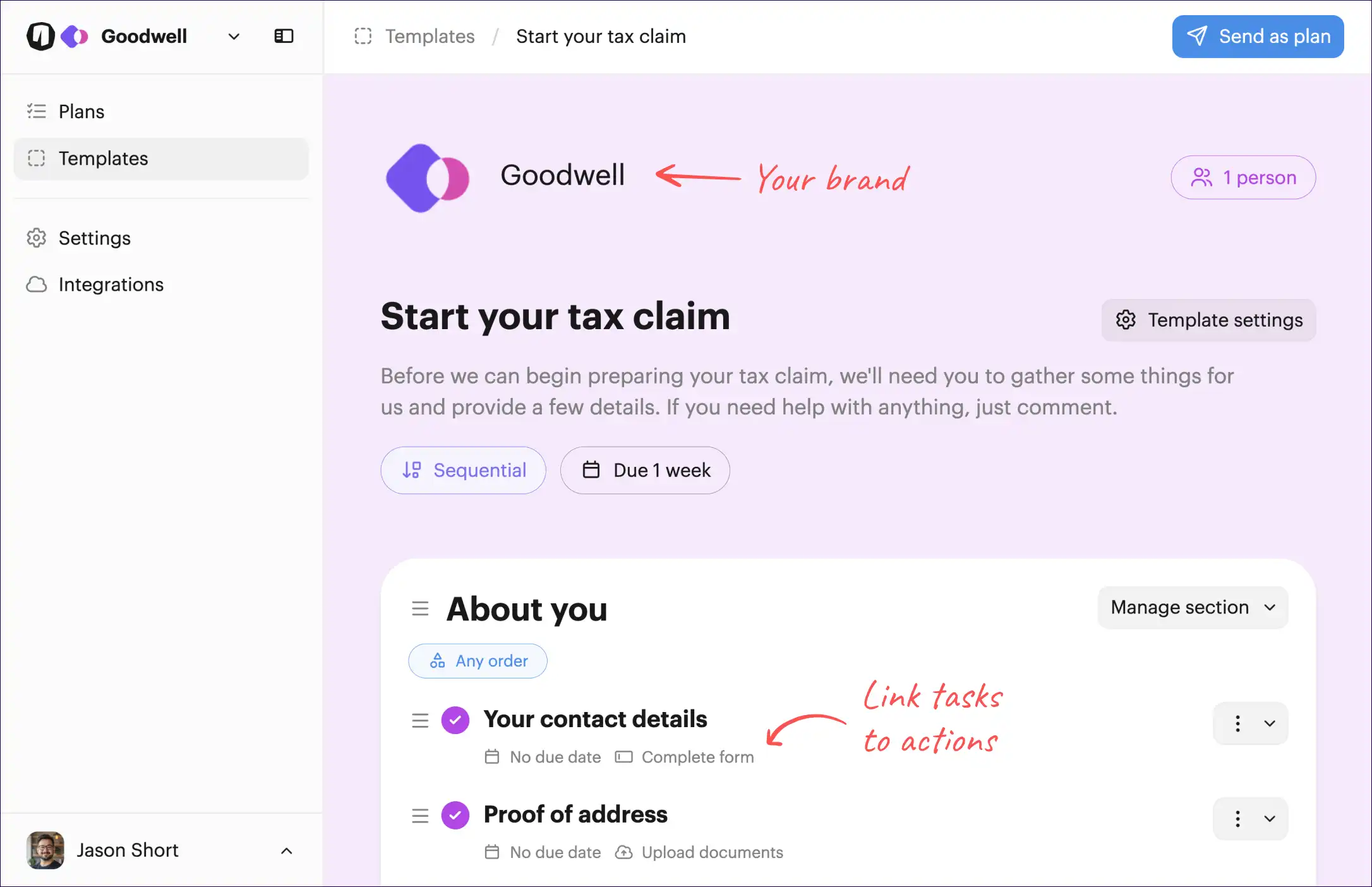

There are no passwords, the UI is clean and simple, it's easy to ask questions, and they can invite others to help. We're obsessed with useability.
Every interaction, from invite through to the task page, showcases your brand.
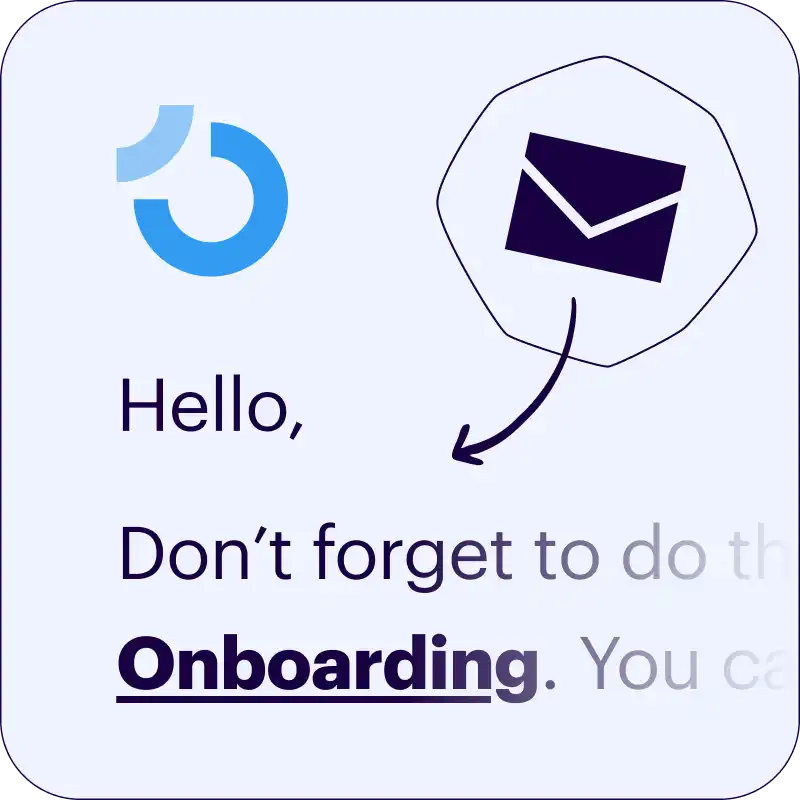
Never send a "checking in" email again.
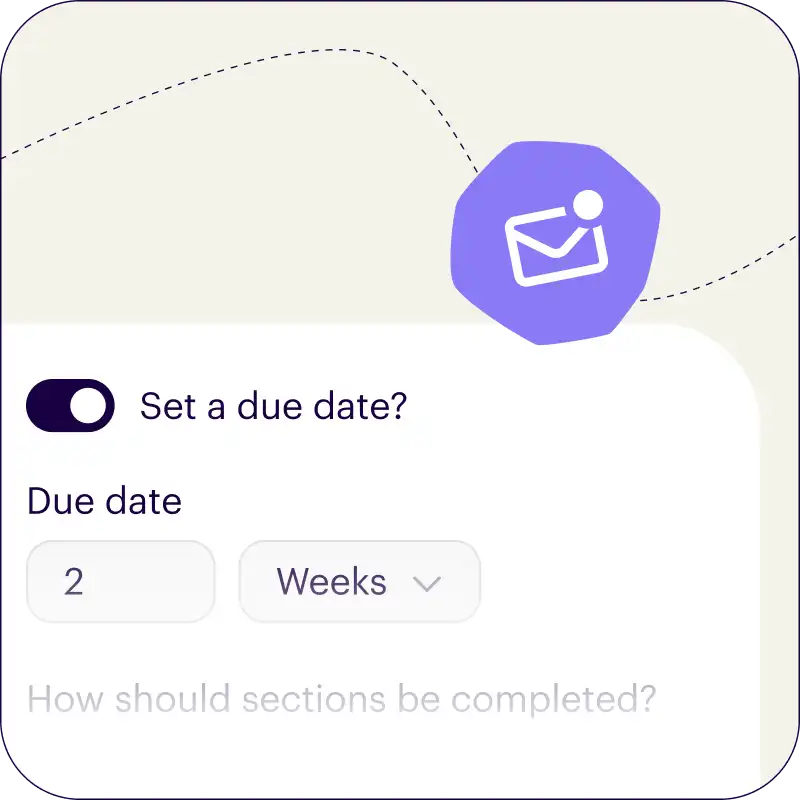
We'll make sure tasks always get done, on time.
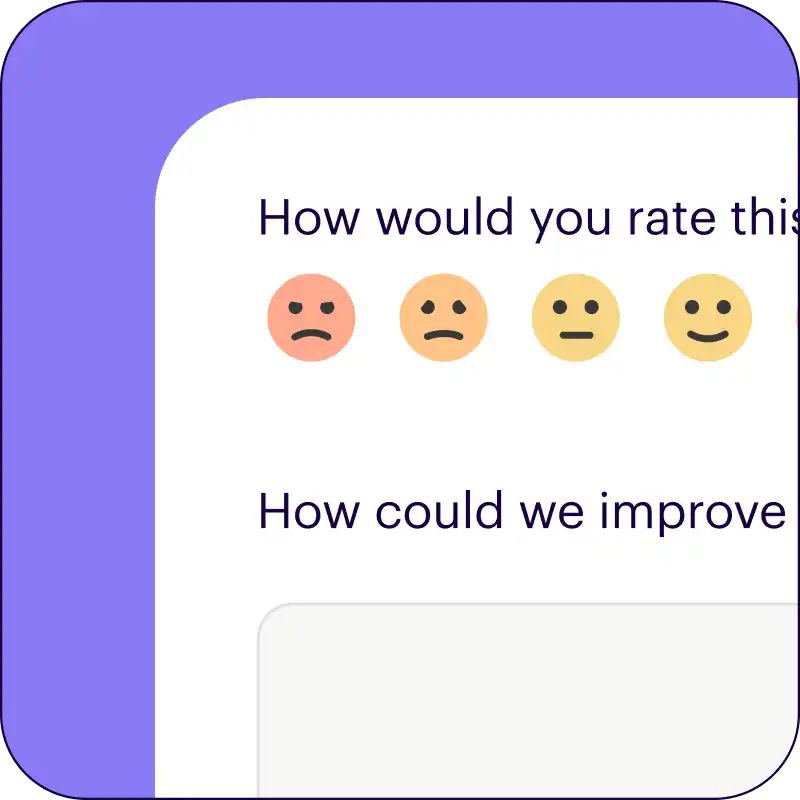
We’ll ask each customer to rate their onboarding experience.

With advanced features like calculated due dates, sequential tasks, internal team tasks, a powerful dashboard, and more.
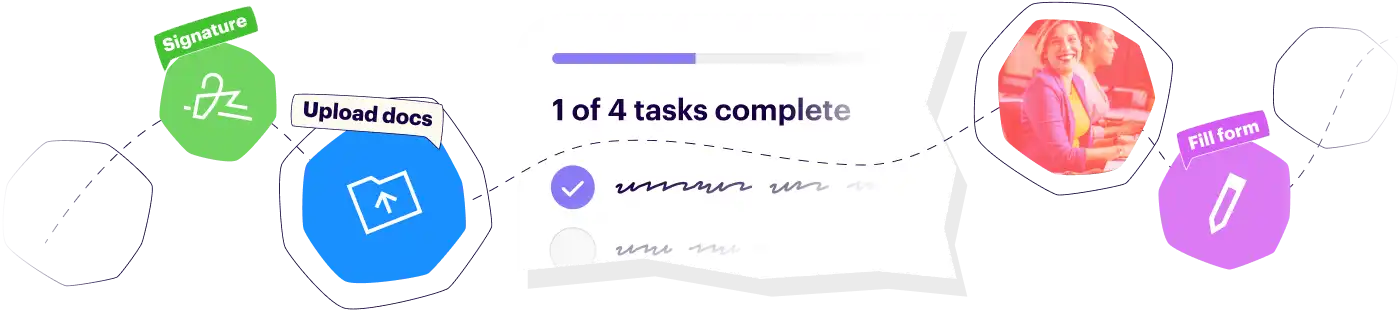
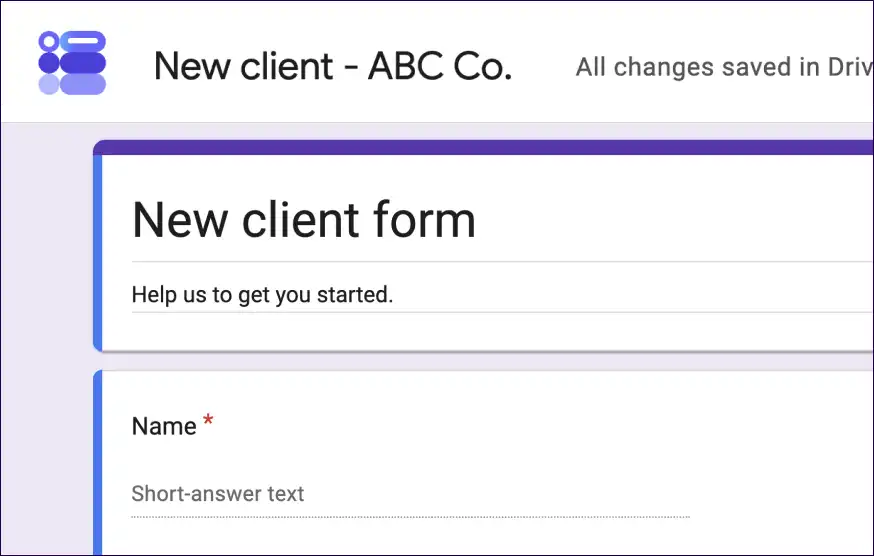
Ask customers to take actions such as signing docs, filling forms, booking meetings, and more...
 Sumsub / Verify ID
 Docusign / Sign template
 Calendly / Book meeting
 HubSpot / Schedule meeting
Three simple steps to perfect onboarding
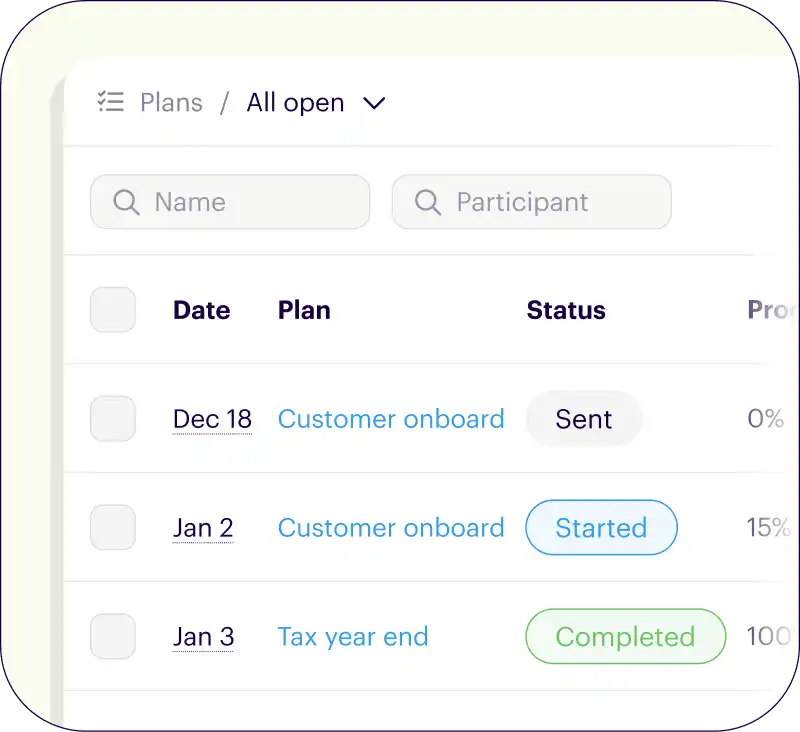

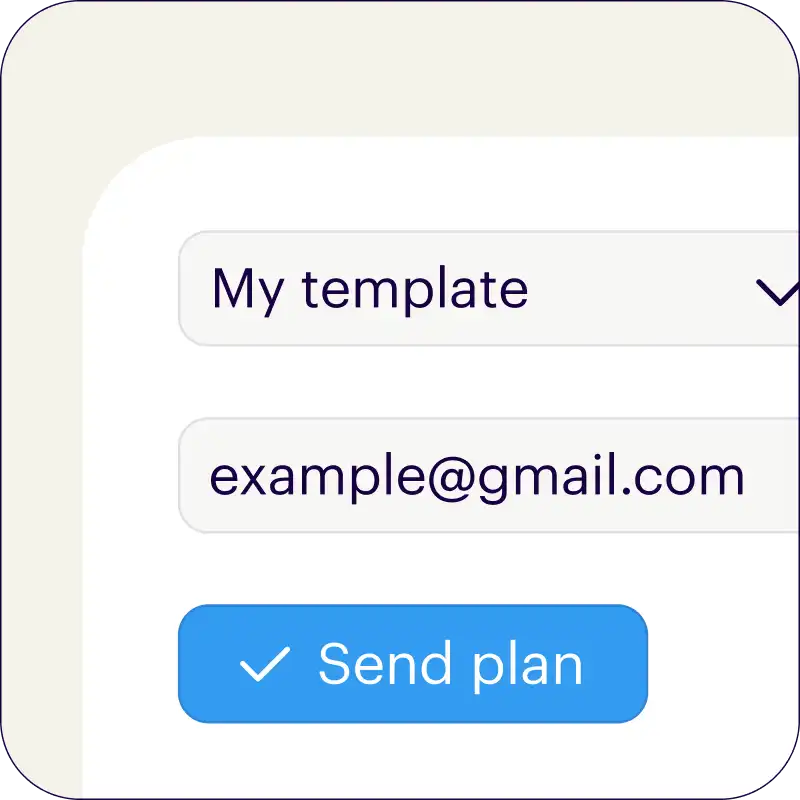

Only needs an email address. Or add an open invite link to your existing welcome emails.
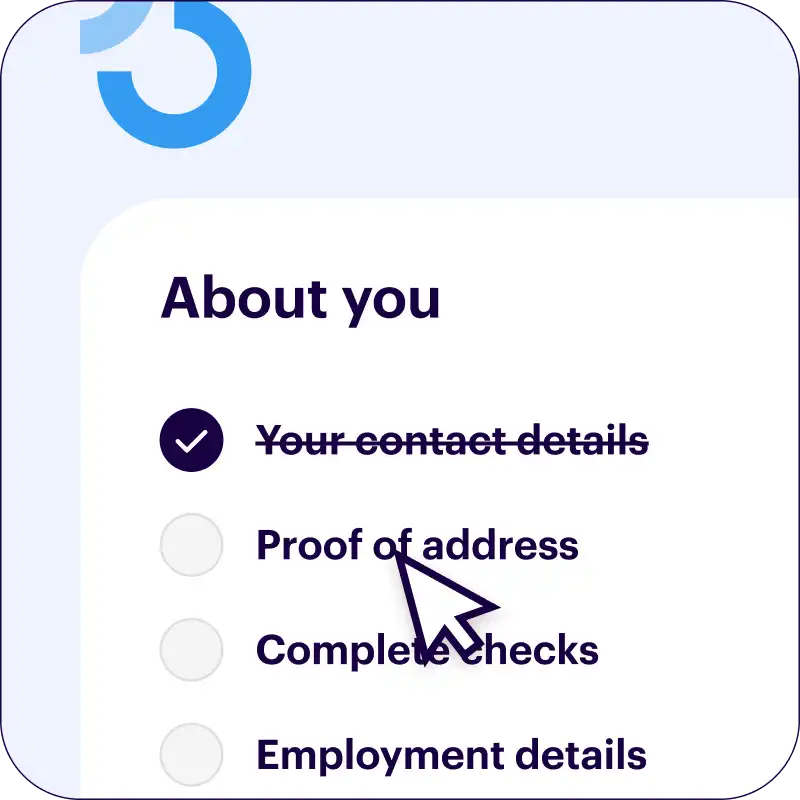


We can even set up your branding and generate your onboarding template for you. Just tell us the basics and we'll do the rest.
Your branding
Syncs with HubSpot
Chases up for you


Loved by 4,500+ happy users
Got a question? Real people are ready and waiting to answer it. No bots, no ticket queues, just genuine help and advice from the team behind Onthen.
A traditional todo-list is built for one person or a team of people within an organization to work on together.
Onthen checklists are built specifically to be sent to outside people. With every Onthen checklist, there are team/internal users, and the customer that the checklist has been sent to.
Our checklists are meant to be driven by the customer directly, with the team overseeing them. We provide all the tools to make this as smooth as possible.
It's free to try Onthen, and free to use with all features available. There are usage limits on our free plan though.
When you're ready to send more checklists than the free plan allows, our paid plan is $19 per user, per month.
A user is a team member who will send and directly manage checklists. There is no charge for sending plans to each customer, and 'viewer' users (team members who can only view checklists) are free too.
Our HubSpot integration allows you to create new checklists from HubSpot, and syncs details of checklists with objects in the CRM:
We don't believe in using automated bots or ticket queues, we provide fast, human, and friendly support by email.
Try us now, let us know how we can help you.
We spend a lot of time testing and refining our UX to make sure that anyone can use your checklists.
Because if customers find them hard to use, they'll just not use them!
We do this by making checklists super easy to access, making checklists as simple and user-friendly as possible, and always making it clear what the next action should be.