Onboarding for client success

Property manager onboarding template

Property management businesses can use this customizable template to smoothly onboard new listings. It covers everything from initial contracts through to gathering marketing collateral. There's also tasks that cover legal and compliance.

Use this template to onboard your clients.

Your branding
Syncs with HubSpot
Chases up for you
Template preview

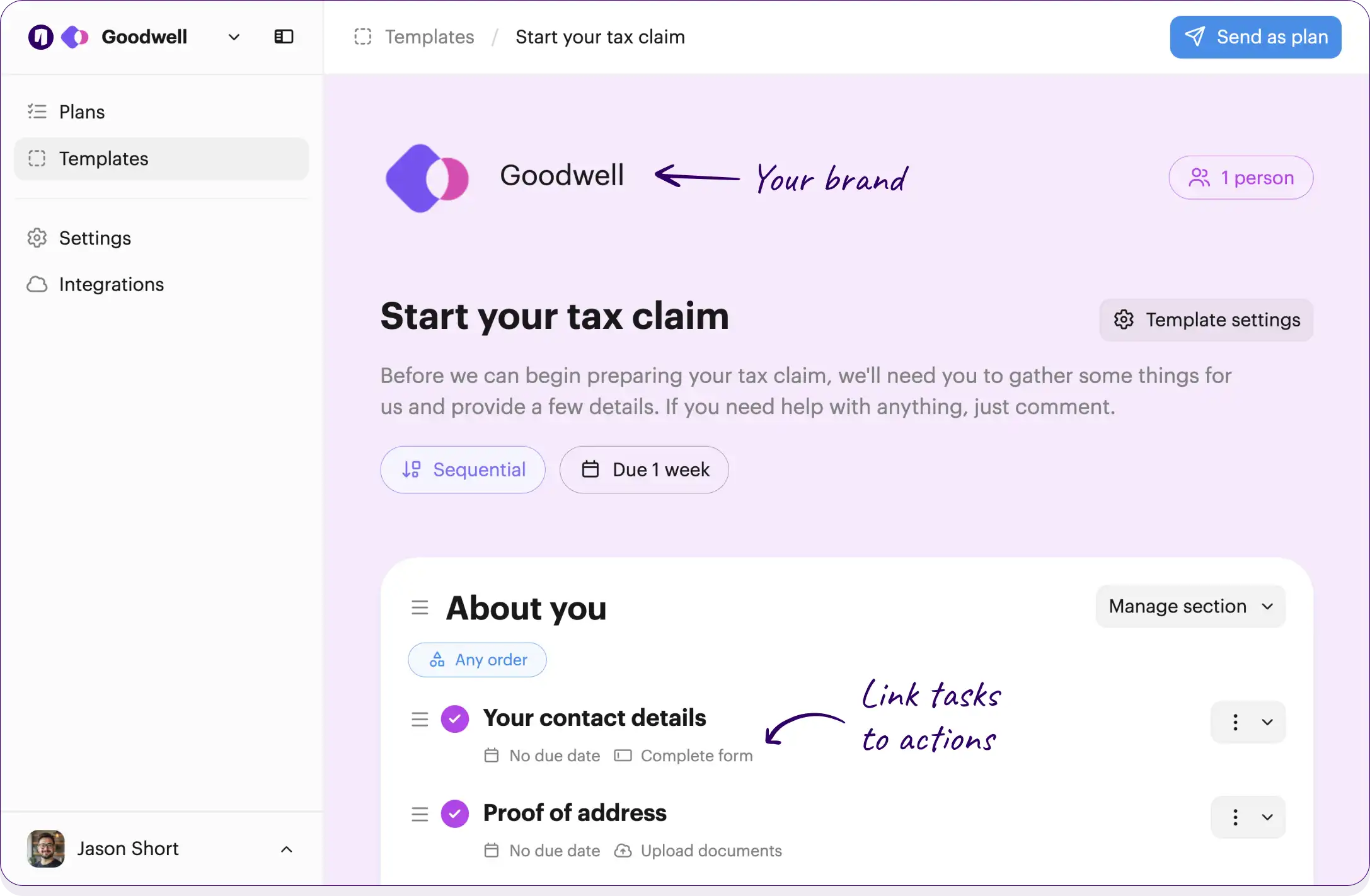
Your own logo and brand color

Checklists work across your team and clients

Onthen Onthen
2 people

Property owner onboarding checklist

Welcome to our property management family! This checklist will guide you through the process of getting your property set up in our system, from signing the initial agreements to getting your listing live.

No due date

Link tasks to actions, such as completing forms or booking meetings

Initial agreements

Let us get the official paperwork out of the way so we can start managing your property.

Sign the property management agreement

Please review and sign the property management agreement detailing our services, fees, and responsibilities.

Countersign the management agreement

Review the signed agreement from the property owner and add the final signature.

No due date Team member

Provide a copy of your photo ID

Upload a clear copy of your government-issued photo ID for our records and compliance.

No due date Upload documents

Verify property owner identity

Check the provided photo ID against the property records to ensure compliance.

No due date Team member

Tasks can be for the clients being onboarded, or for the team

Property details and handover

Gathering all the specific details and physical access items required to properly manage your home.

Complete the property intake form

Fill out the intake form with details about your property, including access instructions, quirks, and maintenance history.

No due date Complete form

Hand over property keys

Provide at least two sets of keys for the property, along with any necessary fobs or garage door openers.

No due date

Schedule initial property inspection

Coordinate a time with the owner or current tenants to conduct a thorough walkthrough and condition report.

Provide current tenant leases

If your property is currently occupied, please upload the active lease agreements and tenant contact information.

No due date Upload documents

Review existing tenant leases

Audit the provided lease agreements and add the tenant profiles to the property management software.

No due date Team member

Financial and compliance setup

Setting up the financial pipelines so you get paid on time and ensuring the property is fully compliant and insured.

Provide bank account details for payouts

Enter the routing and account numbers for the bank account where you would like to receive your monthly rental income distributions.

No due date Complete form

Complete W-9 or tax forms

Submit your tax information so we can properly report earnings at the end of the year.

No due date Upload documents

Set up owner portal account

Create the owner portal login and send the welcome email with access instructions.

No due date Team member

Provide proof of property insurance

Upload the declarations page of your current landlord or homeowner insurance policy.

No due date Upload documents

Verify insurance and add to system

Ensure the insurance policy meets our minimum coverage requirements and note the expiration date in our system.

No due date Team member

Marketing and go-live

The final steps to get your property looking its best and out on the market to find a great tenant.

Take professional photos of the property

Dispatch our photographer to take high-quality images of the property for marketing.

No due date Take photos Team member

Write property listing description

Draft an engaging and accurate listing description highlighting the best features of the property.

No due date Complete form Team member

Approve property listing

Review the photos and description of your property before we publish it to rental channels.

No due date

Publish listing to rental channels

Syndicate the approved property listing to Zillow, Trulia, and other major rental platforms.

No due date Team member

Click the button below to edit or add tasks, add due dates, and much more...

Free plan No credit card needed

Customize this template

Or build your own

How to use this template

Making it simple to process new property listings

Step 1

Grab this template


Step 2

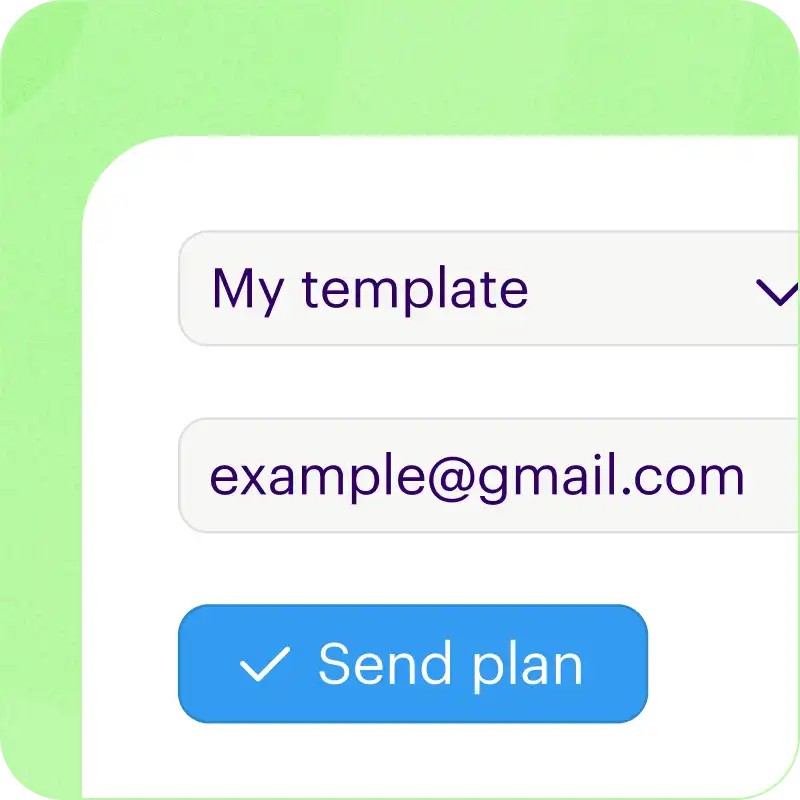
Send to clients

Only needs an email address. Or add an open invite link to your existing welcome emails.


Step 3

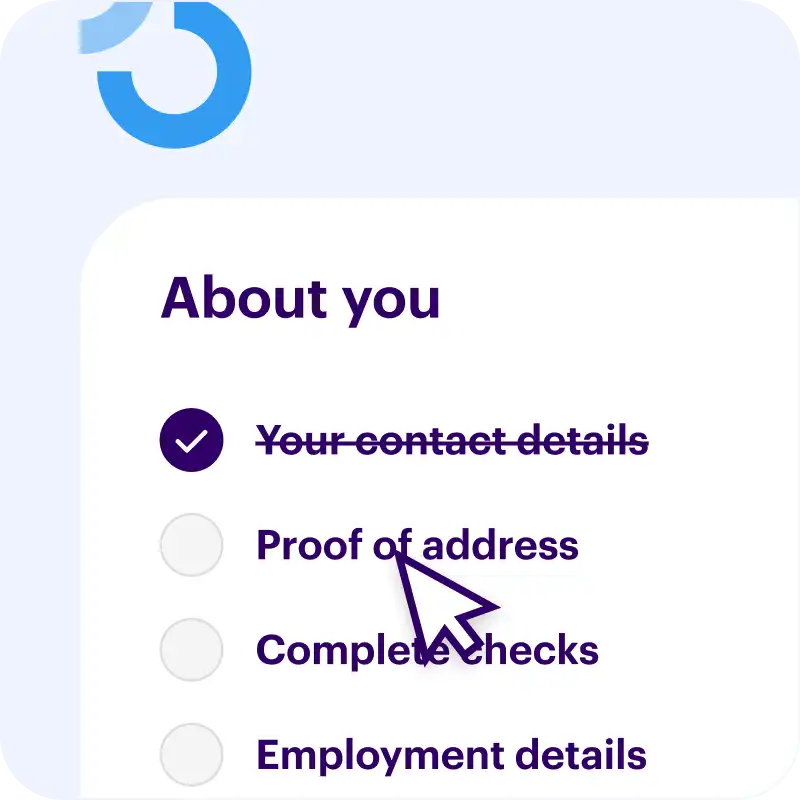
Clients complete tasks

  • Email reminders keep things moving
  • Ask questions or clarify with comments
  • Summary page shows everything you need to know

Free plan No credit card needed

Customize this template

Or build your own

Loved by 4,500+ happy users


The perfect way to onboard clients

One hub to manage your new properties workflow

Your brand (even the emails)
Instantly know what's been done
Shows clients what to do
Chases up while you sleep
Everything lives in one place

Free plan No credit card needed

Customize this template

Or build your own

Sick of the onboarding admin?

Switch to friction-free customer onboarding software

Secure link, no passwords

Accessing a plan (or getting back into it) is as simple as following a link. We're obsessed with useability.

Comment & collaborate

Customers can ask questions right from within a task. They can also invite others in to help them, without bothering you.

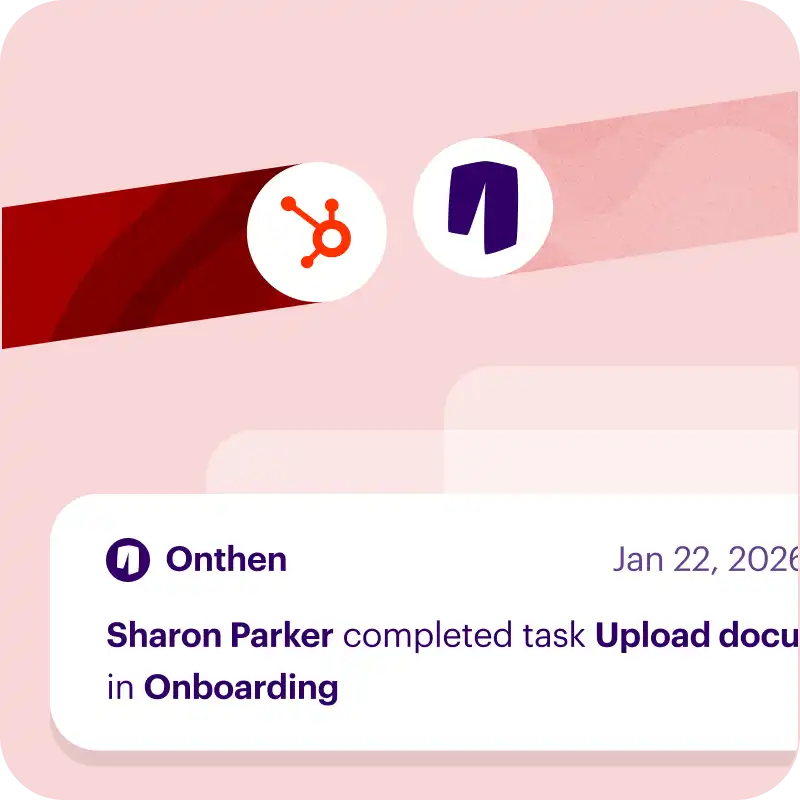
HubSpot ready

  • Start new onboarding plans inside HubSpot
  • Adds events to the timeline
  • Updates custom fields
  • Attaches photos and documents

If you don't use HubSpot, no problem. It works great without it too.

White label (including emails)

Every interaction, from invite through to the task page, showcases your brand.

Does the chasing up

Never send a "checking in" email again.
We'll make sure tasks always get done, on time.

Helps you improve

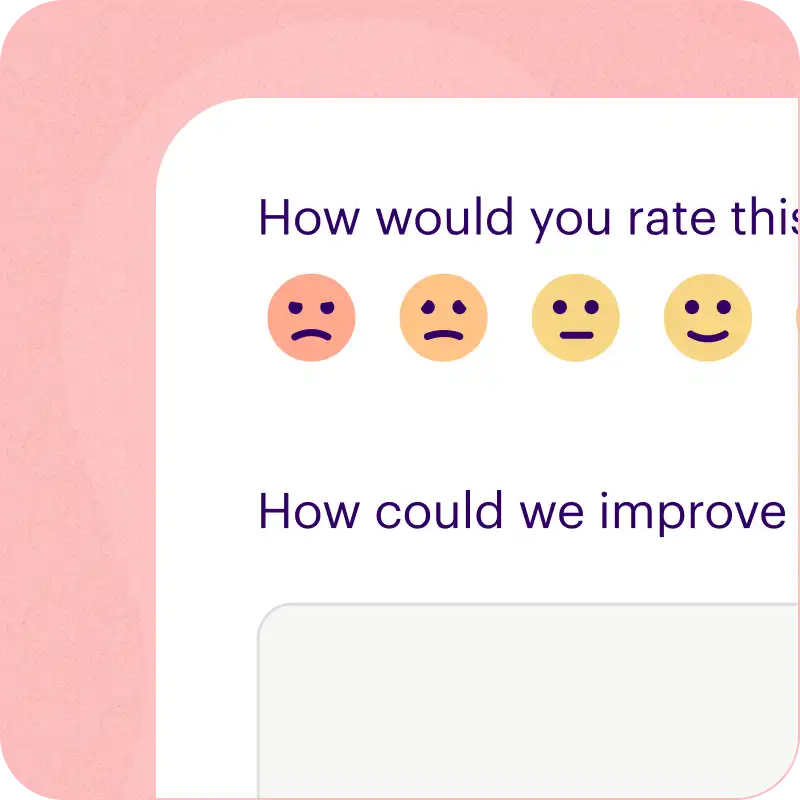
We'll ask clients to rate their onboarding experience.

  • Helps you to constantly improve your processes
  • Make sure your team are delivering exceptional service

Free plan No credit card needed

Customize this template

Or build your own

Handles complex onboarding too

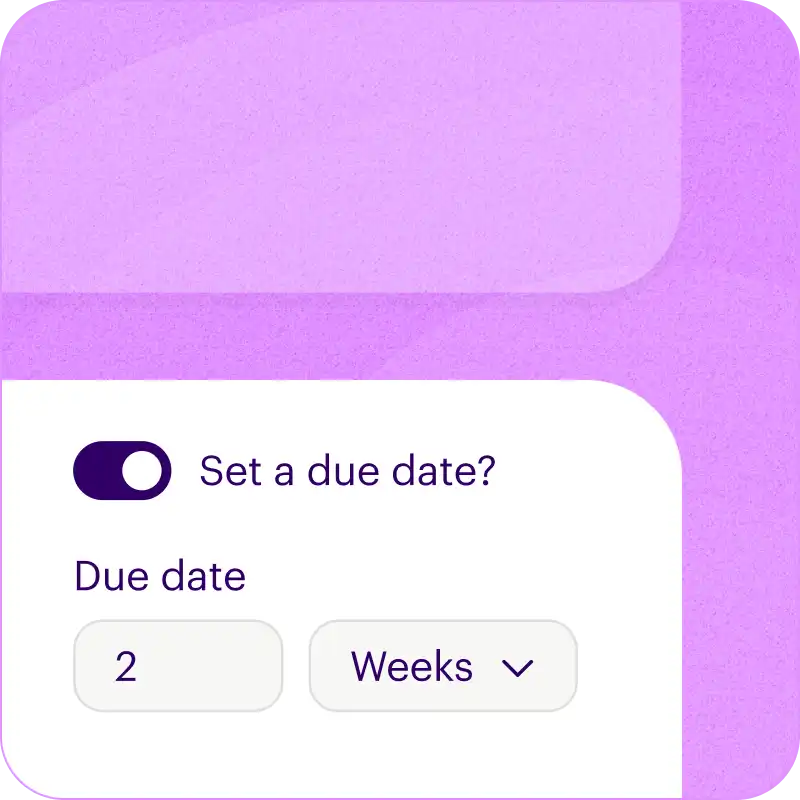
Calculated due dates

Set due dates calculated on the fly from the start date, a target date, or based off when other tasks are completed.

Sequential tasks

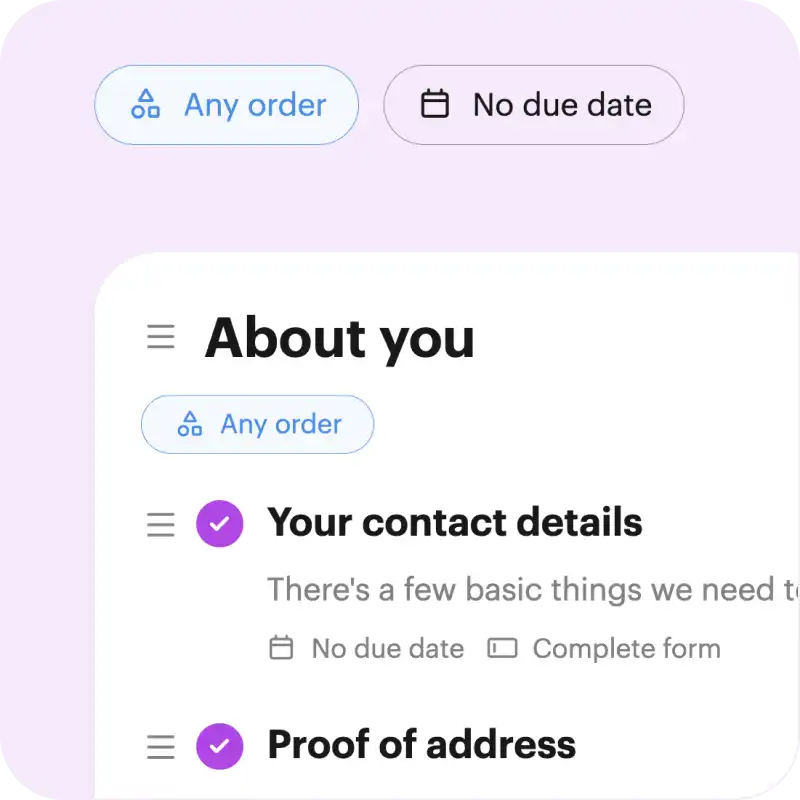
Choose to make tasks sequential, so that tasks need to be completed in order.

Frequently asked questions

How can I use this template?

Just click Customize this template above and we'll take you through a couple of simple steps to create an Onthen account and copy the property manager onboarding template into it.

Once that's done we'll take you straight into the template editor where you can customize it to your exact needs (there's bound to be a few things you'll do differently).

Finally, once it's ready you can use it to create individual checklists (we call them 'plans') for each of your clients. Just type their email address and we'll do the rest. As they move through the tasks, you'll see their progress in the dashboard.


Who is this property manager onboarding onboarding template for?

If you run a team that needs to onboard clients then the property manager onboarding template is a perfect starting point.

You'll first be able to tailor the template to your team's needs, by editing, removing or adding tasks to suit your onboarding process. When it's perfect, onthen has all the tools you need to easily invite clients to it and make sure all the tasks get done, on time.


How do clients use it?

First you'll invite clients to the checklist. You can either send an invite manually, through our HubSpot integration, or by using an invite link that lets anyone with the link create a new checklist.

Your clients won't need to create an account or a password, they'll simply access it with a 6-digit code we'll send to their email.

It's really easy to use and there's nothing to navigate, it's a simple single page onboarding plan that looks pretty much like you see above.

If any task gets forgotten about, we'll send email reminders to nudge your clients to complete everything.

Free plan No credit card needed

Customize this template

Or build your own


Other checklists in Client Success

Try our alternatives to property manager onboarding and perfect your onboarding.

Explore all client success onboarding templates
Client Success

SEO client onboarding

This checklist will guide your SEO agency clients through the onboarding process, helping you to gather the necessary access and information. Makes the onboarding process easy for clients, and automated for you.

Complete form Upload documents Docusign Docusign / Sign template Calendly Calendly / Book meeting

Client Success

B2B client onboarding

B2B onboarding can be complex. Use this Onthen checklist to manage any B2B onboarding process easily. Save time, improve consistency, and stay compliant.

Complete form Upload documents Docusign Docusign / Sign template HubSpot HubSpot / Schedule meeting
Client Success

MSP customer onboarding

Use this template to onboard customers / clients into an IT managed service provider business. It will standardize the client onboarding process, efficiently set up the tooling, and make it easy to balance all the human and technical aspects of bringing on a new MSP customer.

Docusign Docusign / Sign template Calendly Calendly / Book meeting Open URL Complete form
Client Success

Virtual assistant (VA) onboarding

Here's the perfect shareable checklist to onboard clients into your virtual assistant (VA) service. It will help you cover the legal admin, set up the comms and tools, and ensure a strong kickoff to get things off to a great start.

Client Success

Website design client onboarding

If you run a website design business, it can be time consuming and chaotic collecting in the info and documents you need to get started for a new client. Use this checklist to manage signing the contract, collecting a deposit, gathering requirements, documents, and more.

Complete form Upload documents Take photos Open URL